GPT Image 2 AI Image Generator
Create polished visuals for free with GPT Image 2. Turn prompts and reference images into posters, comics, graphics, and design-ready images with more control.
Create Images with GPT Image 2.0
Turn your ideas into visuals with GPT Image 2. Create posters, graphics, comics, and other creative images with simple prompts and easy editing.
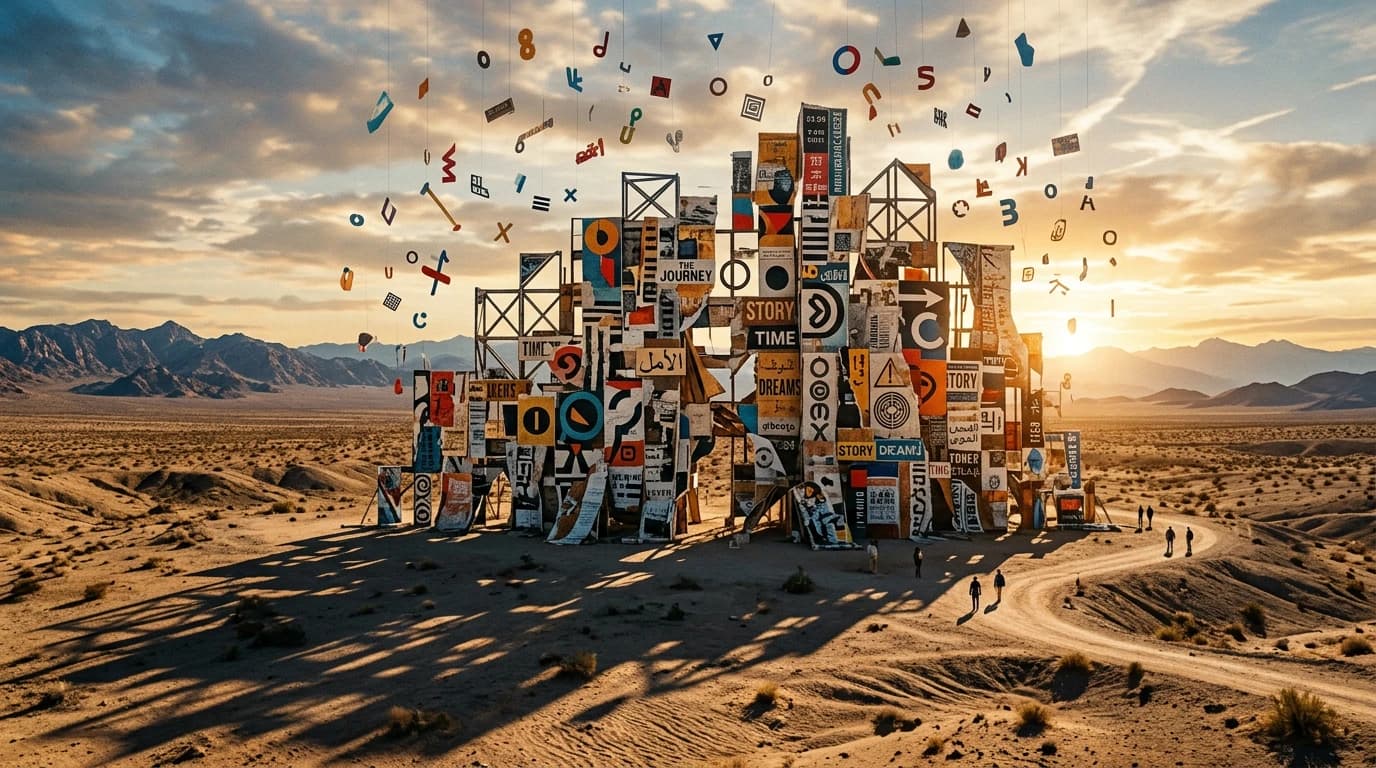
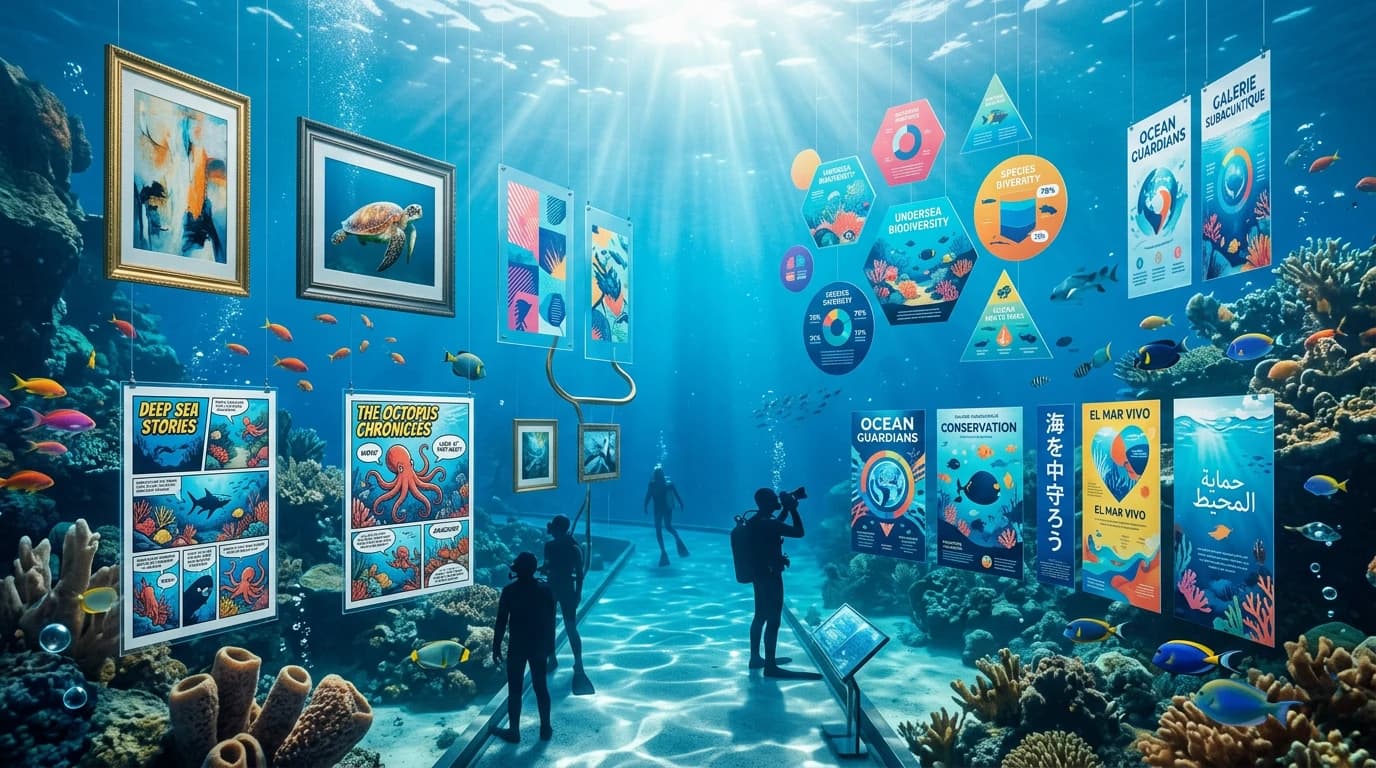
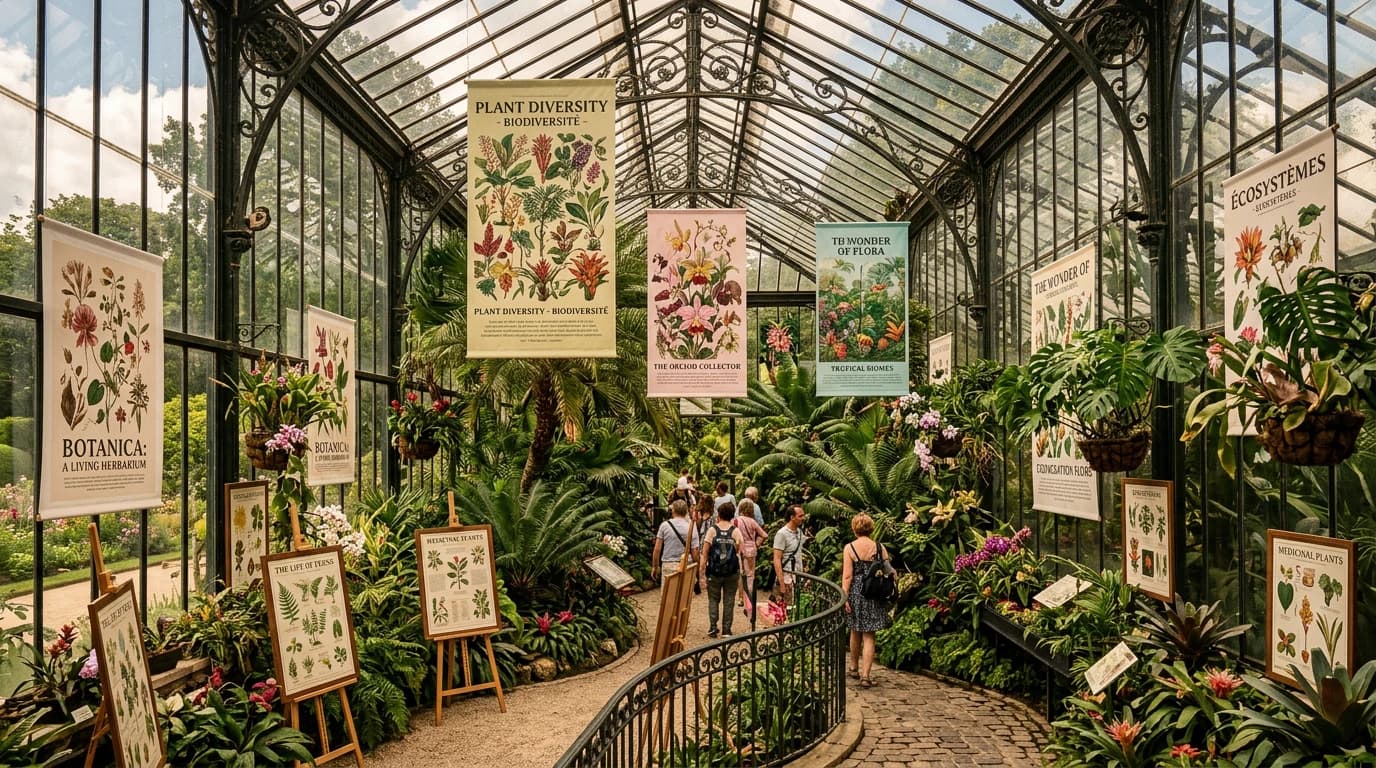
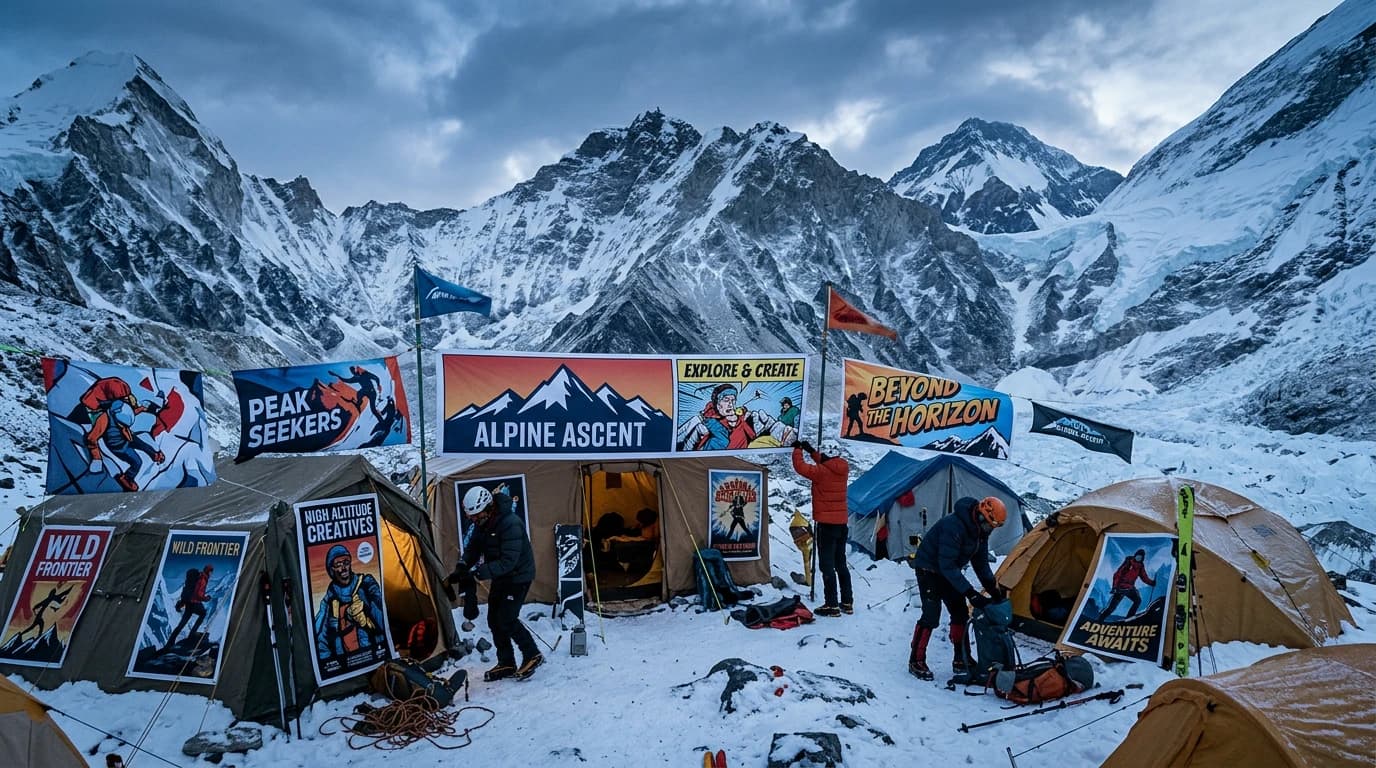
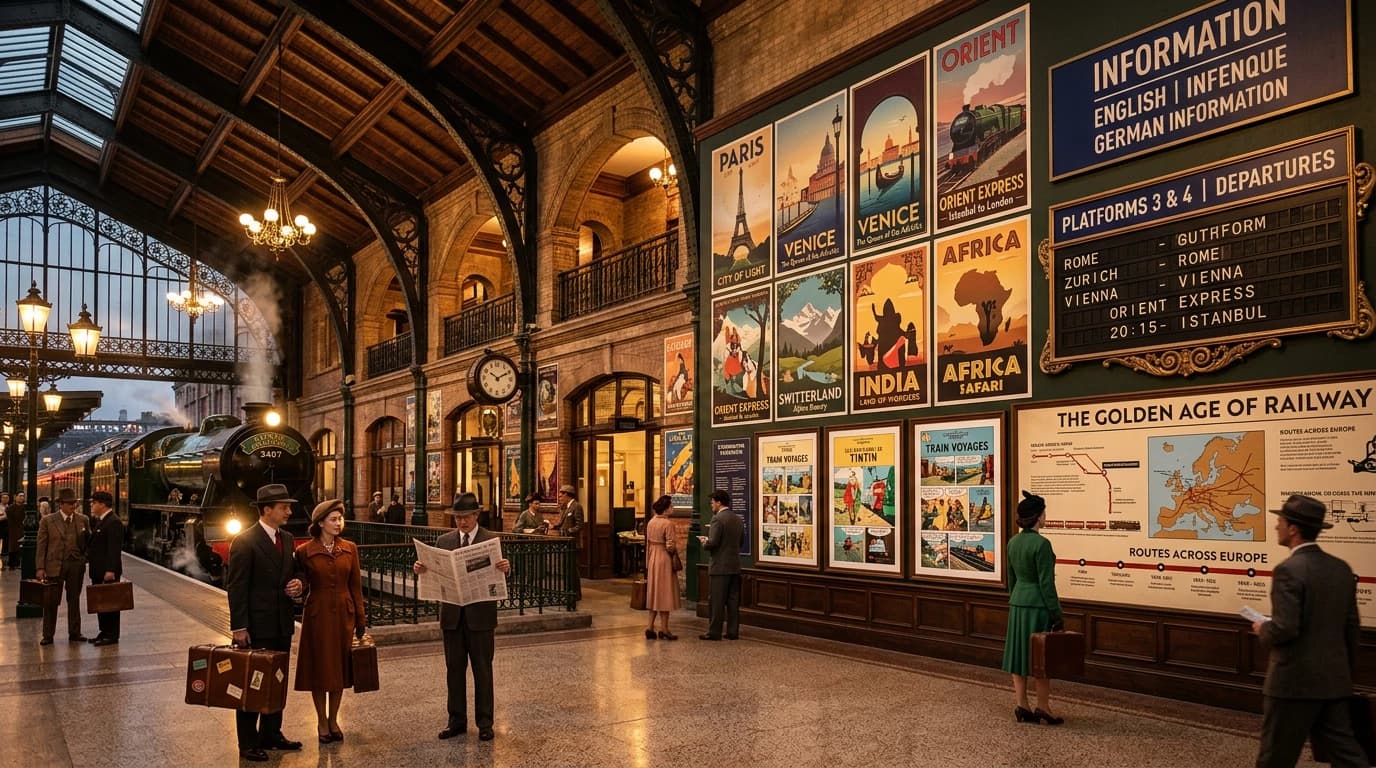
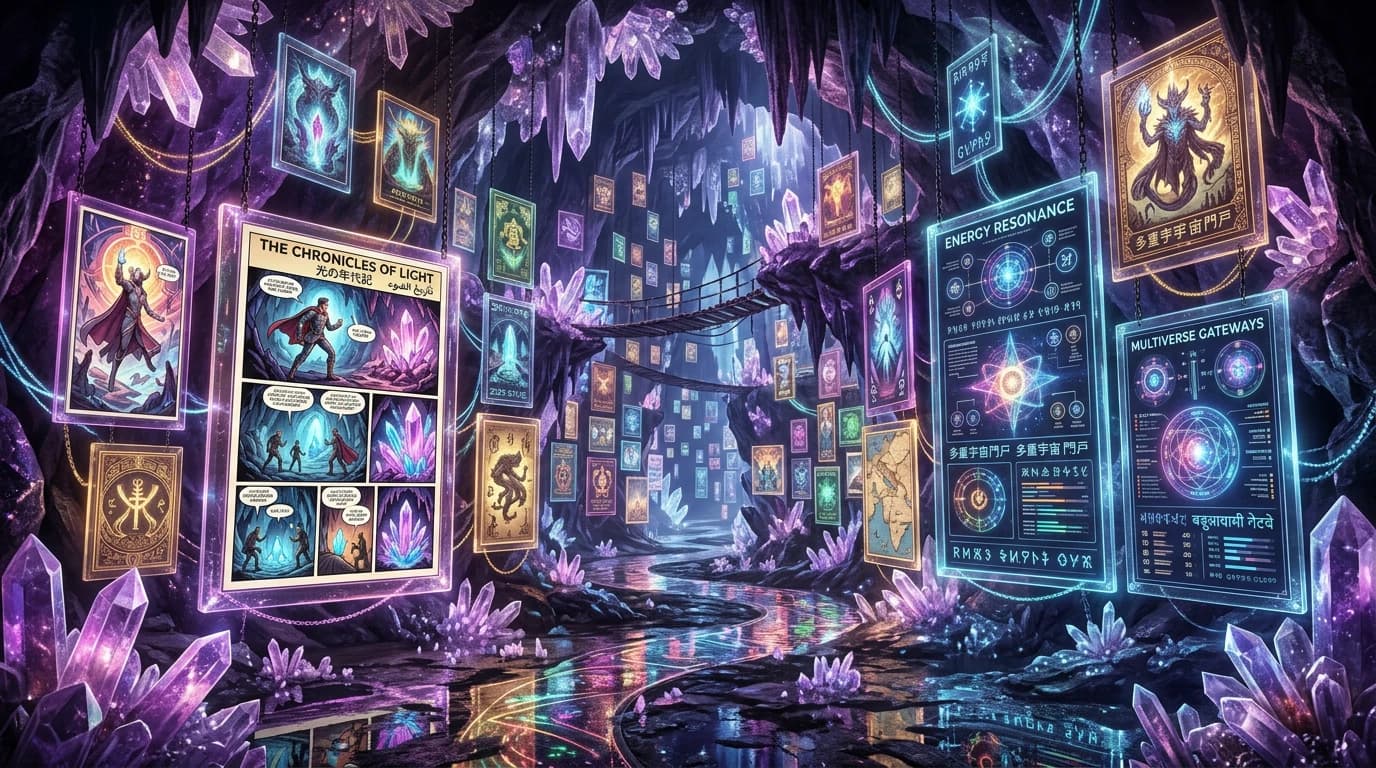
How GPT Image 2 Works
ChatGPT Images 2.0 helps you turn ideas into images with a simple prompt-based workflow.
Enter Your Prompt
- Type what you want to create. You can describe the subject, style, mood, or layout. You can also add reference images to guide the result.
Generate or Edit the Image
- The model creates a new image from your prompt or helps you improve an existing one. You can use it for both image creation and editing.
Refine the Result
- Review the image and give more instructions if needed. You can change details, try new versions, or improve the final result before saving it.
Key Features of GPT Image 2
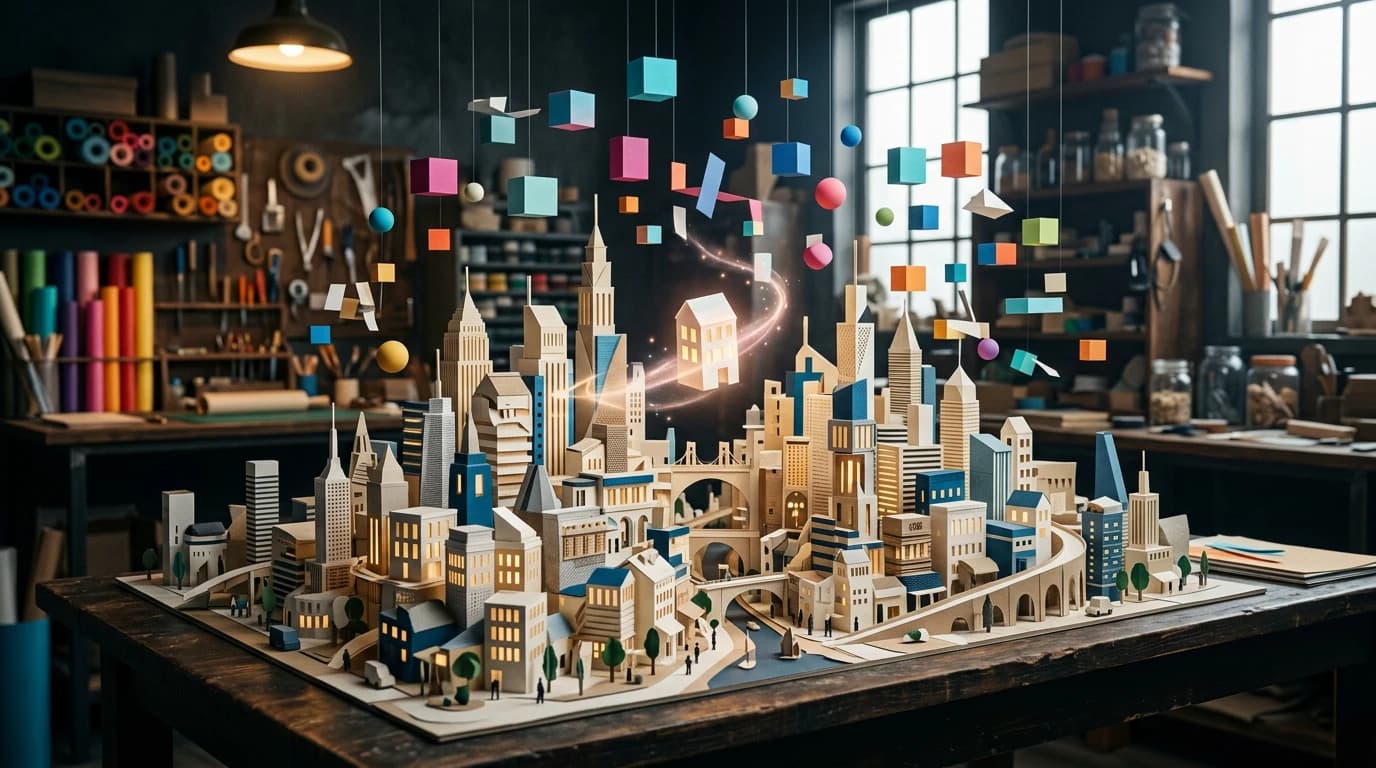
Photorealistic Image Quality
GPT Image 2 can create realistic, detailed visuals with natural lighting, textures, and scene quality. This makes it useful for photo-style images, product visuals, and polished creative content.
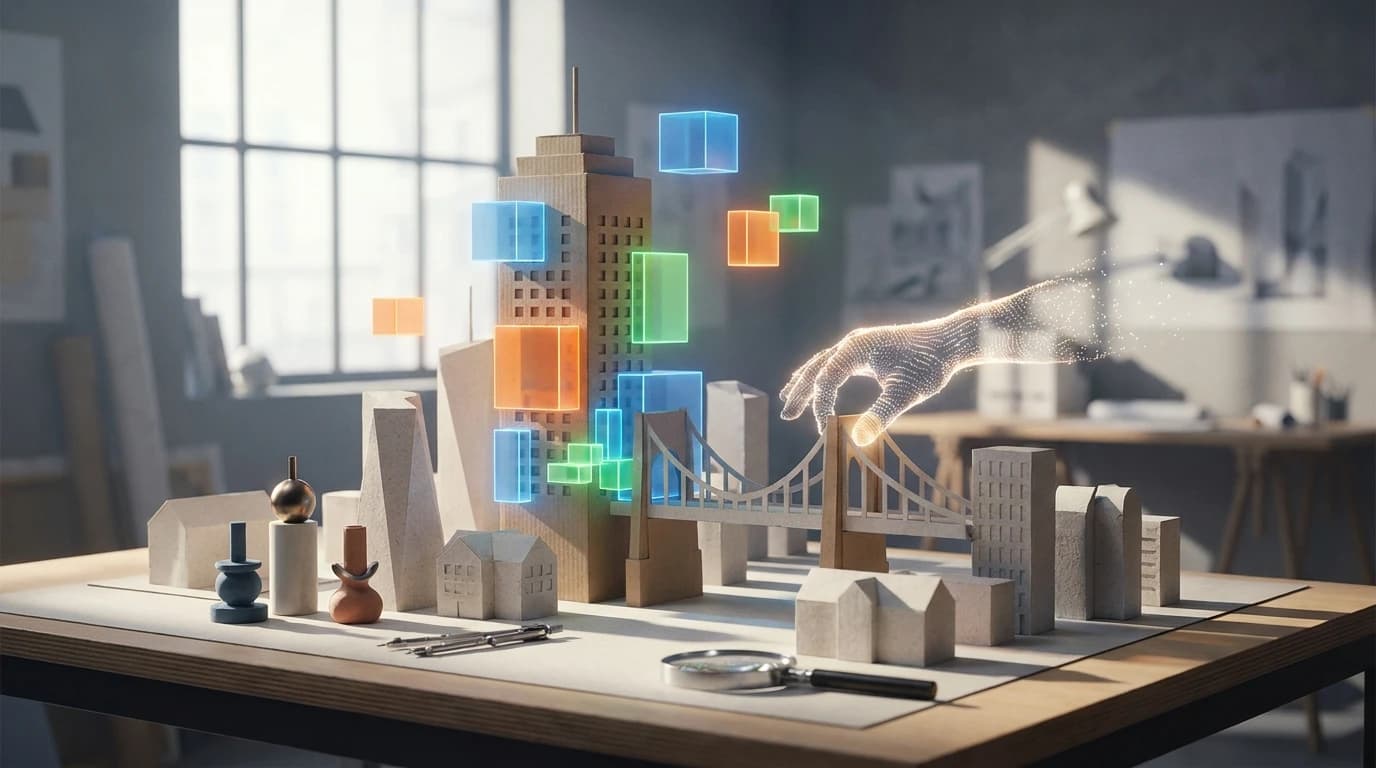
Better for Real Design Work
Make posters, infographics, comics, educational graphics, and other polished visuals that feel more useful and presentation-ready. It is a better fit for users who want images for content, storytelling, marketing, or professional-looking design tasks.
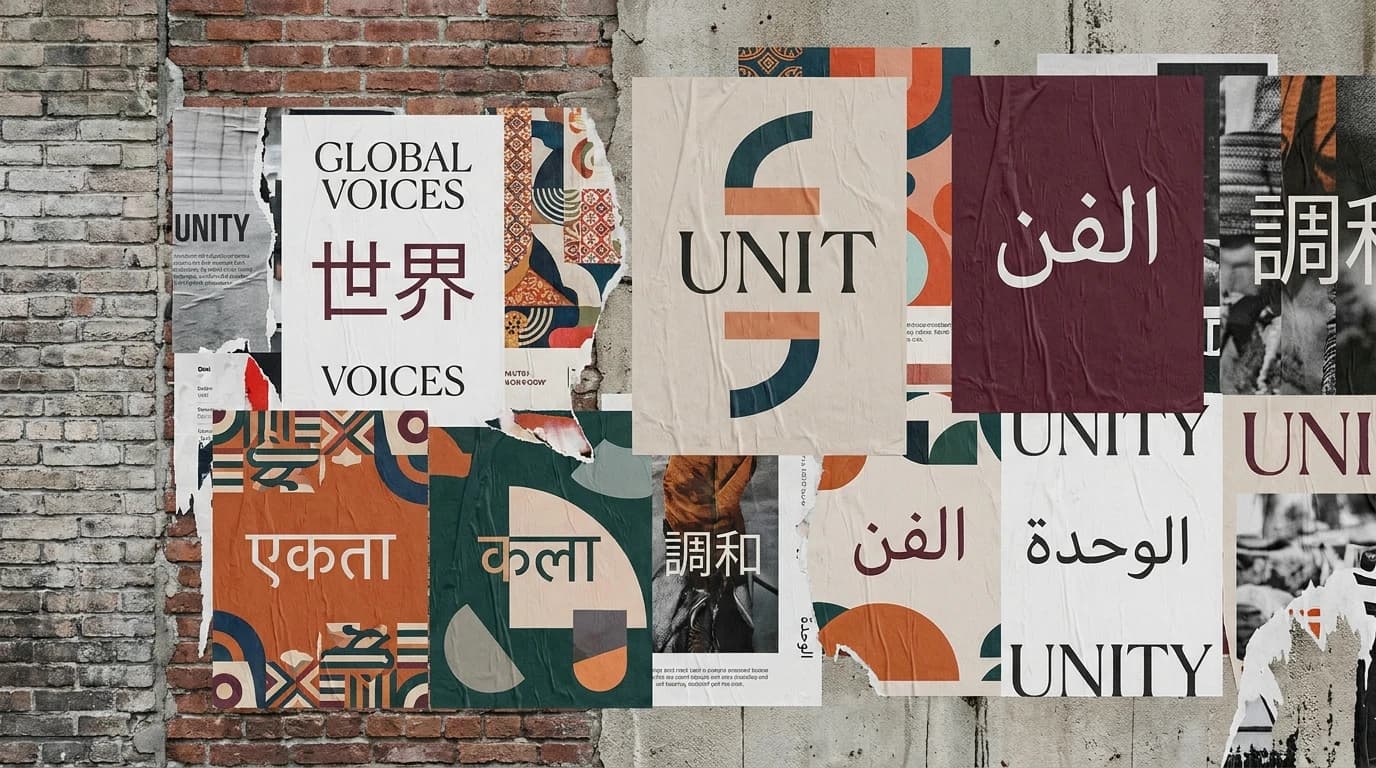
Stronger with Languages and Text-Based Visuals
Create visuals with better support for different languages and scripts, which is helpful for global and multilingual content. This makes it more useful for text-based designs like posters, social graphics, and educational visuals.
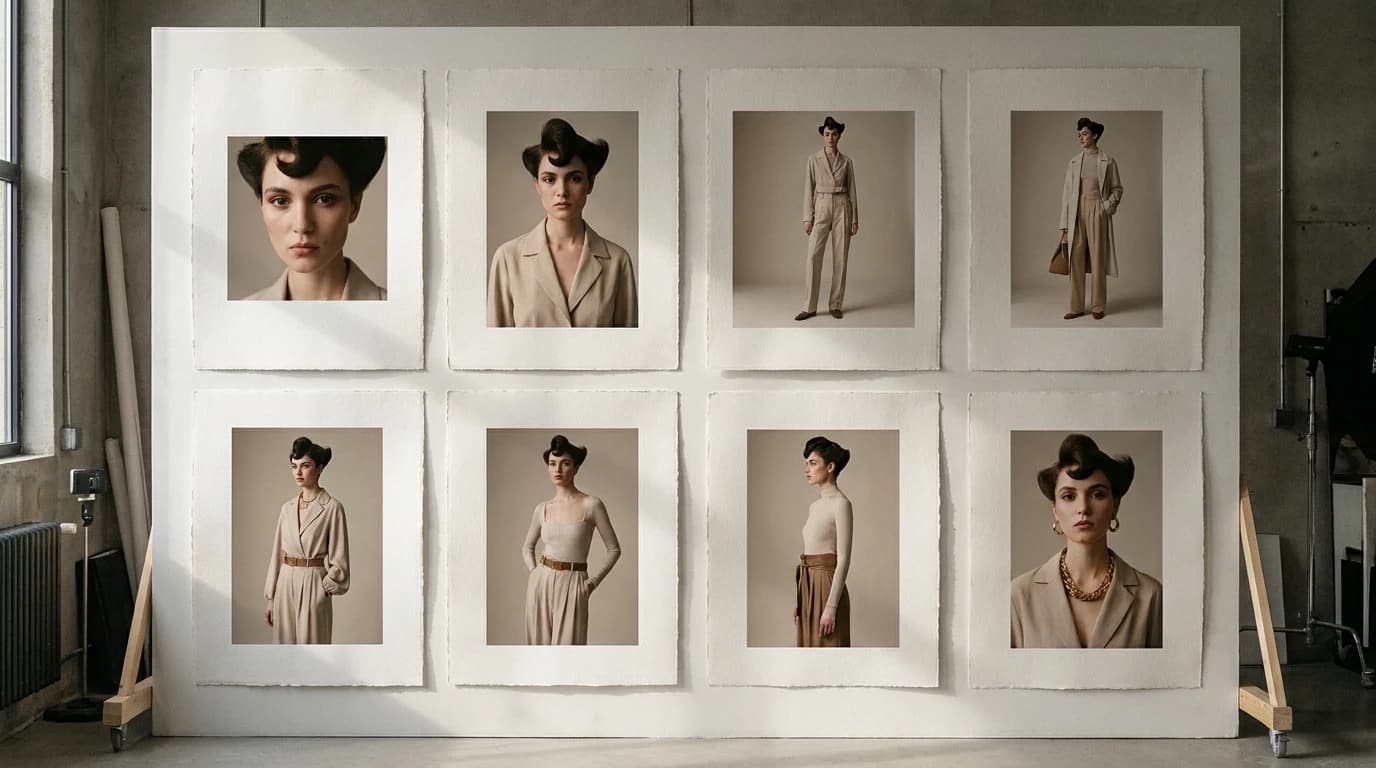
Flexible Sizes and Easier Image Editing
Generate images in different formats and refine them with reference images, multi-turn edits, and guided changes. This makes the workflow more flexible and helps users improve an image step by step instead of starting from scratch every time.
Explore More Image Models
Explore different versions of GPT Image 2
Frequently Asked Questions
Get clear answers to common questions about using RemixAI.