Add the connector
In Claude.ai (web) or Claude Desktop.
01
1
Open Settings → Connectors → Add custom connector.
2
Name RemixAI, URL https://mcp.remixai.io/mcp.
3
Click Add, then Connect.
Connect RemixAI to your AI workflow and create images, videos, animations, and visual edits directly from prompts.
In Claude.ai (web) or Claude Desktop.
Open Settings → Connectors → Add custom connector.
Name RemixAI, URL https://mcp.remixai.io/mcp.
Click Add, then Connect.
A browser window opens for RemixAI.
Sign in with your RemixAI account.
Review what Claude is requesting, then click Allow.
You're connected — ask Claude: What's my RemixAI account status?
Free accounts can connect and browse models; generating images/videos requires credits.
Give your agent a visual task and let Remix MCP handle the creative output.
Create a premium handbag product hero image for a landing page with soft studio lighting, a clean minimal background, and a polished commercial look.
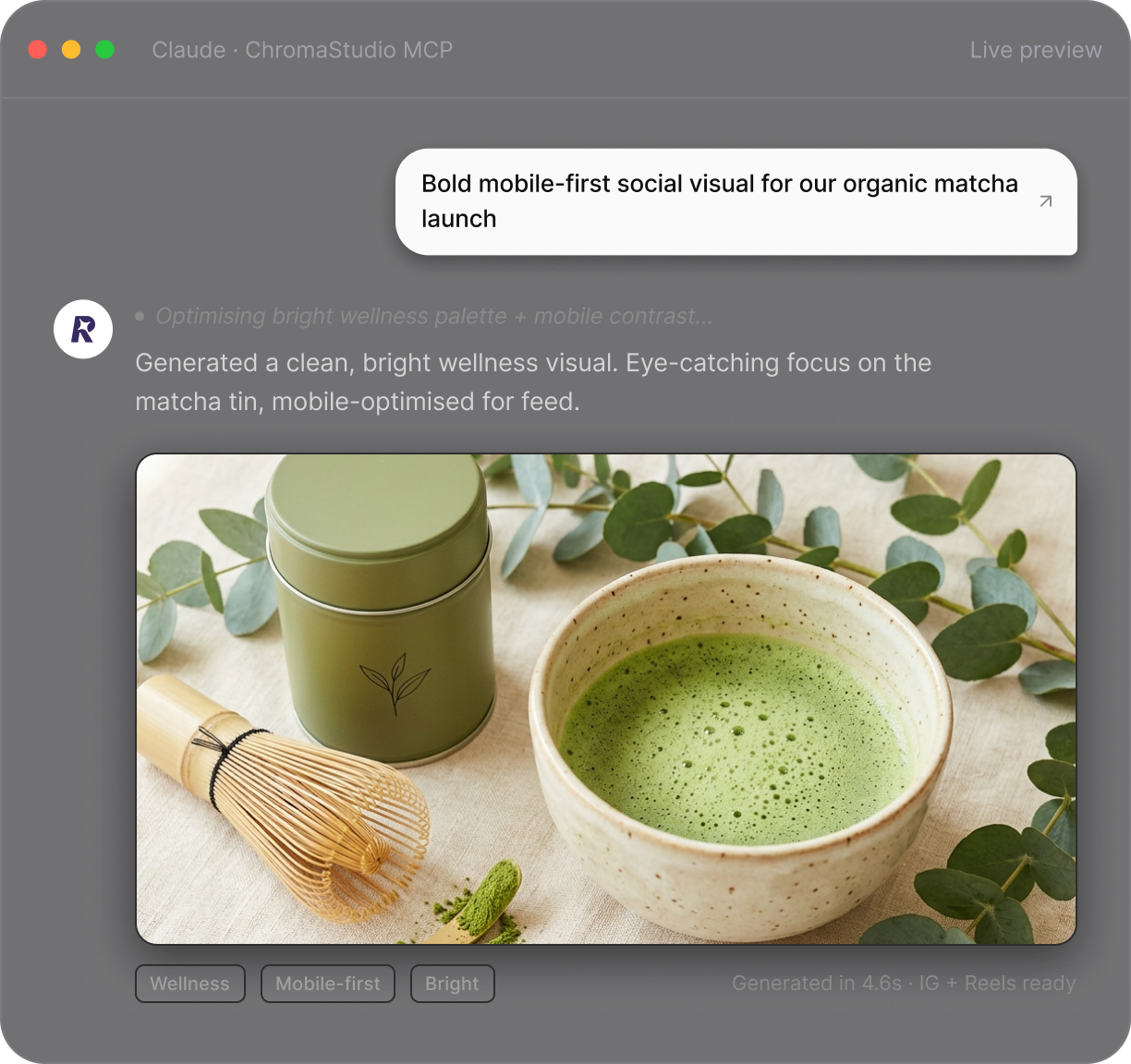
Create a bold mobile-first social media visual for an organic matcha tea launch with bright lighting, clean spacing, modern wellness branding, and an eye-catching product focus.
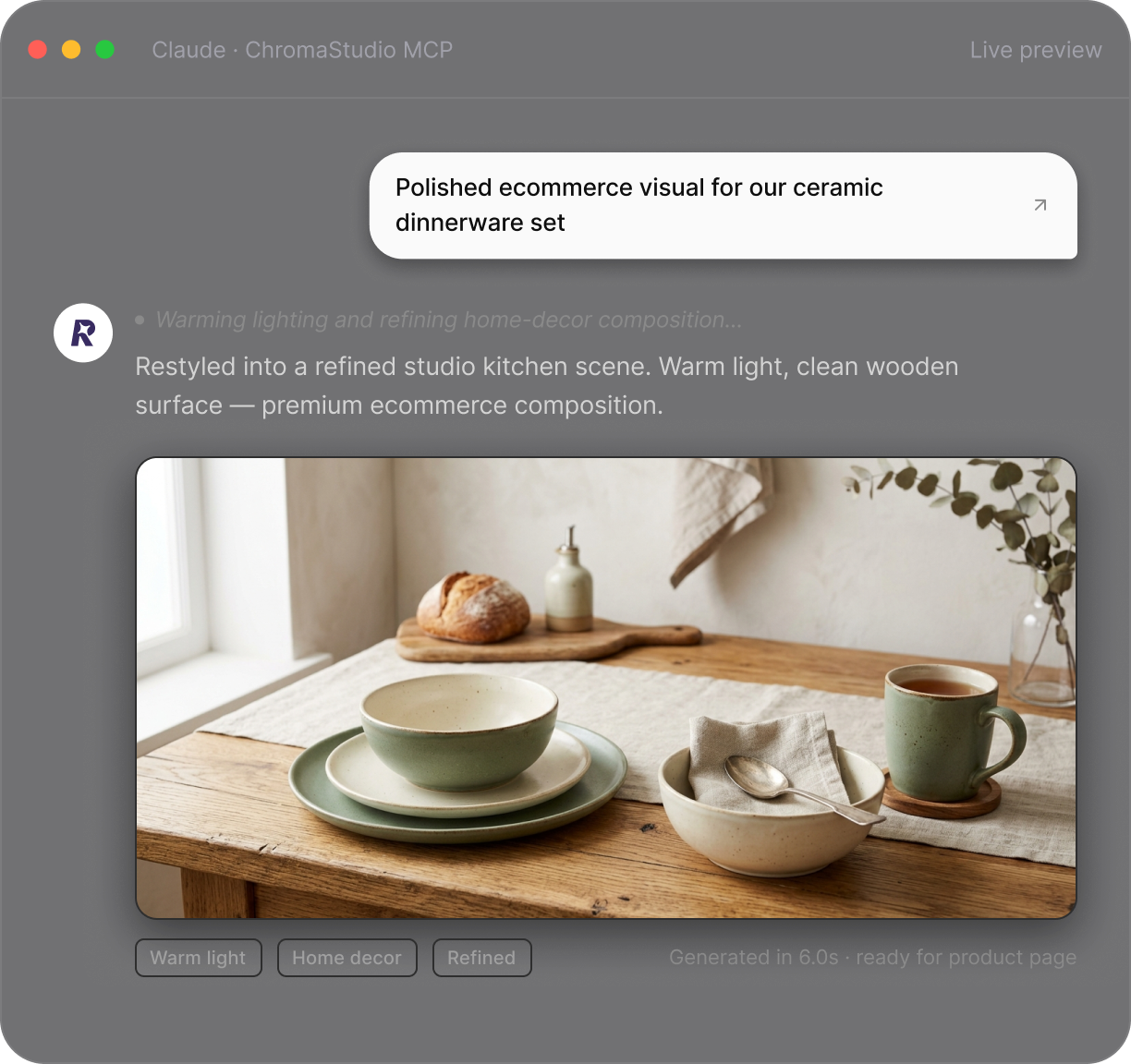
Create a polished studio-style ecommerce visual for a ceramic dinnerware set with warm lighting, a clean kitchen background, premium home decor styling, and refined composition.
Create 3 paid social ad variations for a travel backpack with different outdoor scenes, layouts, color moods, and premium adventure-brand styling.
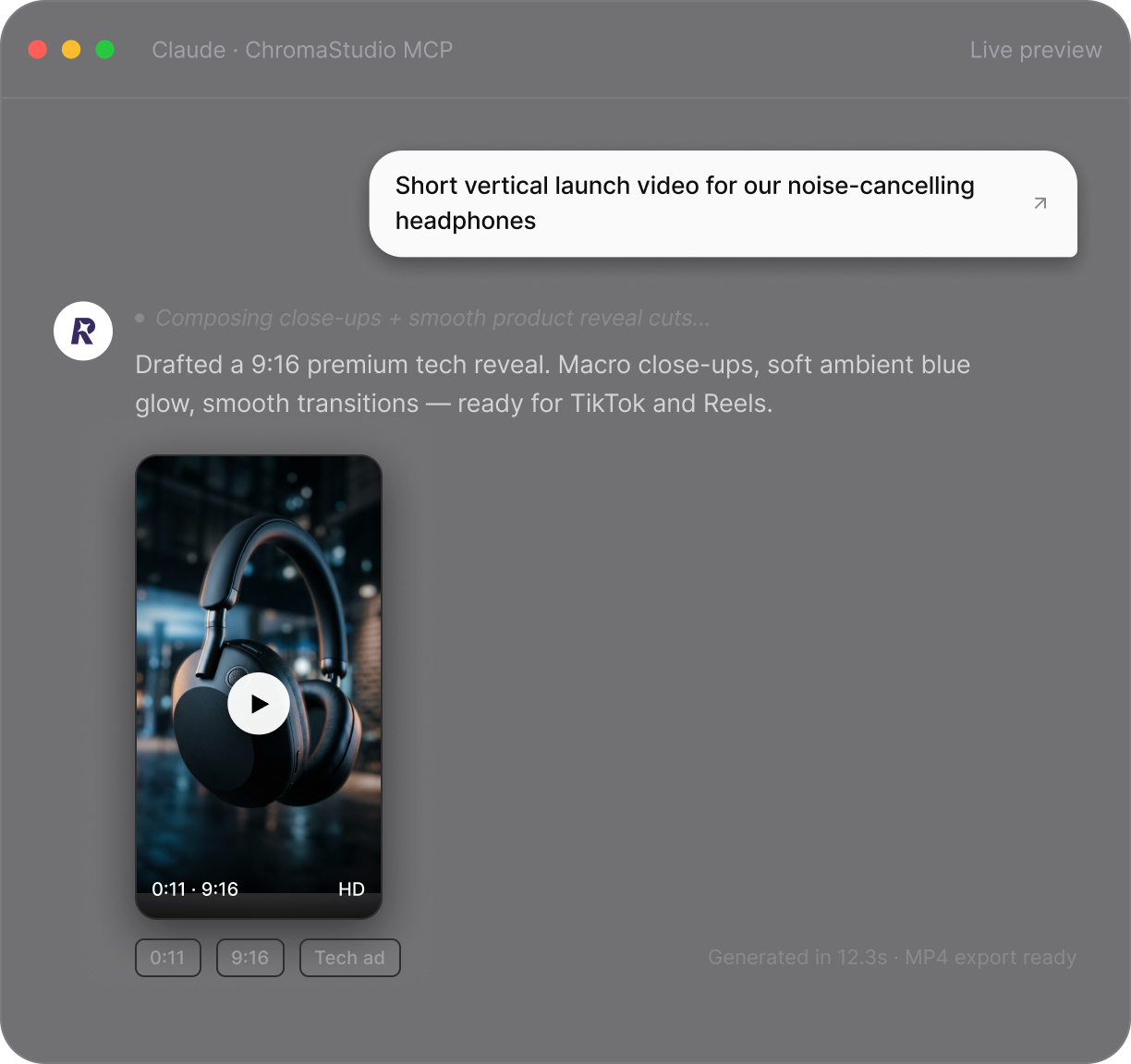
Create a short vertical launch video for noise-canceling headphones with close-up product shots, smooth motion, clean transitions, and a premium tech ad style.
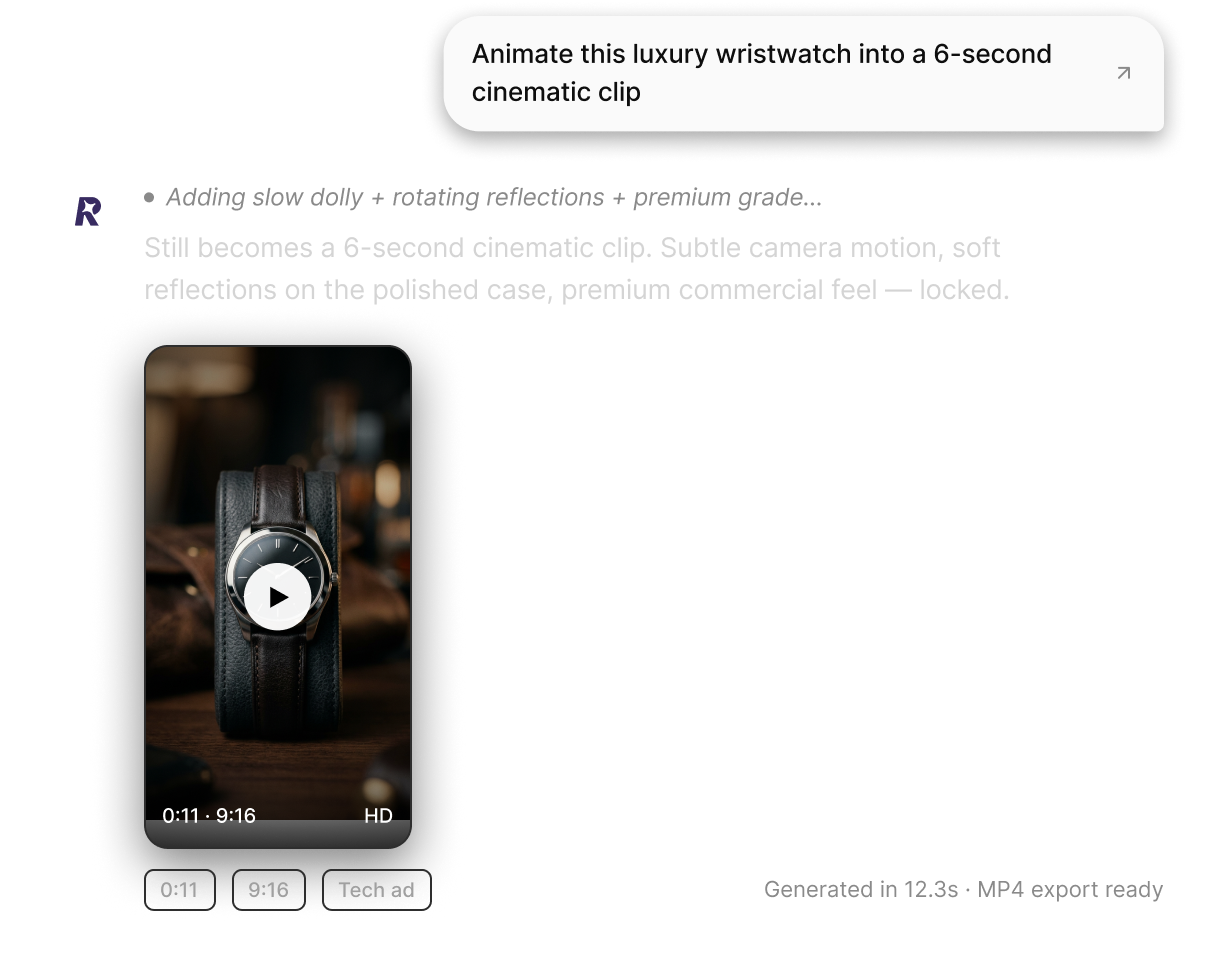
Create a smooth 6-second cinematic video of a luxury wristwatch with subtle camera movement, soft reflections, premium lighting, and a high-end commercial feel.
Create a new creative visual for an ergonomic home office chair with a modern workspace background, fresh color palette, premium lighting, and a clean professional mood.
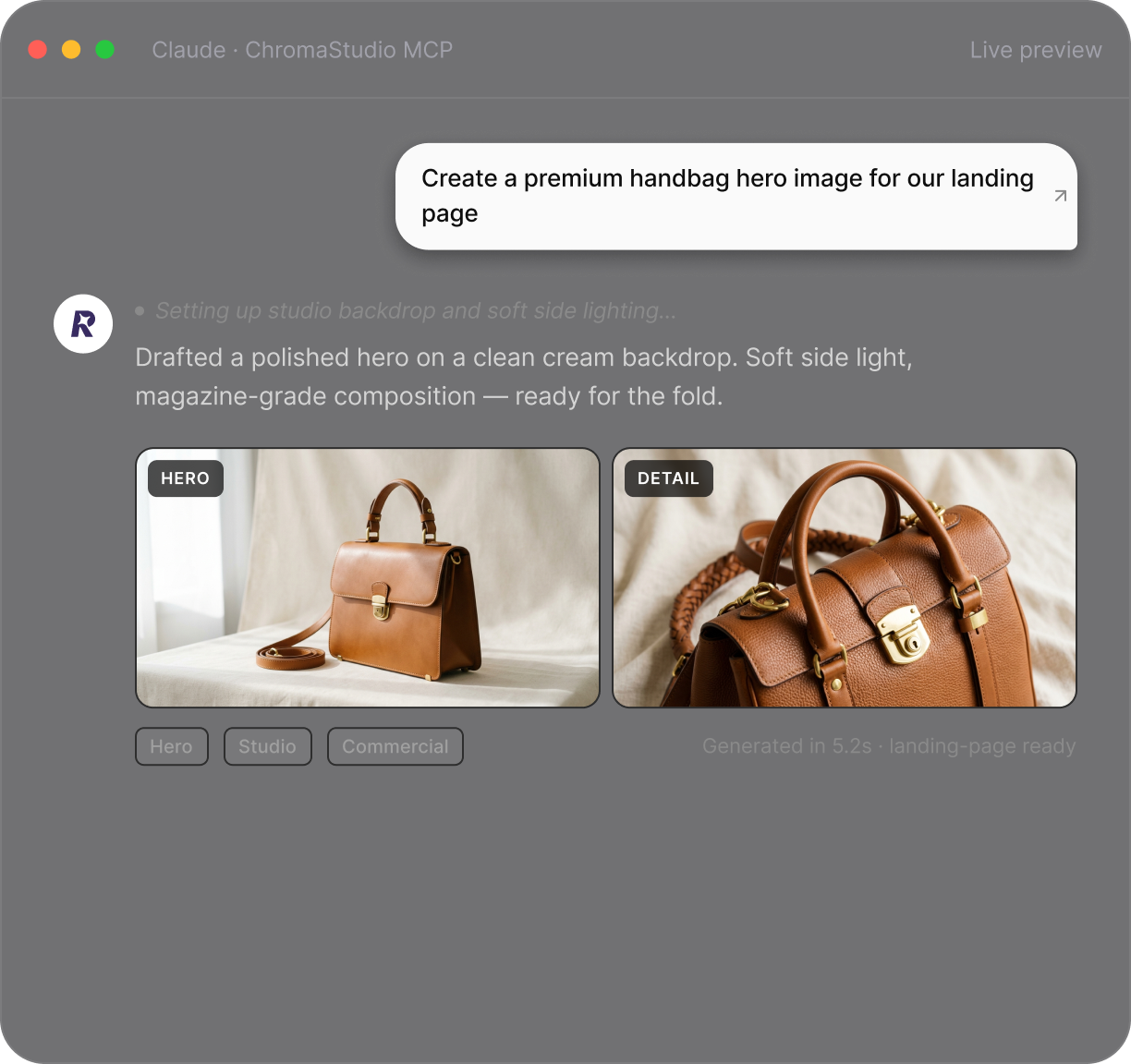
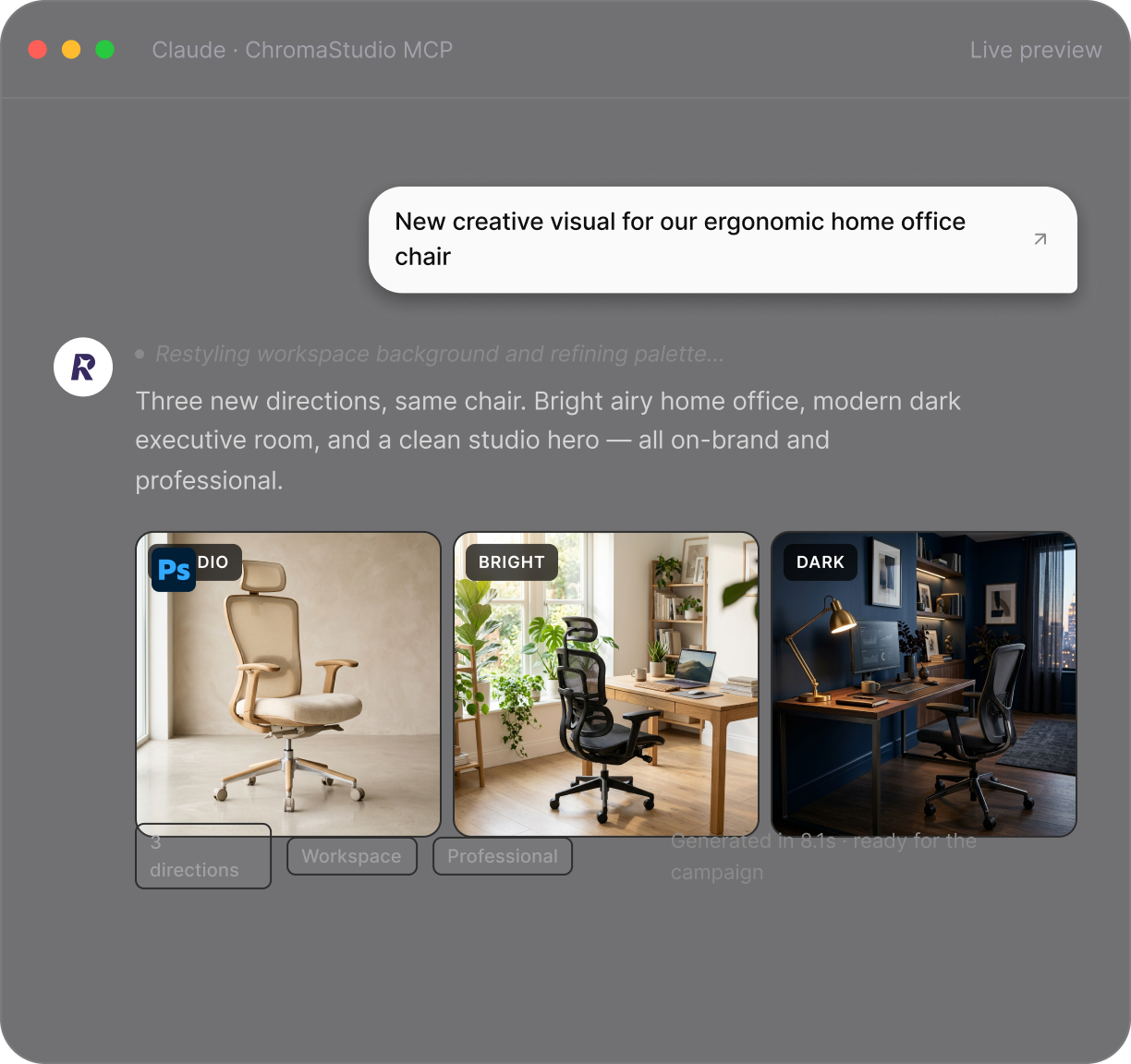
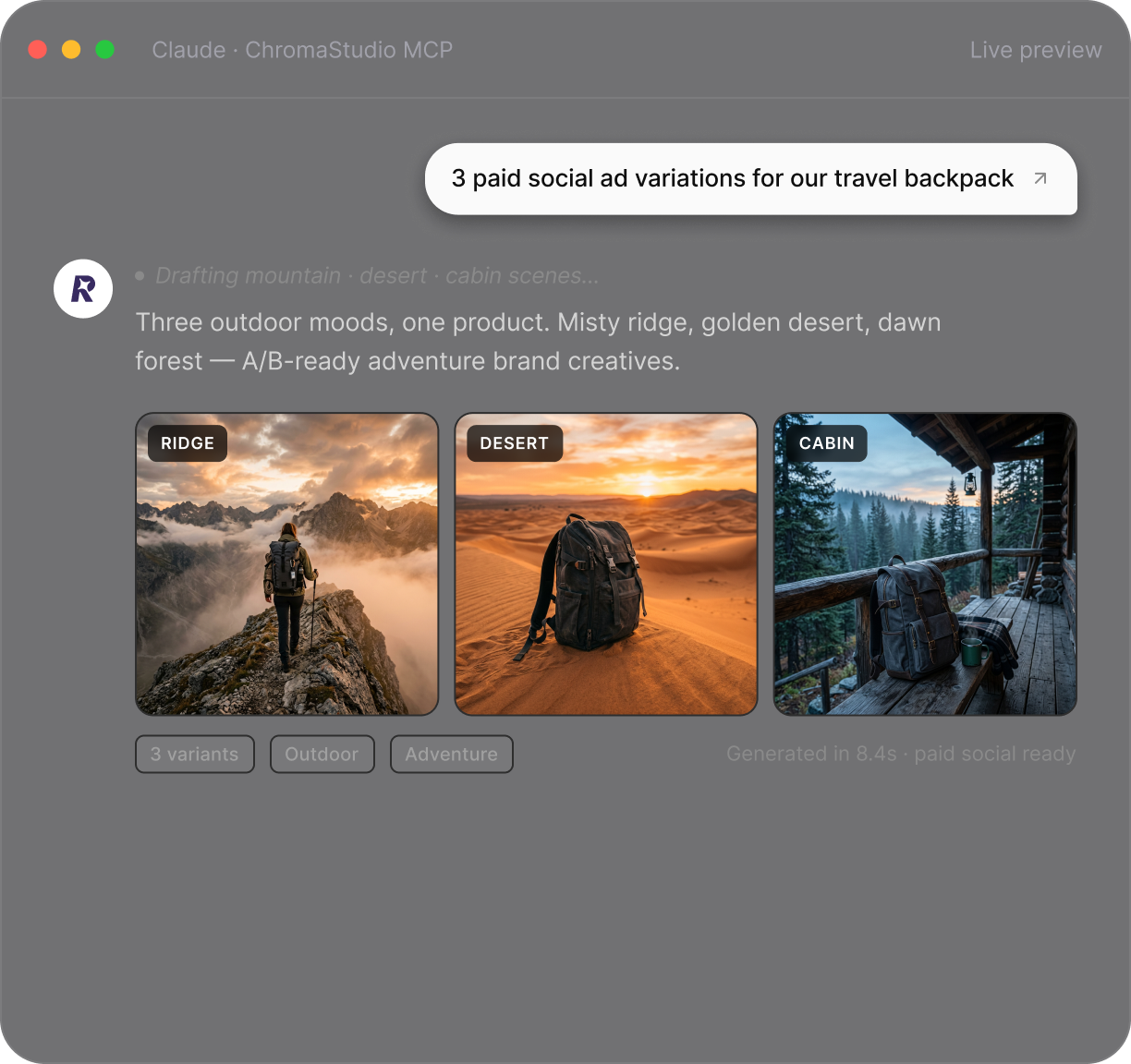


Create static visuals, moving clips, product scenes, and social assets from simple prompts. Describe the style, format, subject, and output you need, then let Remix generate it inside your AI workflow.
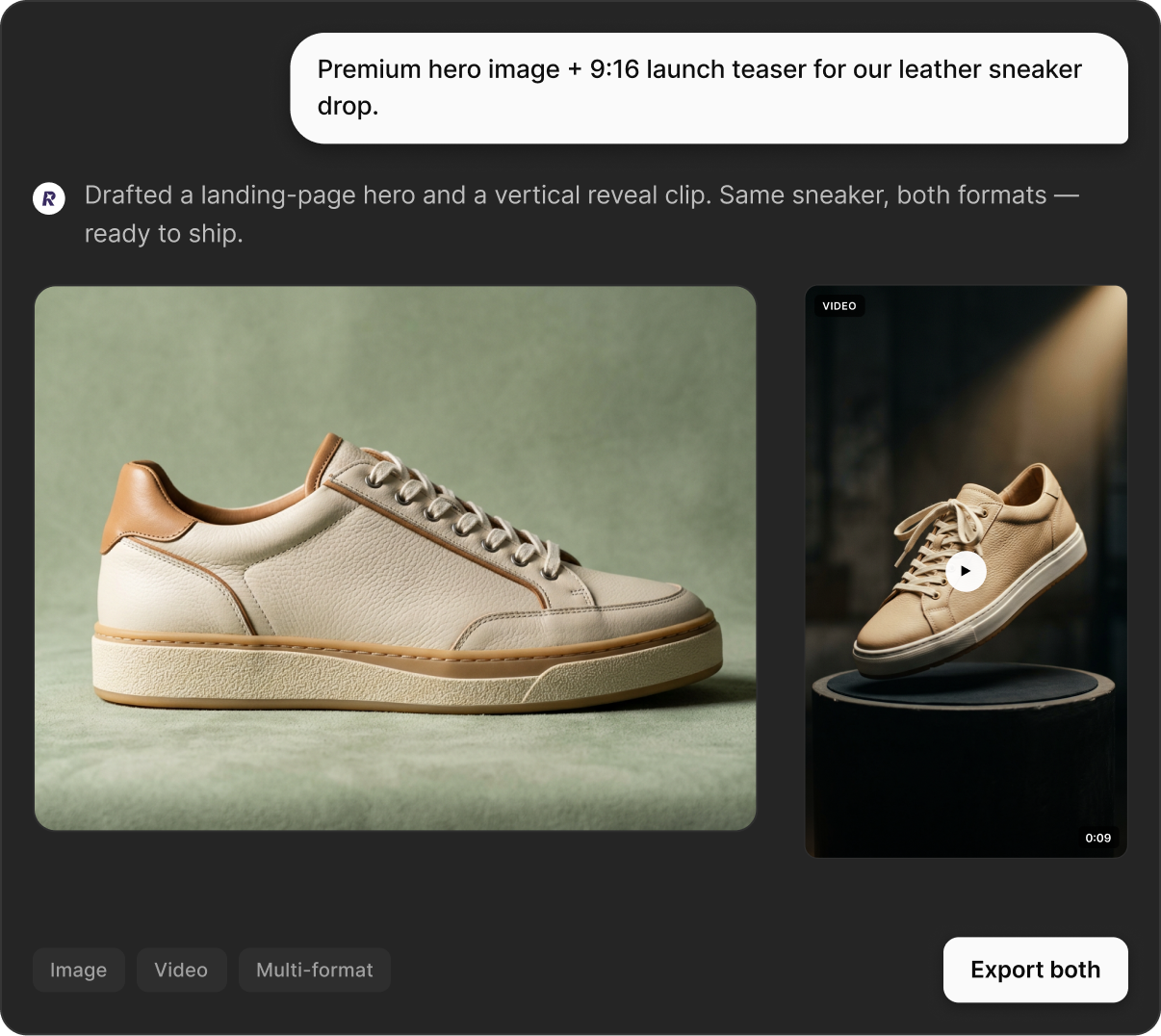
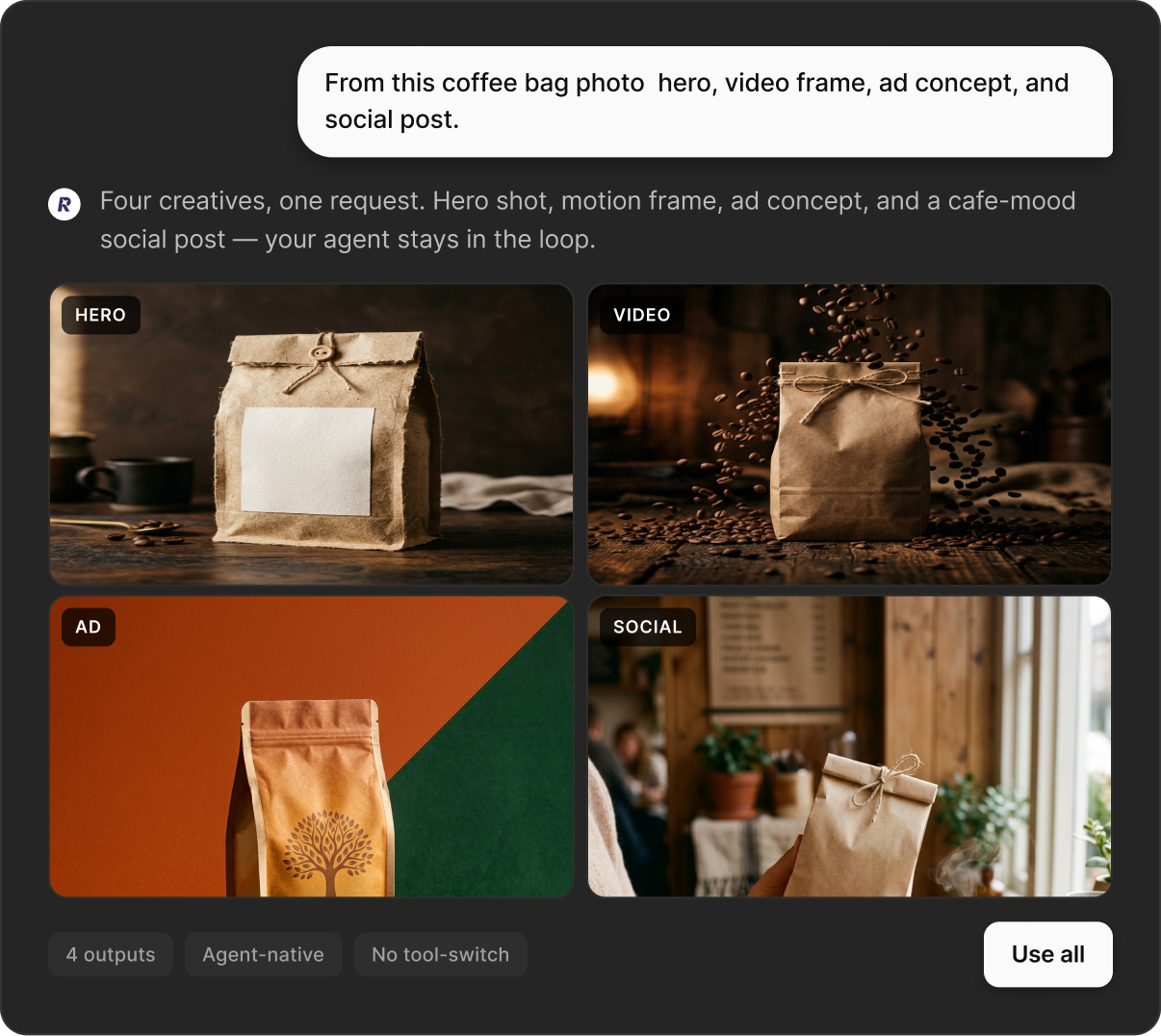
Ask for a product image, campaign concept, ad visual, short video, or social creative. Remix MCP helps your agent turn that request into usable content without manual tool switching.
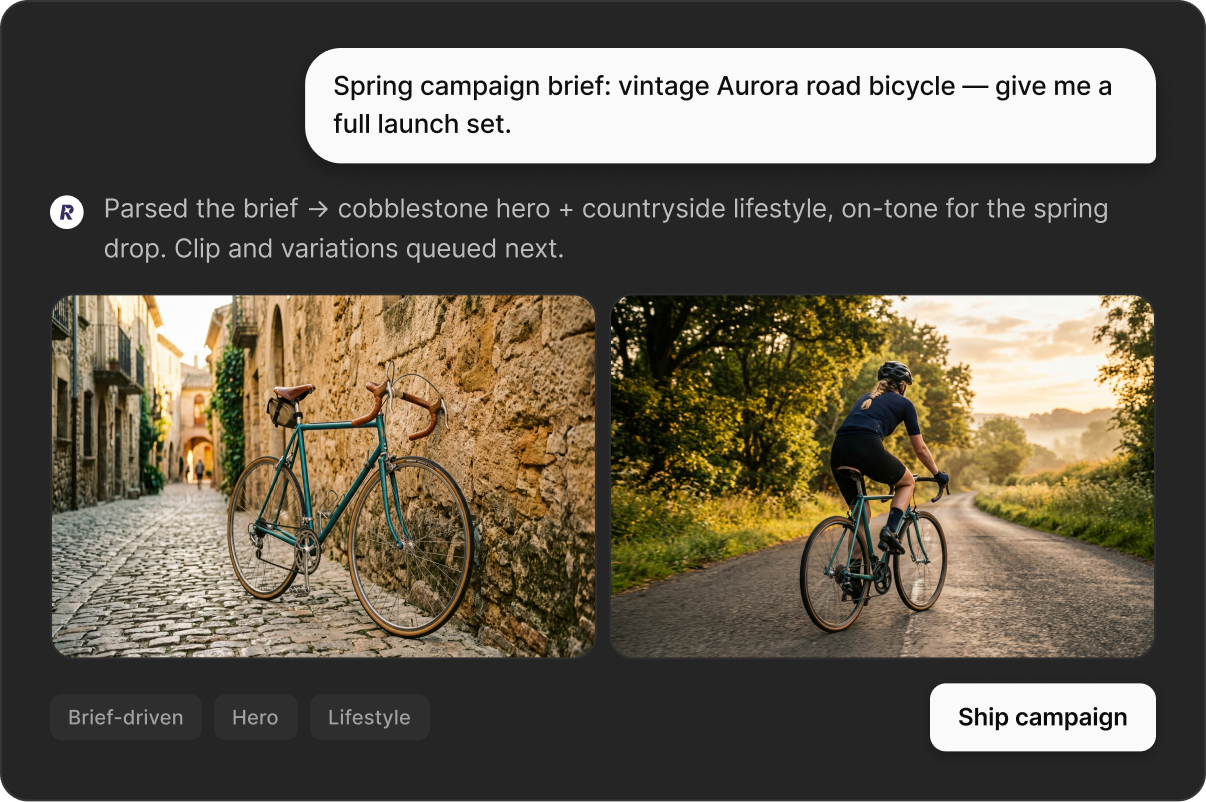
Start with a product description, landing page idea, or marketing brief. Remix can help create hero visuals, product graphics, animated clips, short videos, and image variations from the same workflow.
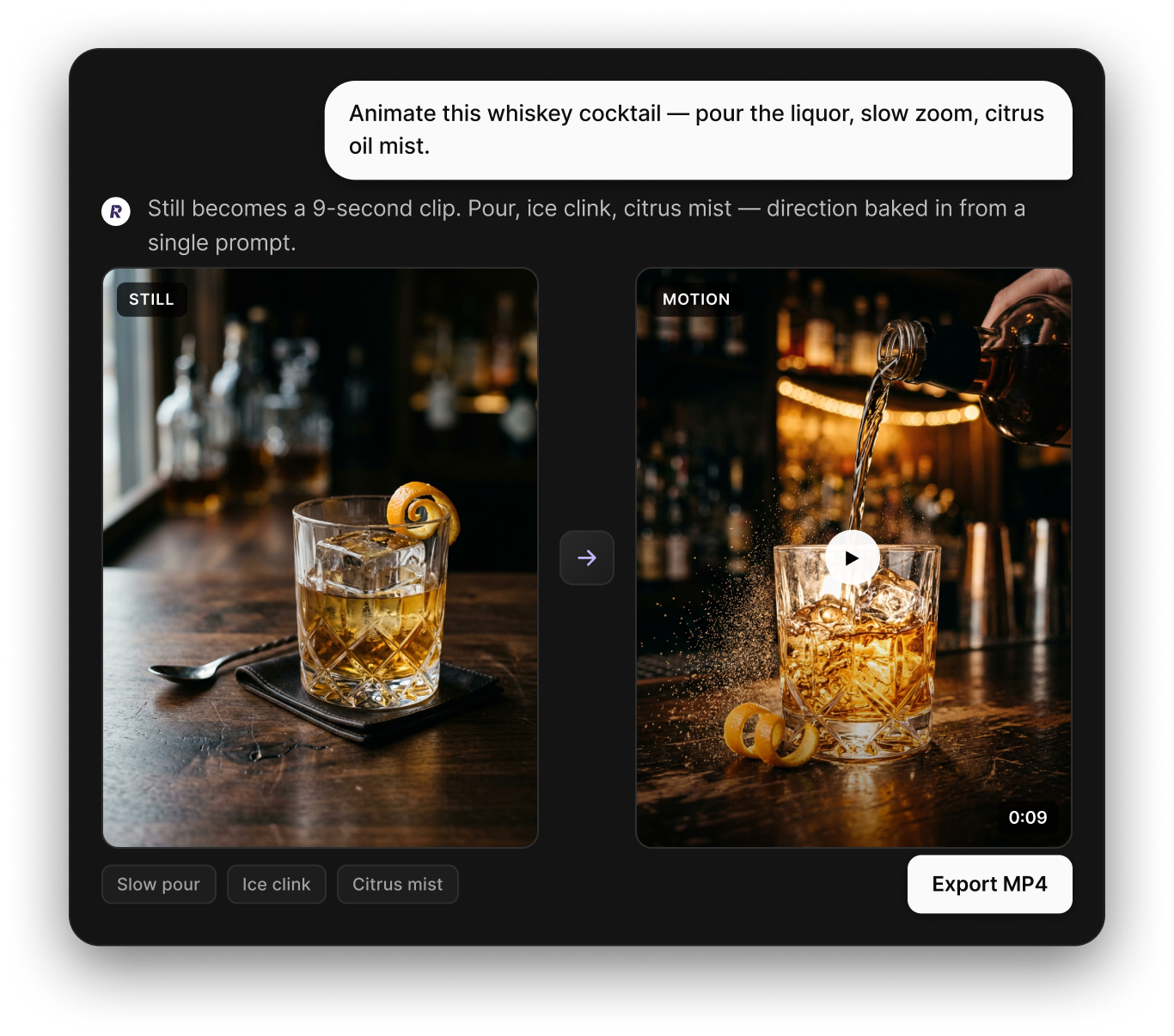
Use image-to-video to bring product photos, character images, lifestyle shots, or campaign visuals to life with movement, mood, and direction.
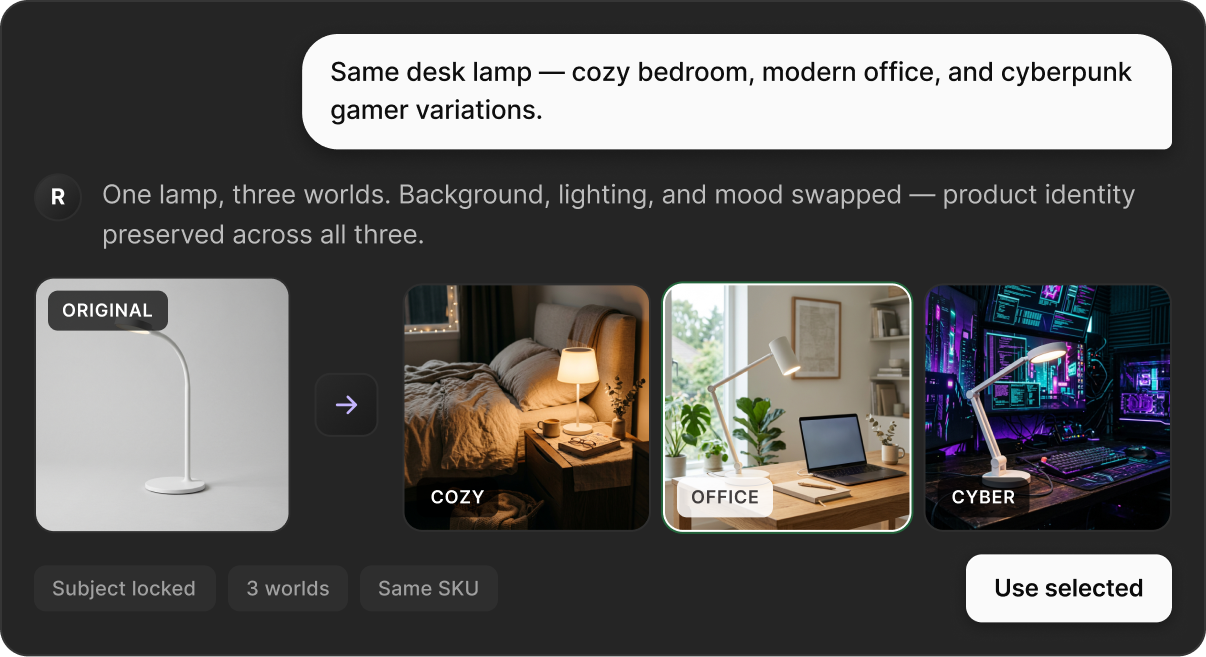
Use image-to-image to improve, restyle, or transform existing visuals. Change backgrounds, polish lighting, create new versions, or adapt one image for multiple campaign formats.
Get clear answers to common questions about using RemixAI MCP.