Muse Image AI Generator
Create or edit images with a written prompt and reference images. Muse Image is designed for prompt-led composition, text-bearing designs, and visual refinement.
Create Images with Muse Image
Explore image concepts created with Muse Image from prompts and reference-guided workflows.
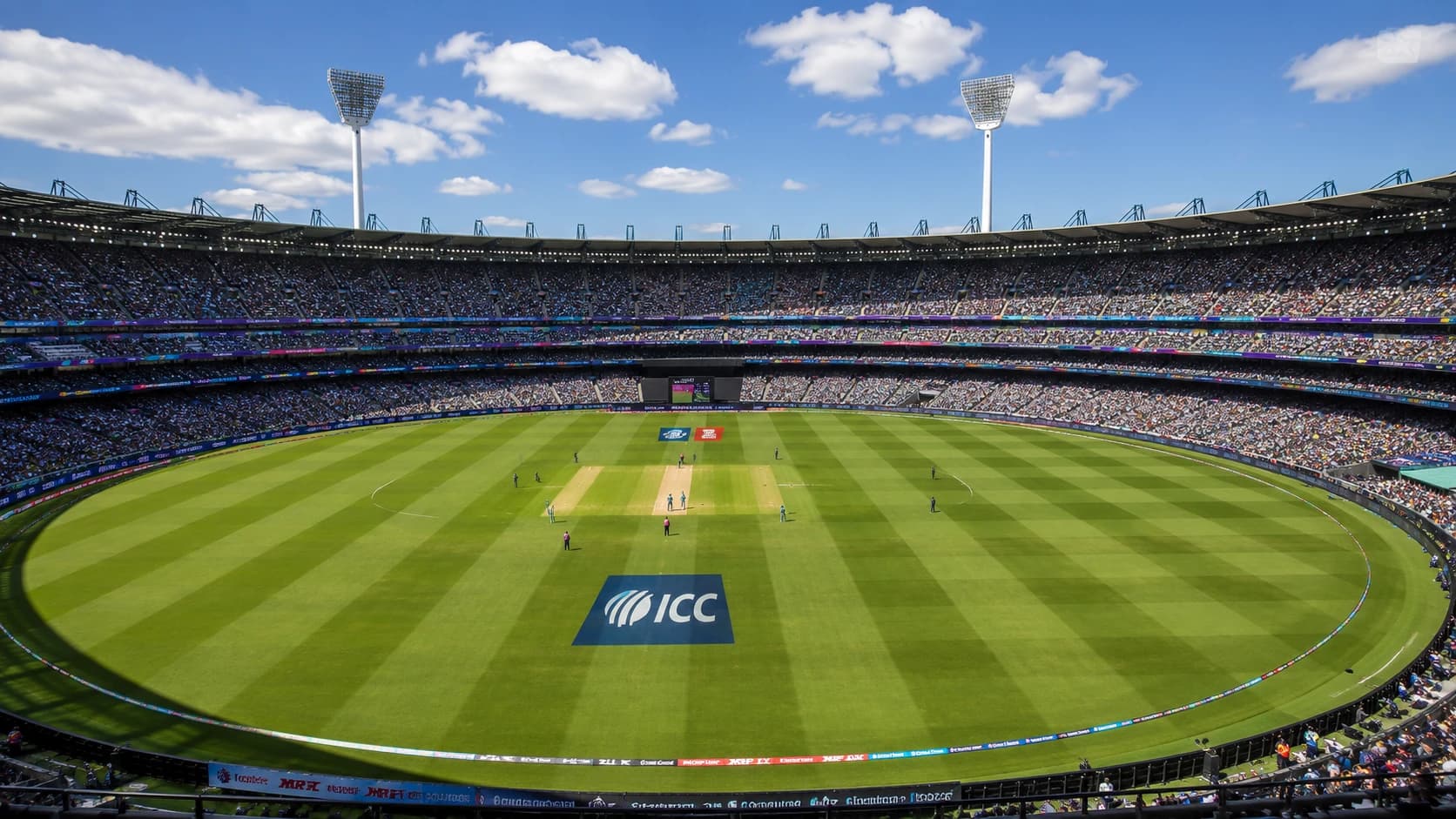
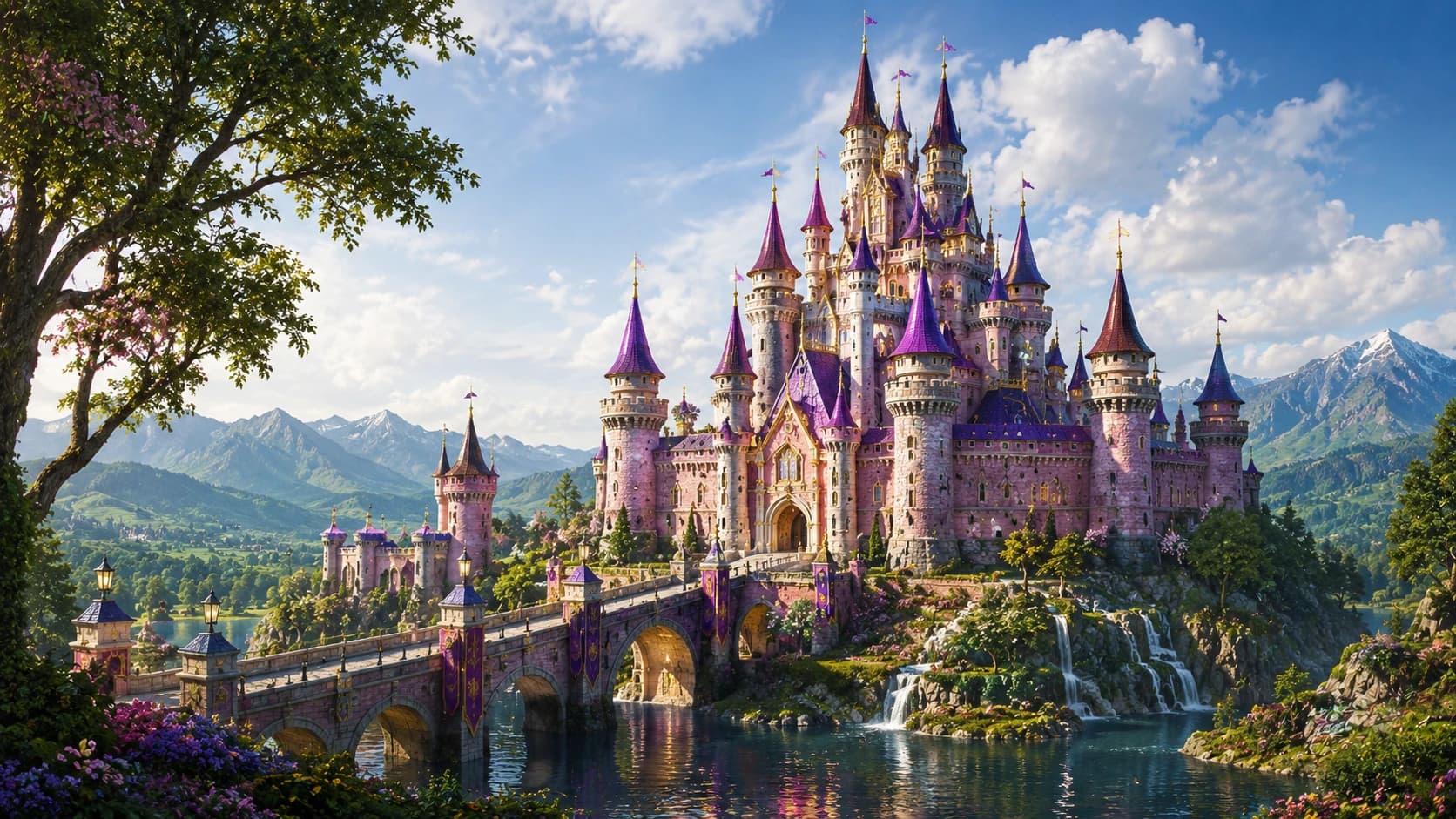
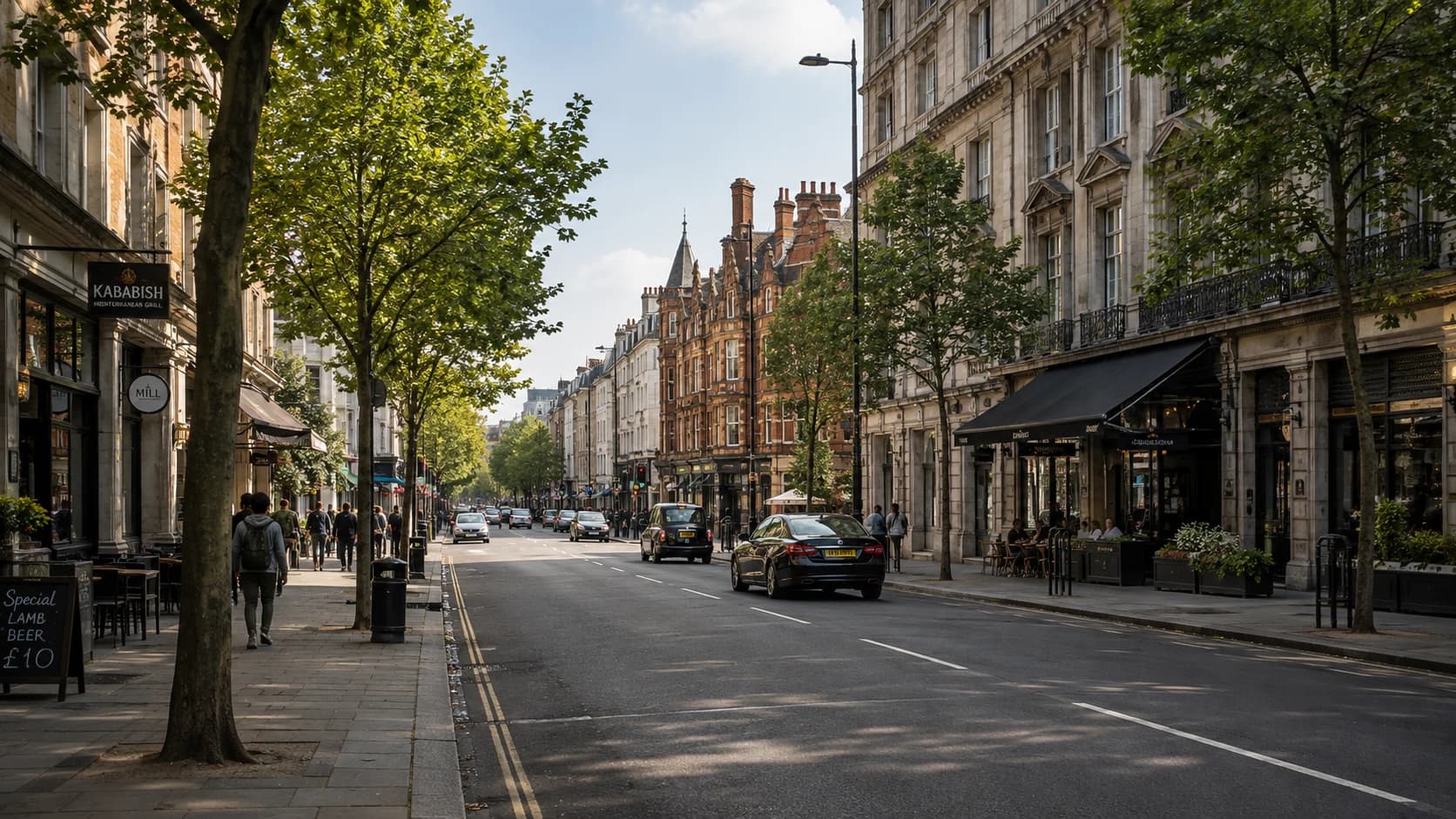
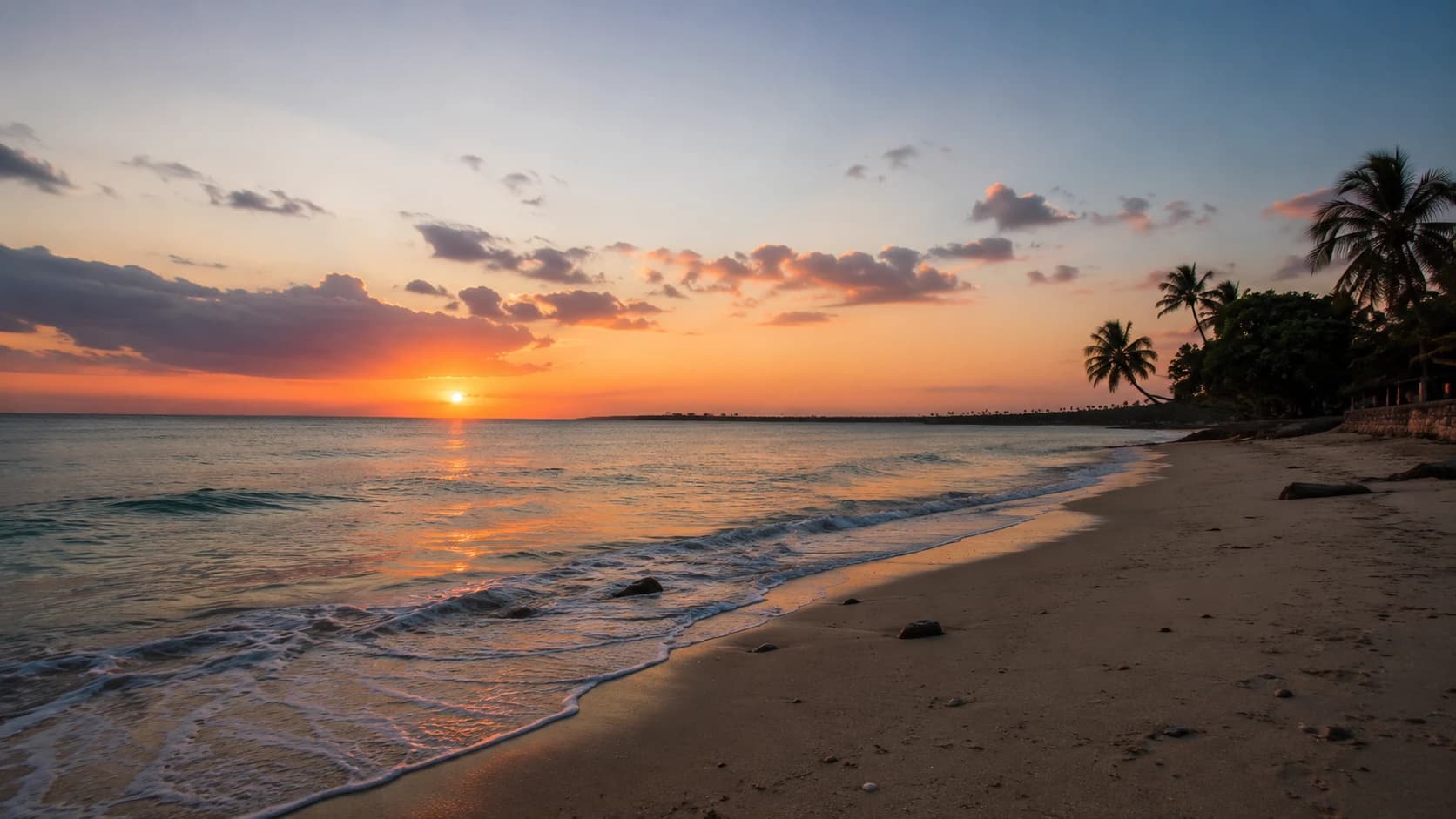
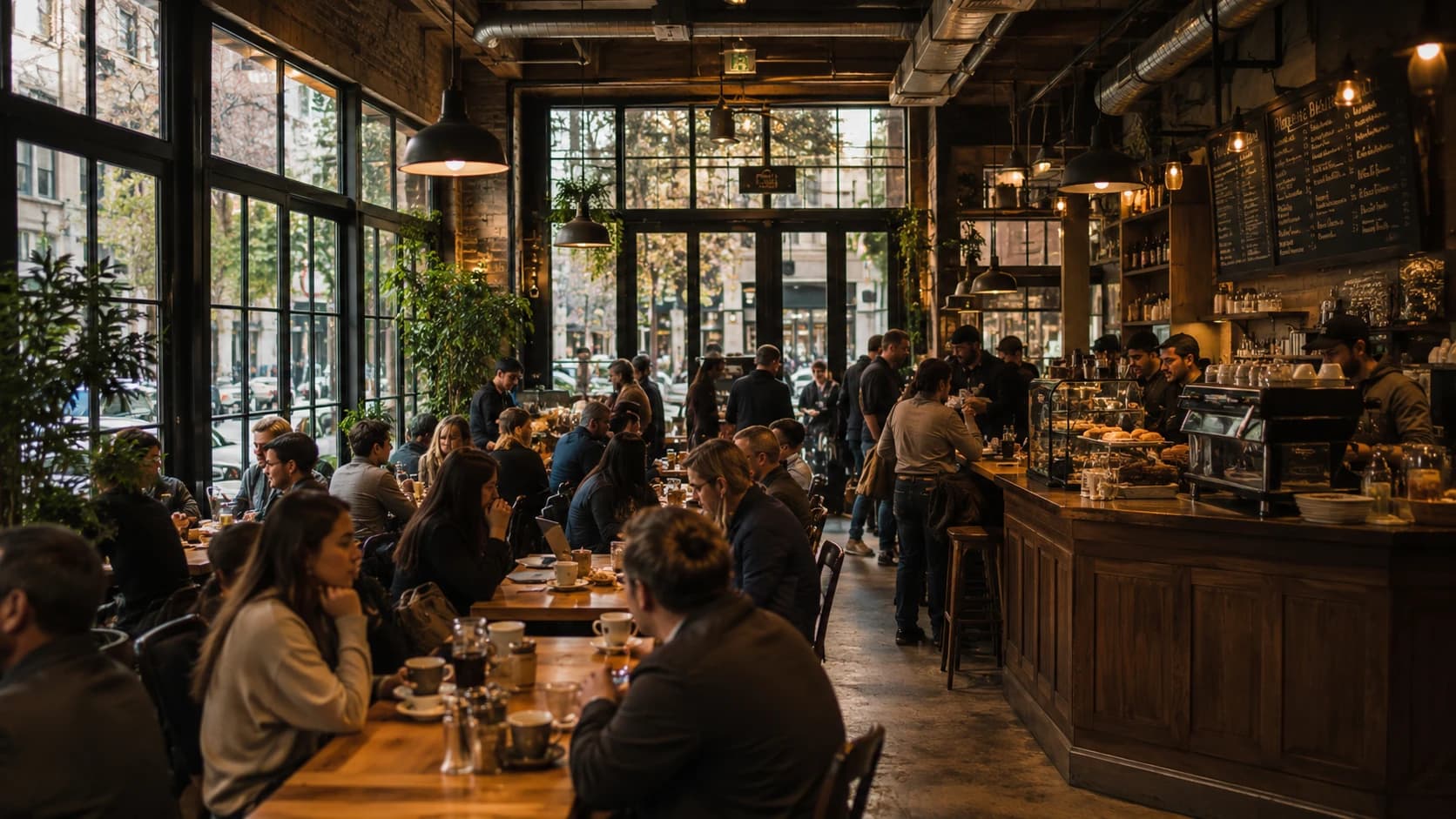
How Muse Image Works
Muse Image uses text prompts and reference images to create, edit, and compose still images.
Describe the Image or Add a Reference
- Write the subject, composition, style, lighting, and any text or layout details you want. Add a reference image when you want to guide the starting visual direction.
Choose the Composition
- Select the available aspect ratio and make the prompt specific about framing, placement, visual hierarchy, and details that should remain consistent.
Generate and Refine
- Review the generated image, refine the prompt or reference details, and create another variation when you need a different result.
Key Features of Muse Image
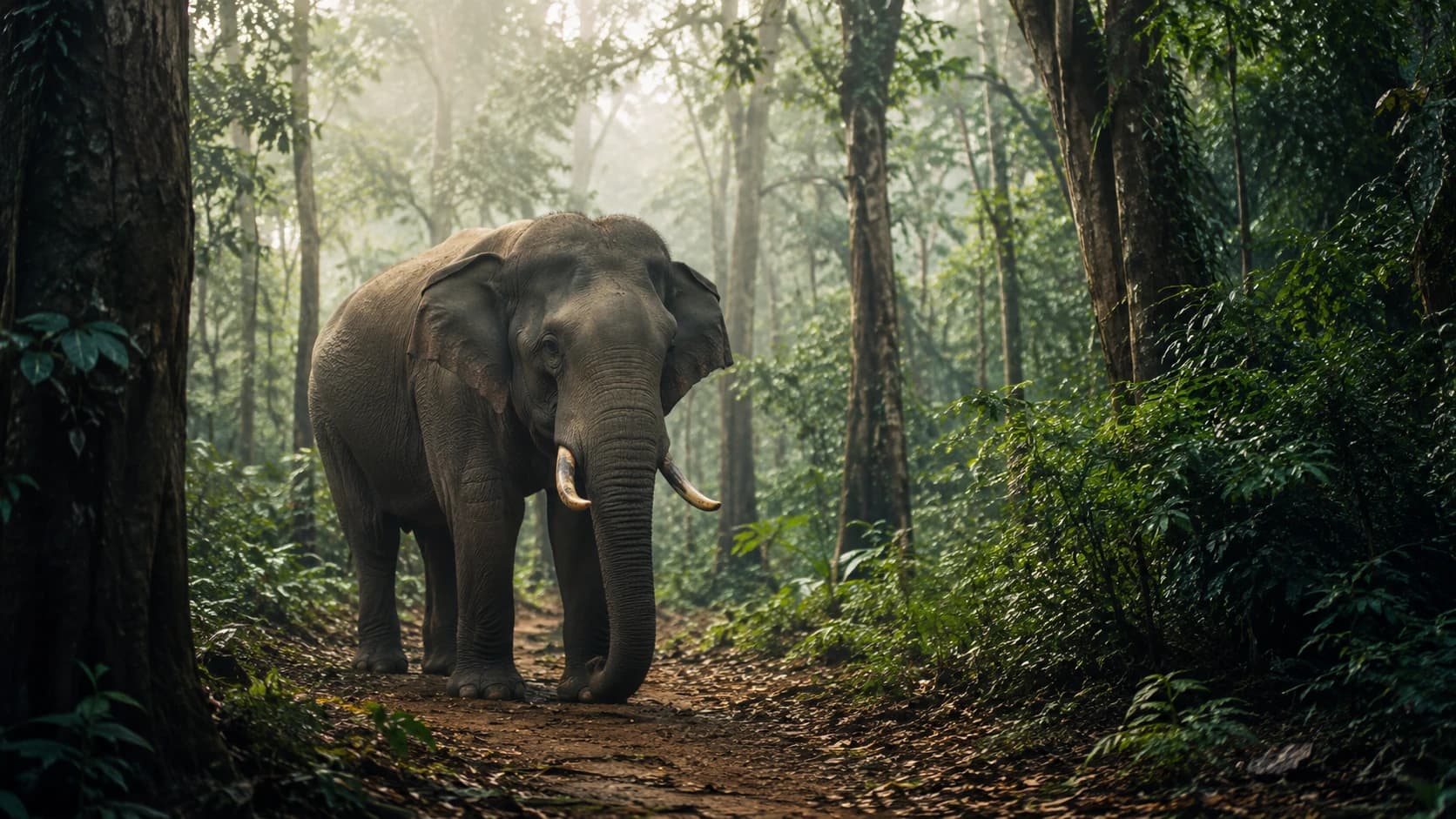
Text-to-Image and Image Editing
Create an original image from a written prompt or use a reference image to guide an edit, variation, or new visual direction.
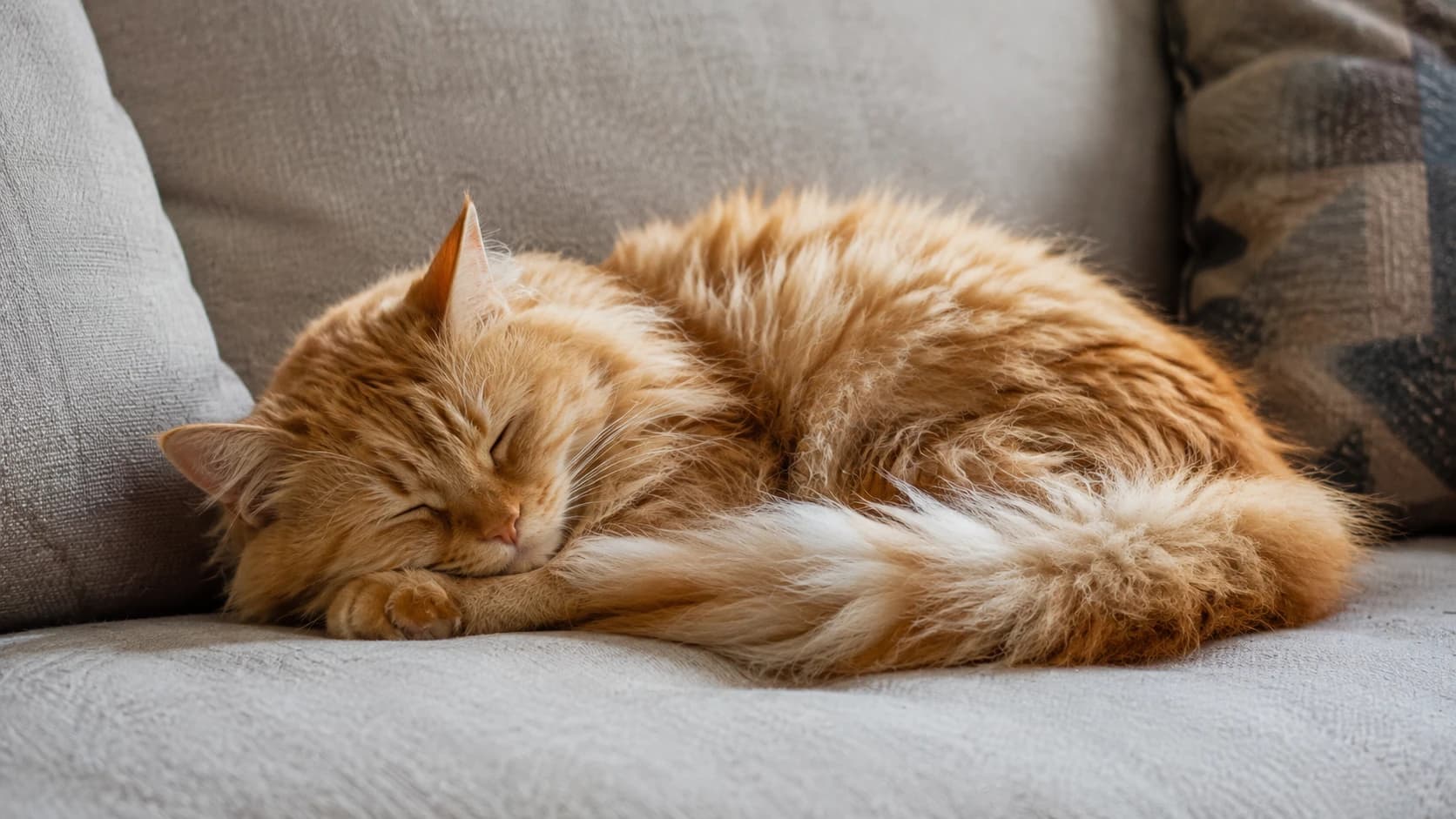
Composition-Aware Creation
Use clear instructions for subject placement, layout, visual hierarchy, and scene details to guide a more intentional composition.
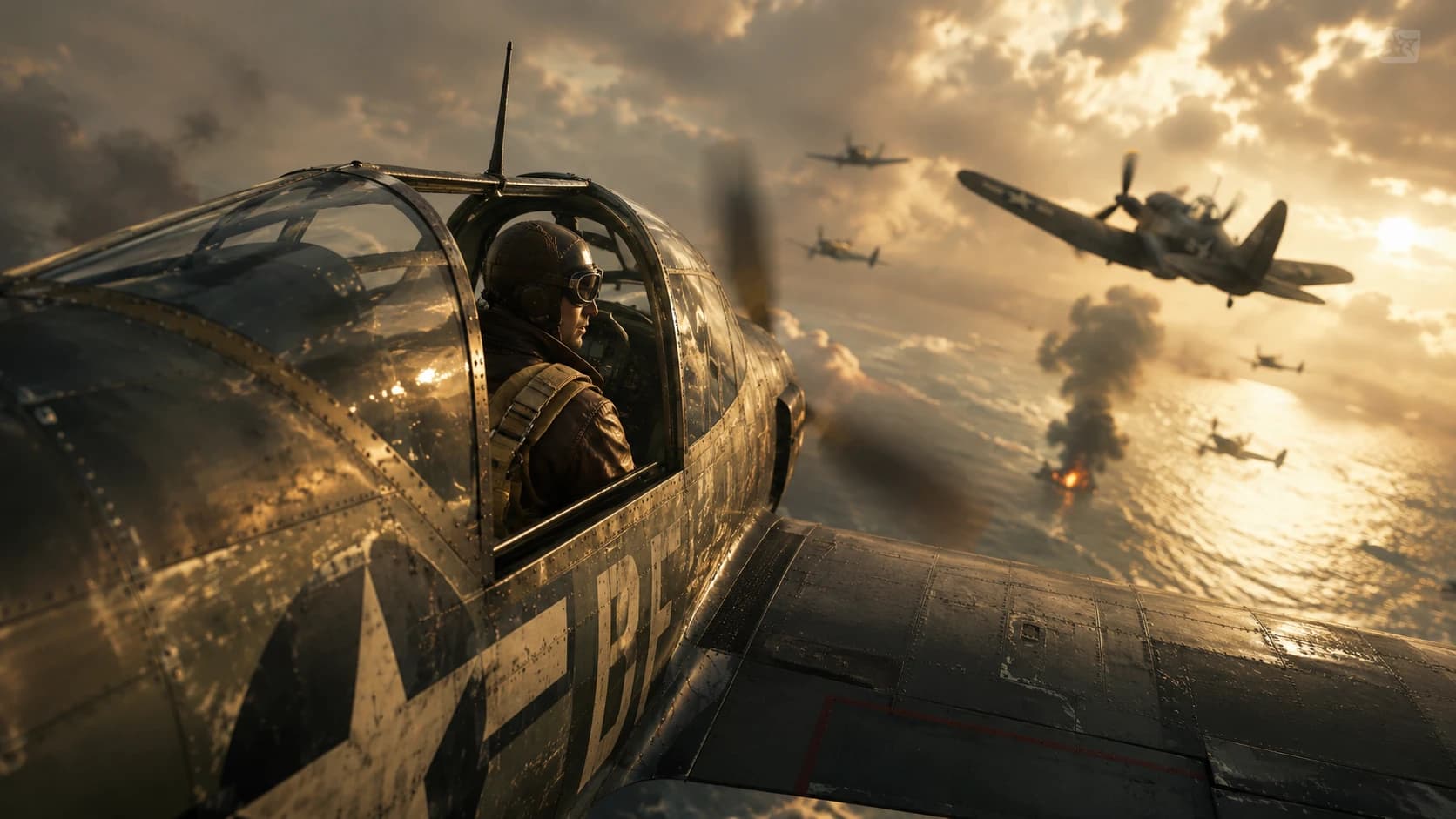
Text-Bearing Visual Designs
Describe the wording, placement, hierarchy, and surrounding visual context when creating posters, layouts, infographics, or other text-focused images.
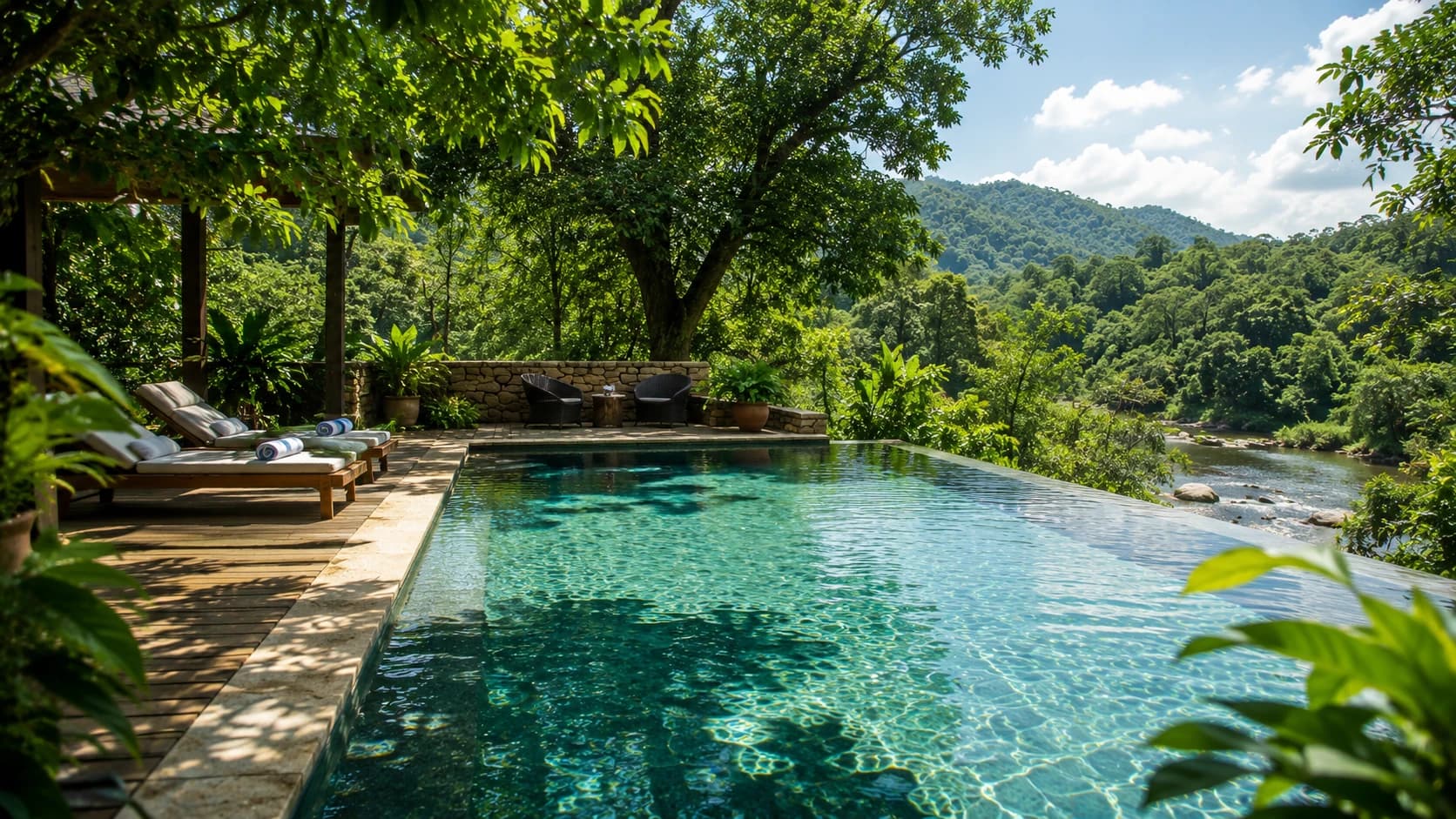
Reference-Guided Refinement
Add a reference image when you want to preserve or adapt key visual cues while changing the composition, style, or scene through a prompt.
Explore More Image Models
Explore different versions of Muse Image
Frequently Asked Questions
Get clear answers to common questions about using RemixAI.