Free AI Image Enhancer
Turn blurry, low-resolution photos into sharp, high-quality images. Upload any picture and let the AI fix details, correct lighting, and boost clarity automatically.
Processing...
Upload Your Original Image
or drag and drop PNG, JPG or WEBP
Sample Images
AI Image Enhancer Features
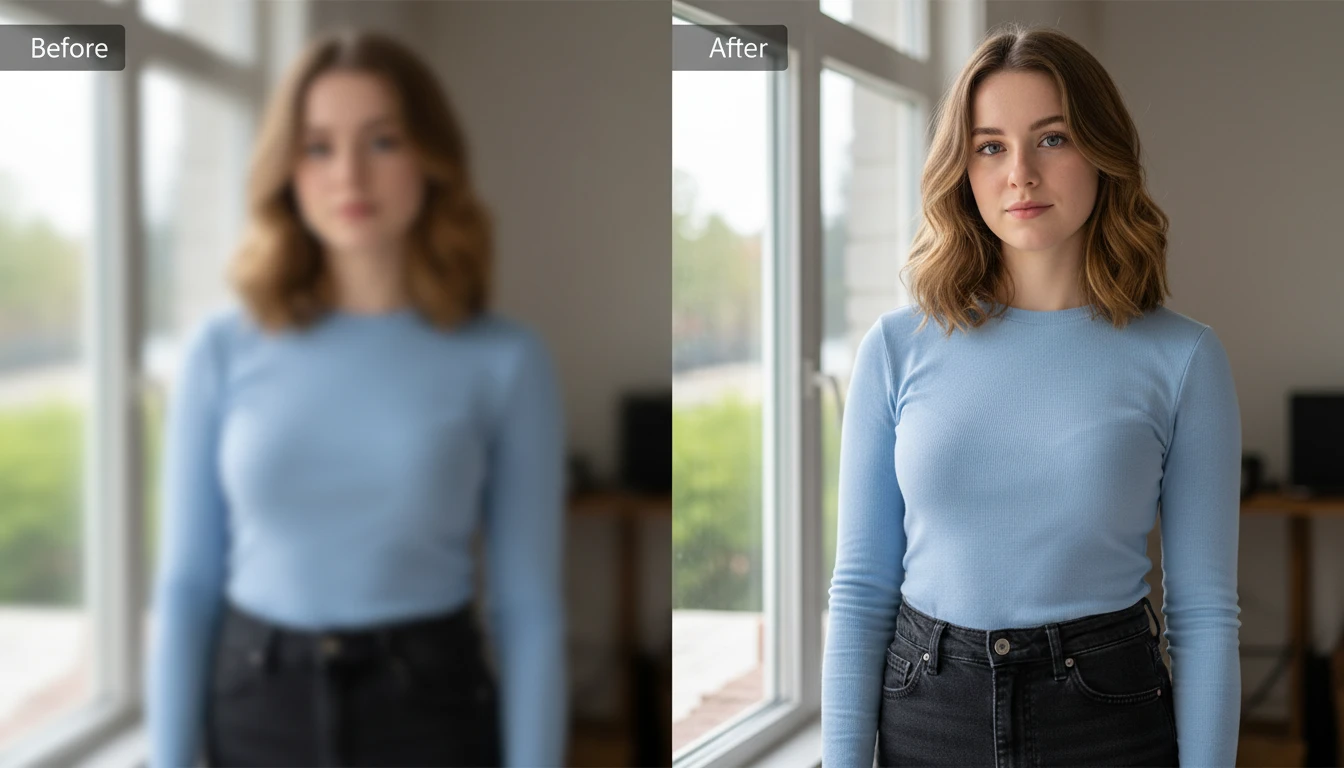
Intelligent Detail Sharpening
The AI identifies soft edges, blurred areas, and lost textures across your photo. It restores fine details like hair strands, fabric patterns, and facial features to bring back the clarity your image was missing.
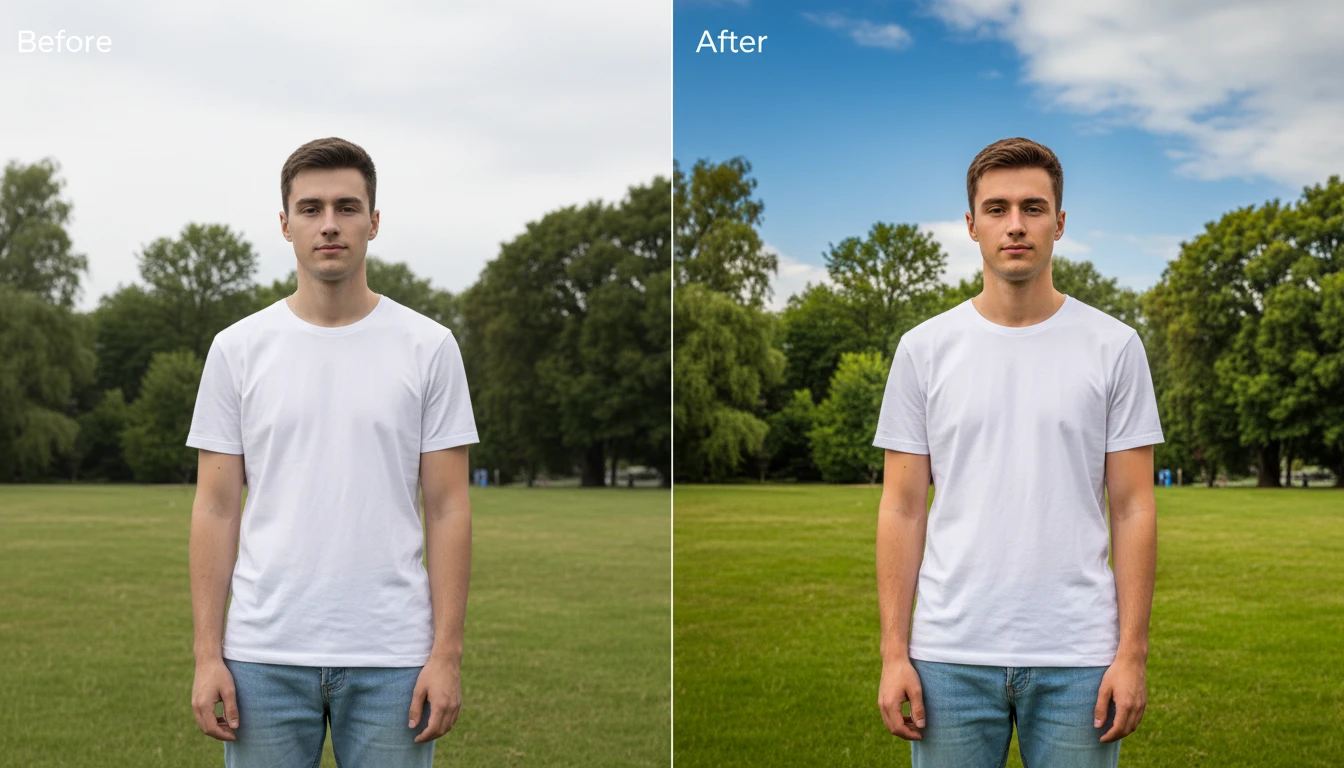
Automatic Color and Light Correction
Dull colors and poor lighting get fixed automatically. The AI adjusts contrast, brightness, saturation, and white balance to make your photo look vibrant and naturally well-lit.
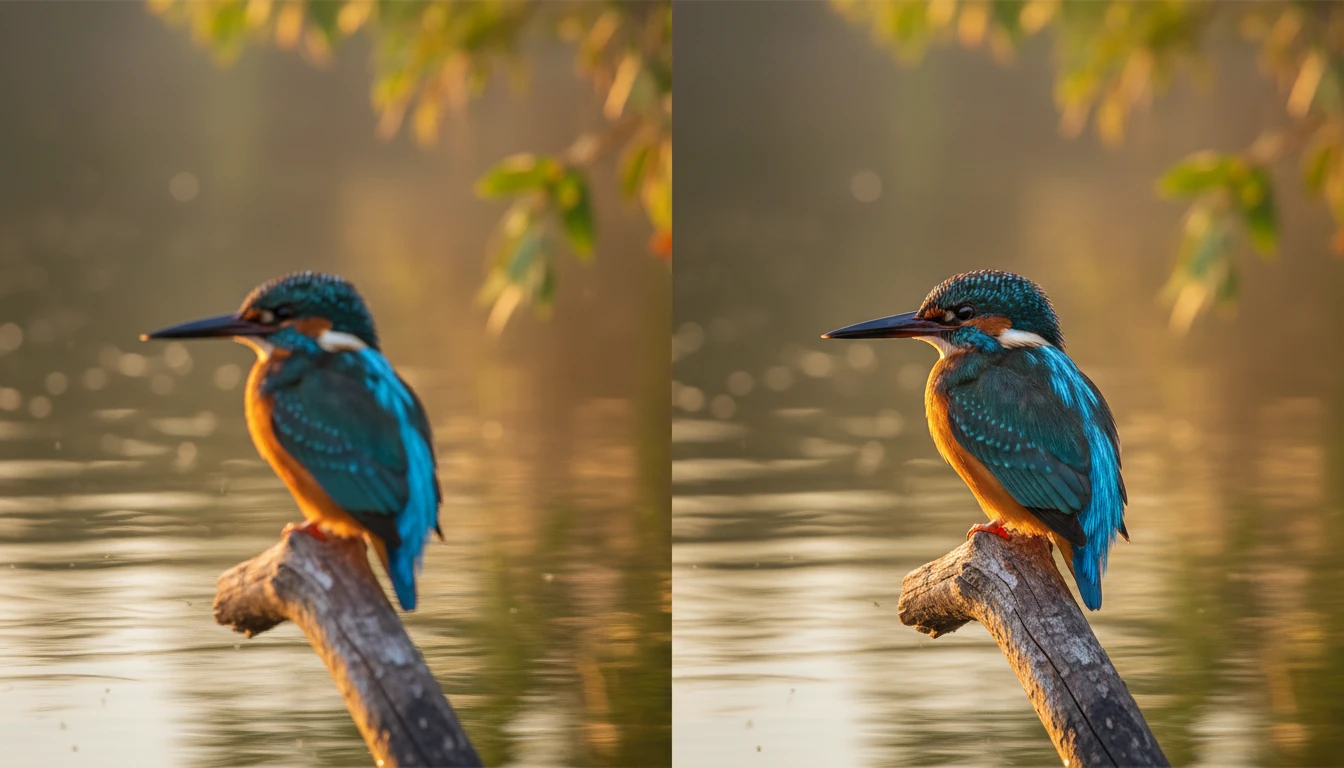
Noise Reduction Without Losing Detail
Grainy or noisy images often lose quality when cleaned up with basic editors. This tool removes noise while keeping the important details sharp and intact.
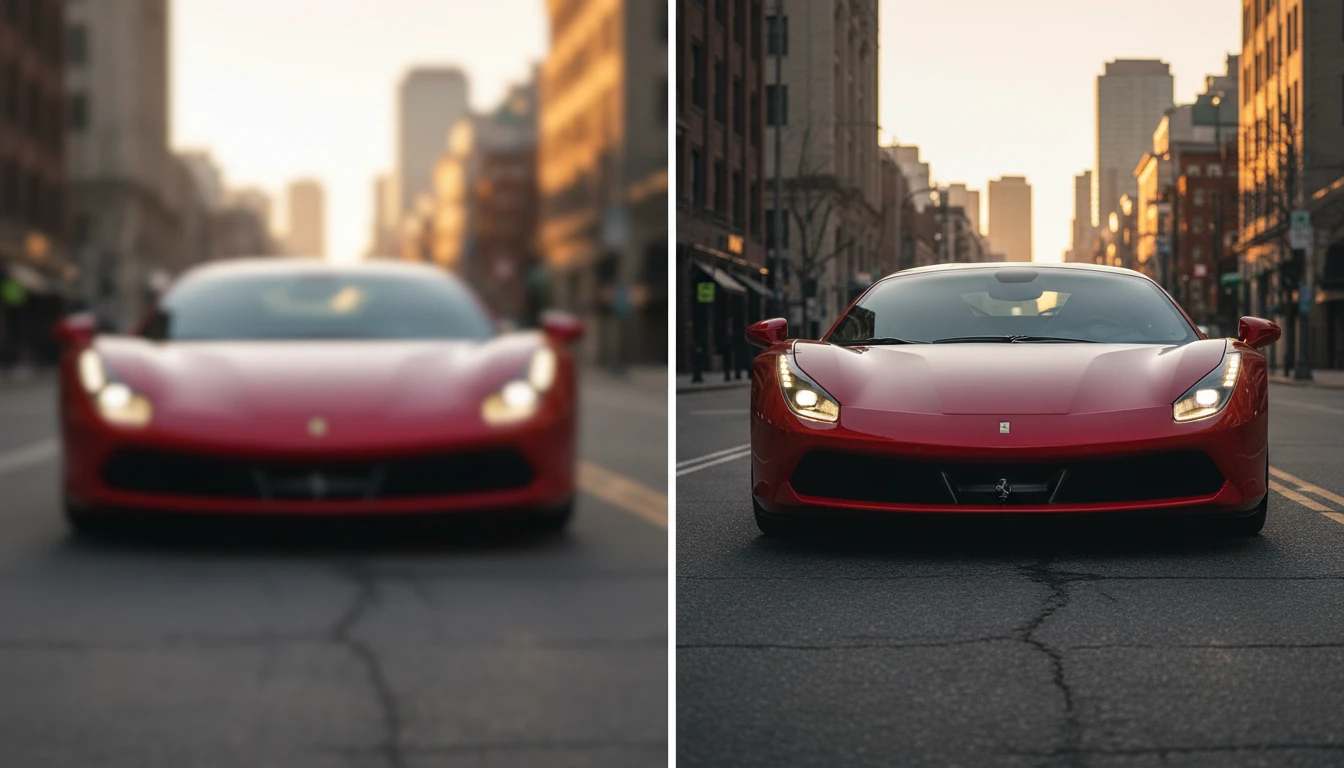
Resolution Upscale
Low-resolution photos get a significant quality boost. The AI increases pixel density and fills in missing information to produce a cleaner, higher-resolution output.
How to Enhance Your Images Using AI
Upload Your Photo
- Upload the photo you want to enhance. The tool supports JPEG, PNG, WebP, and other major formats with no conversion needed before uploading.
Enhance with AI
- Click 'Generate' and the AI scans your image for quality issues. It sharpens details, corrects colors, reduces noise, and boosts resolution all automatically.
Download and Share
- Preview the enhanced result side by side with the original. Download the improved image to your device or share it directly for professional or personal use.
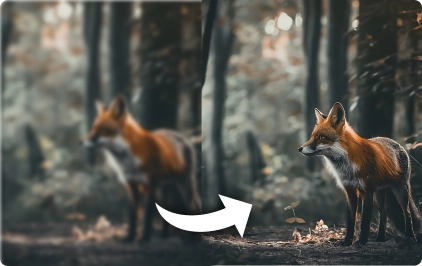
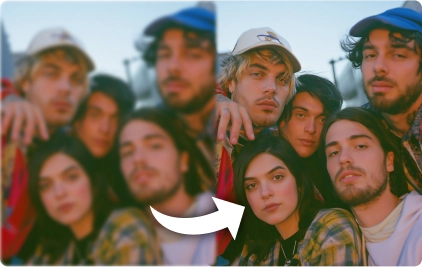
Some Example of Our AI Image Enhancer
Check Out Other Trending AI Tool
FAQs About AI Image Enhancer
Get clear answers to common questions about using RemixAI.