Seedream AI Image Generator
Seedream AI generates high-quality images from text with realistic lighting, depth, and consistency. Built for creators, designers, and marketers who need professional AI visuals.
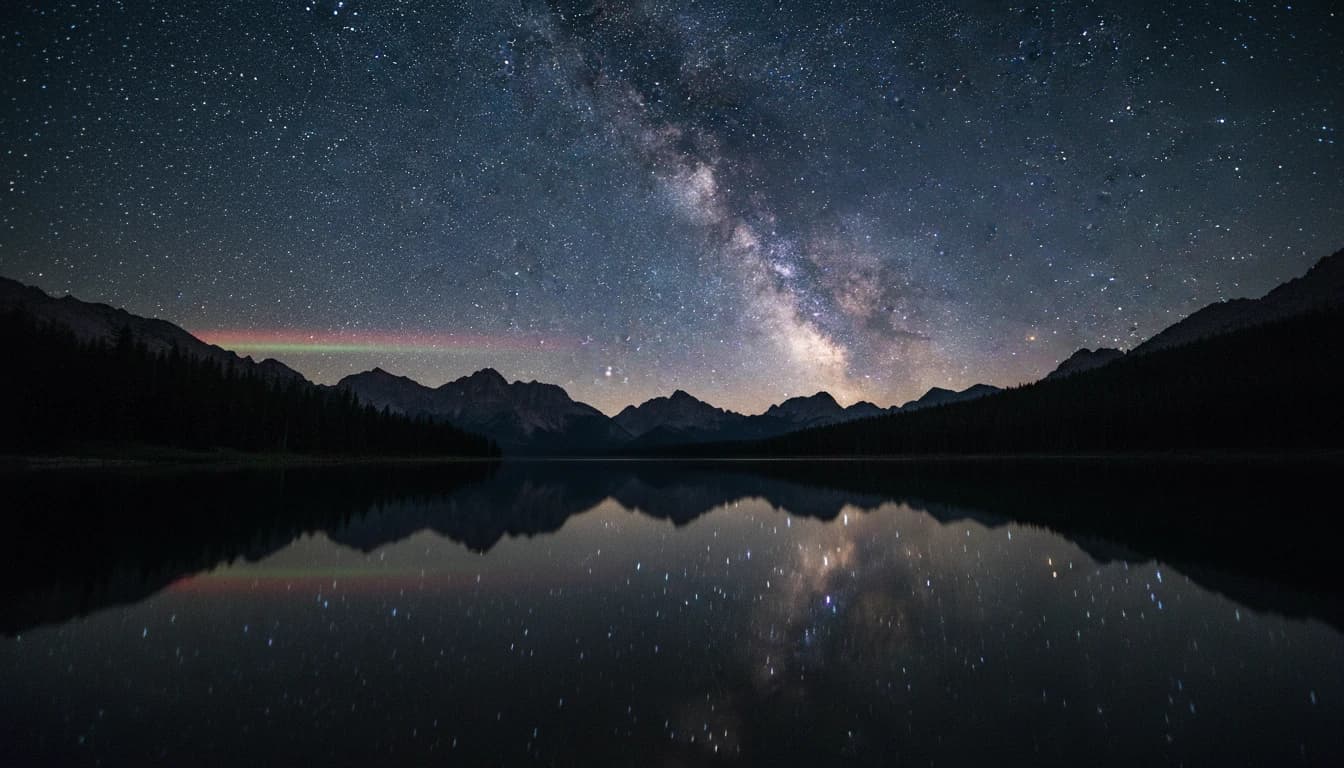
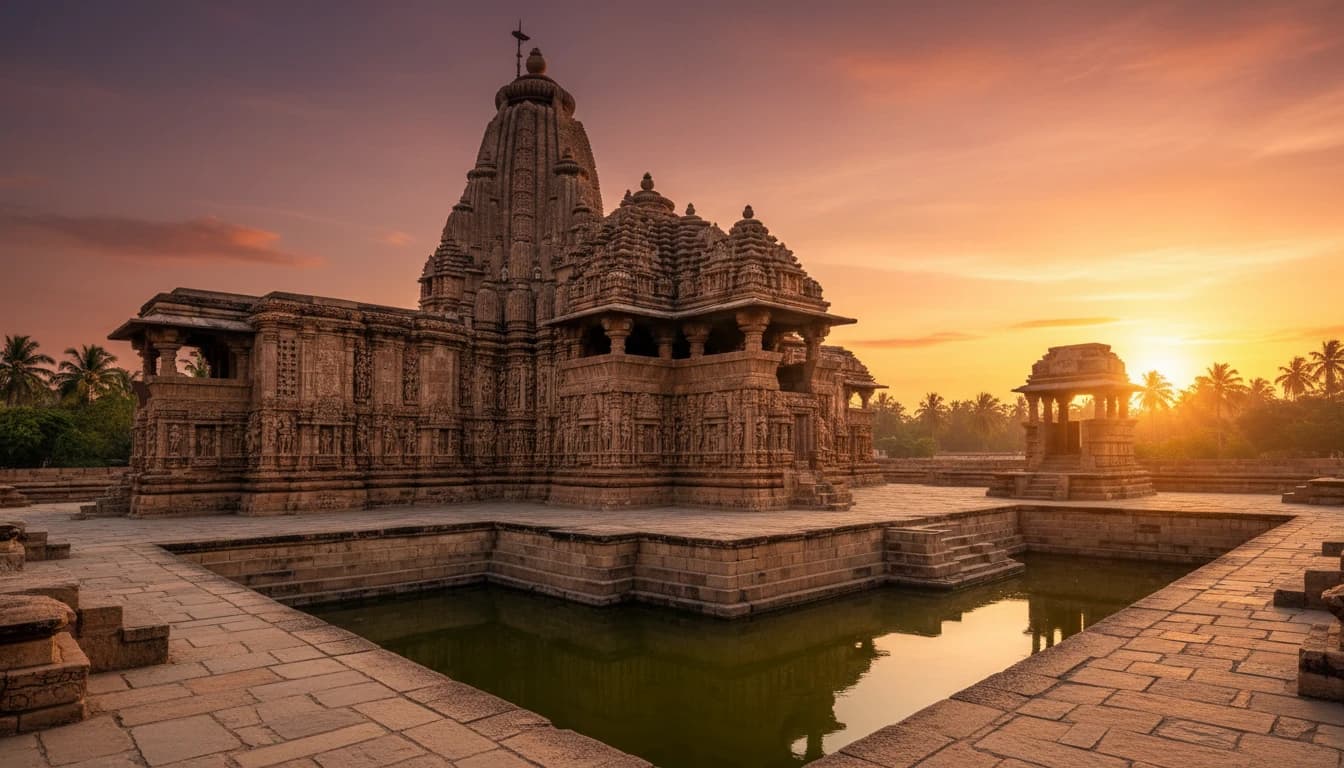
Amazing Creations with Seedream AI
Explore stunning images generated with Seedream AI




How Seedream AI Works
Follow these simple steps to generate or edit images using Seedream AI.
Describe Your Idea or Upload an Image
- Start by entering a text prompt that explains the image you want to create. You can also upload an existing image if you’d like to edit, enhance, or transform specific visual elements.
Generate or Edit the Image
- Seedream AI processes your input and generates a new image or applies edits such as visual adjustments, background changes, object refinement, or style updates with realistic detail.
Preview, Adjust, and Download
- Review the generated result, make changes if needed, and download the final image in high quality for creative, marketing, or professional use.
Core Features of Seedream AI

Language-Driven Image Editing
Refine or modify image details using natural language prompts. Seedream AI enables text-guided image editing for adjusting elements, backgrounds, and visual styles.

High Character Consistency
Maintain consistent character appearance, style, and visual details across multiple image generations, making it easier to create reliable variations.
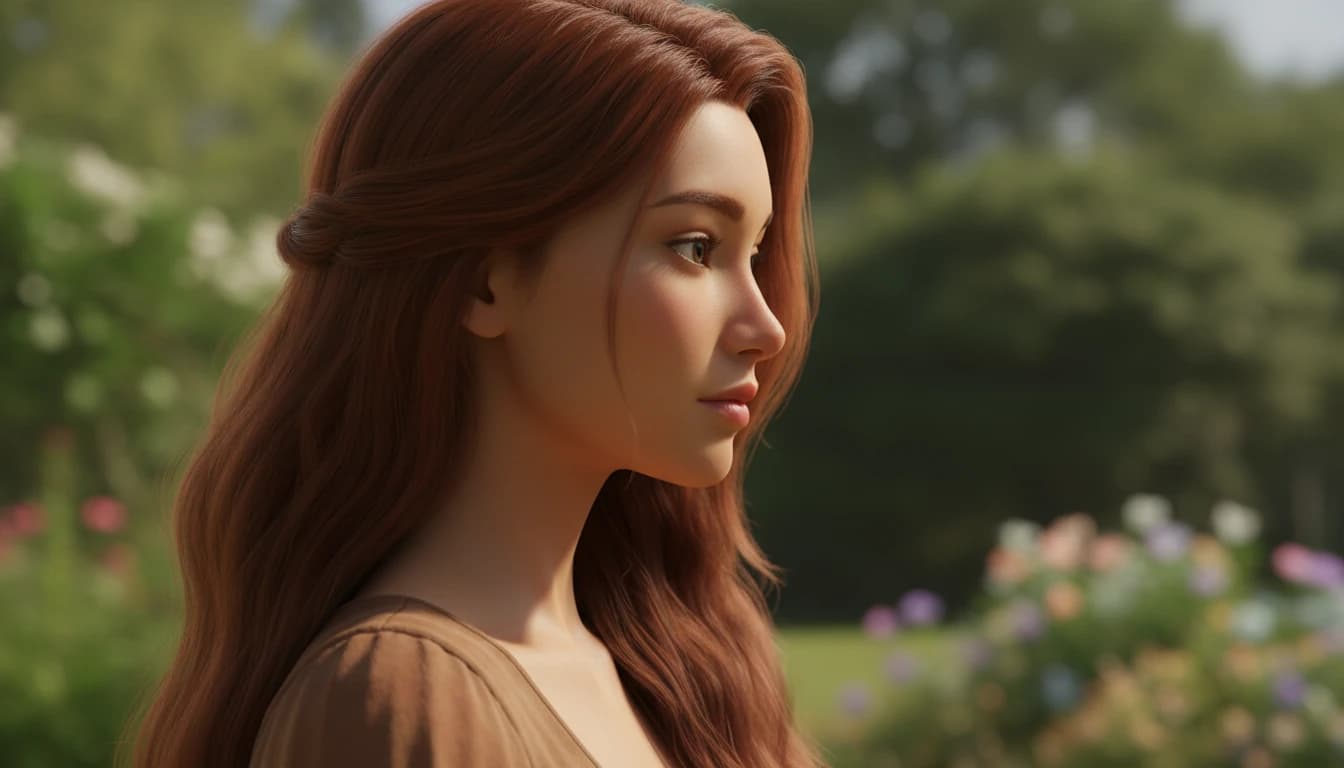
Text-to-Image Generation
Generate high-quality images from text with detailed visuals, realistic textures, and natural lighting suited for creative and professional use.
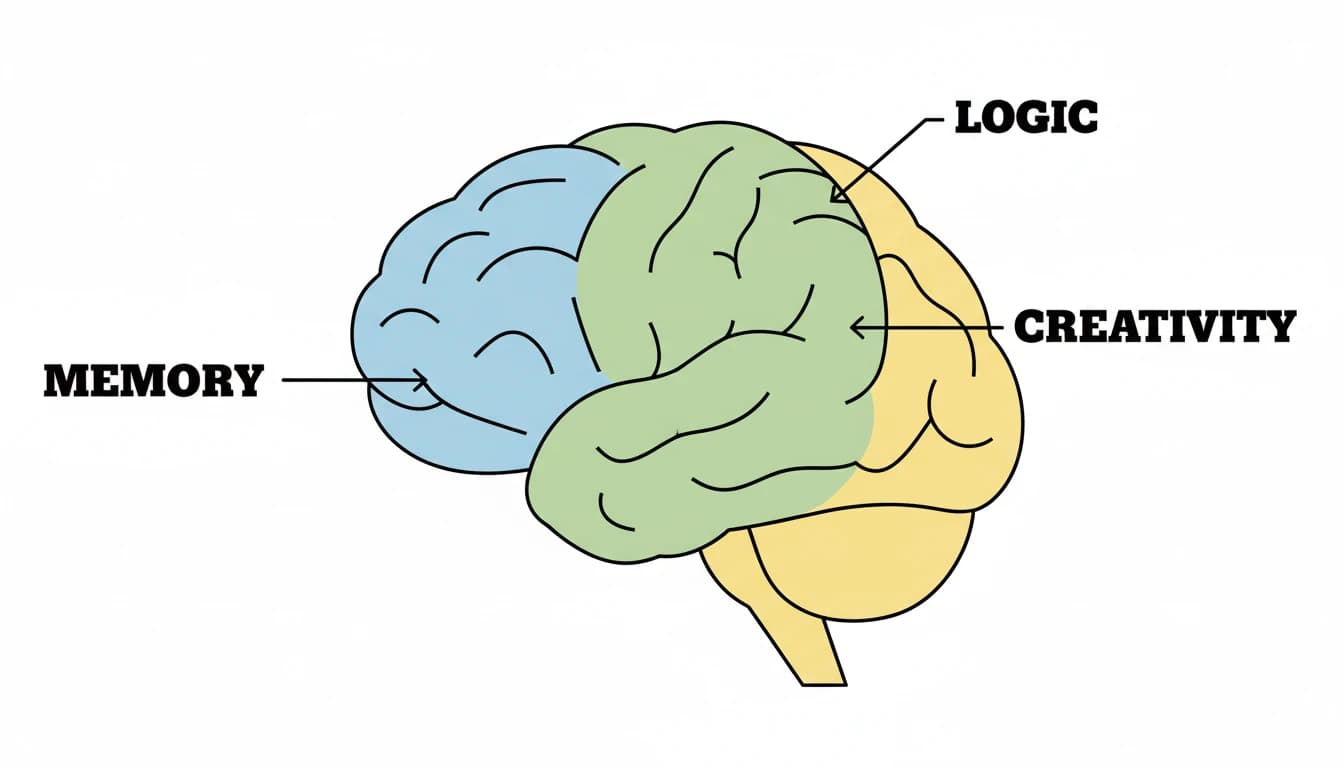
Improved Text Rendering in Images
Produce clearer and more readable text within images compared to traditional AI image models, suitable for signs, labels, and simple typography.
Explore More Image Models
Explore different versions of Seedream V4
FAQ
Get clear answers to common questions about using RemixAI.