Nano Banana AI for Image Generation & Photo Editing
Create, edit, and enhance images using Nano Banana AI. Generate realistic visuals, modify photos with text instructions, replace backgrounds, and apply creative styles quickly with smooth, accurate results.
Amazing Creations with Nano Banana
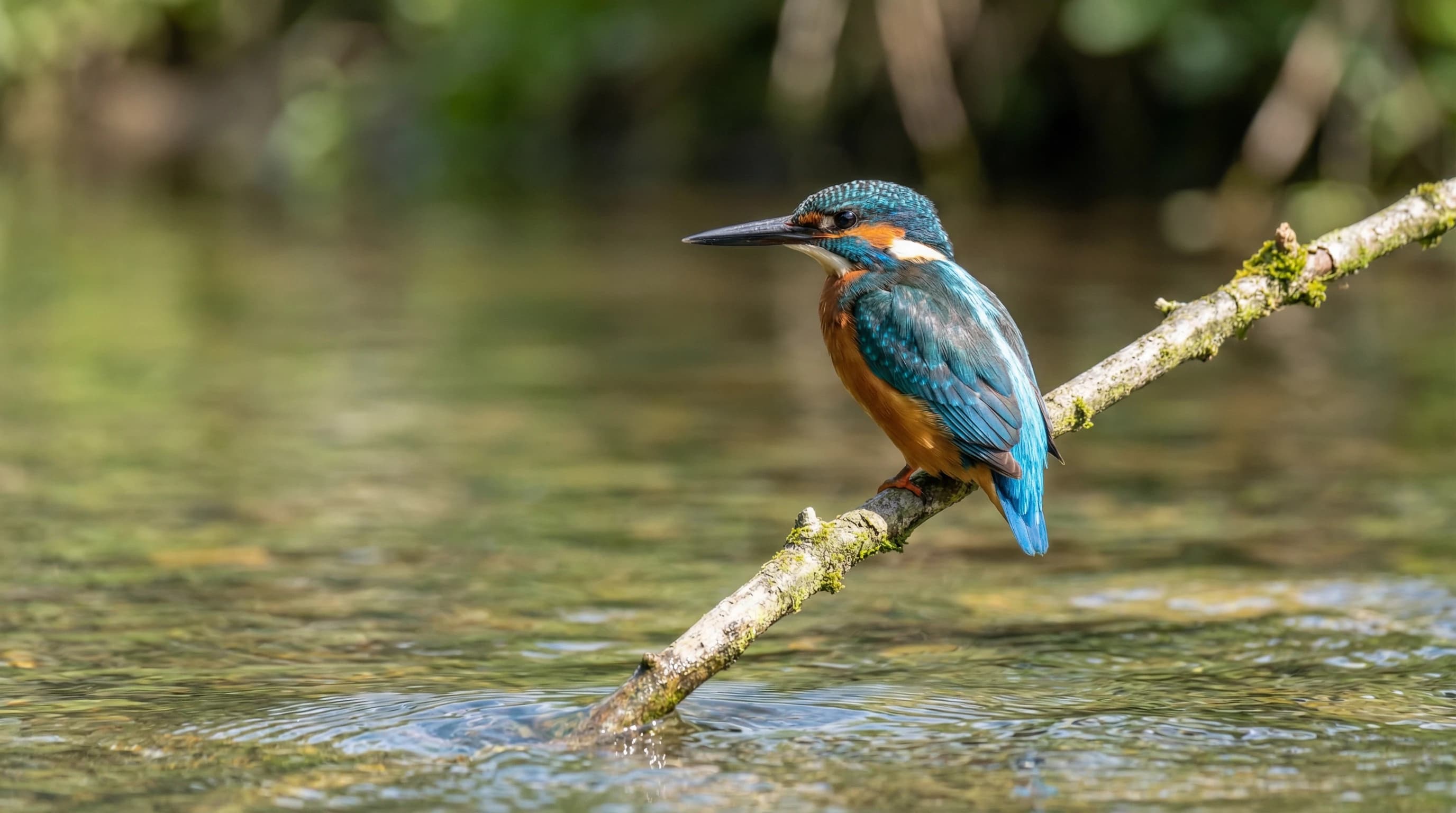
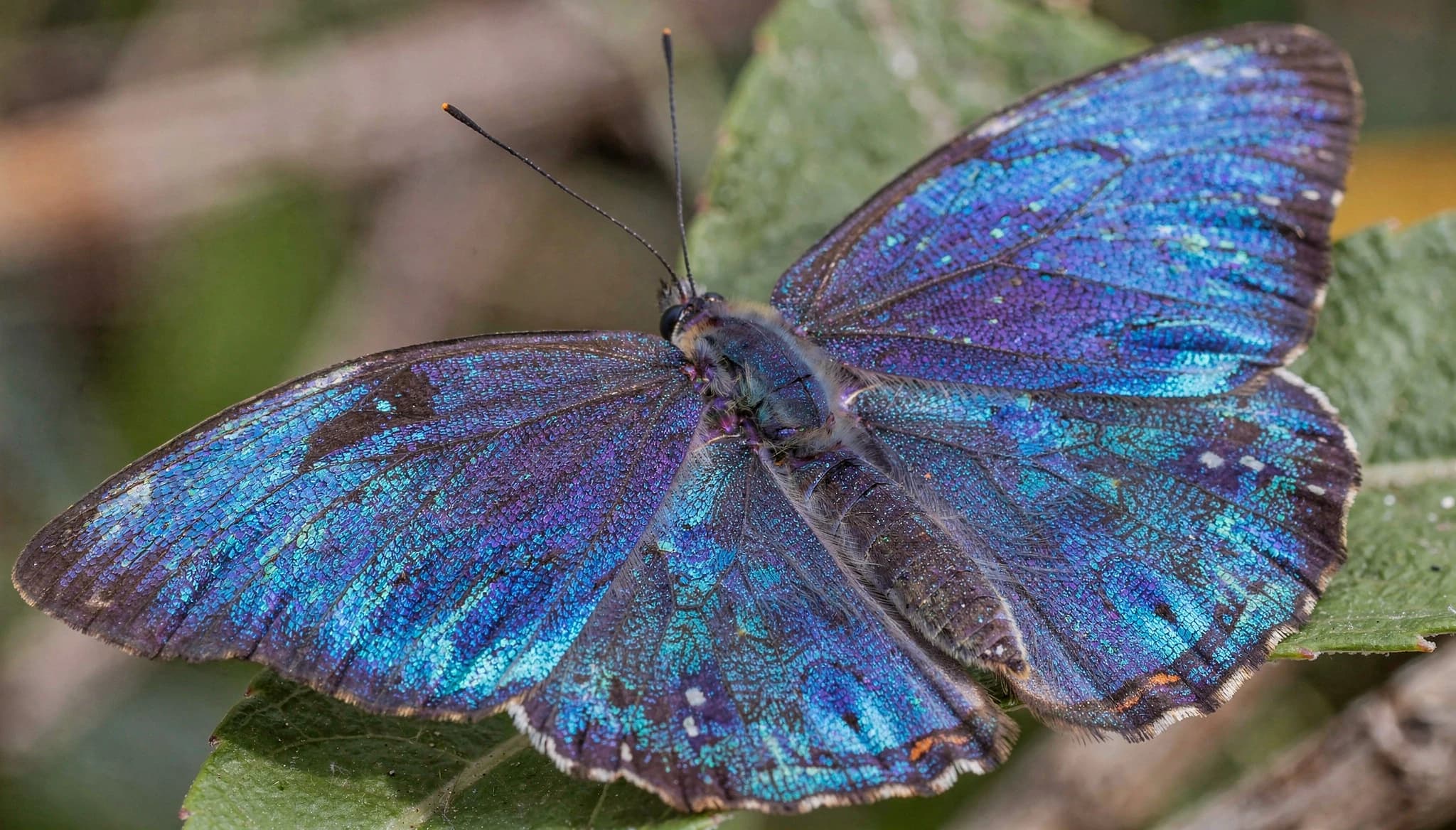
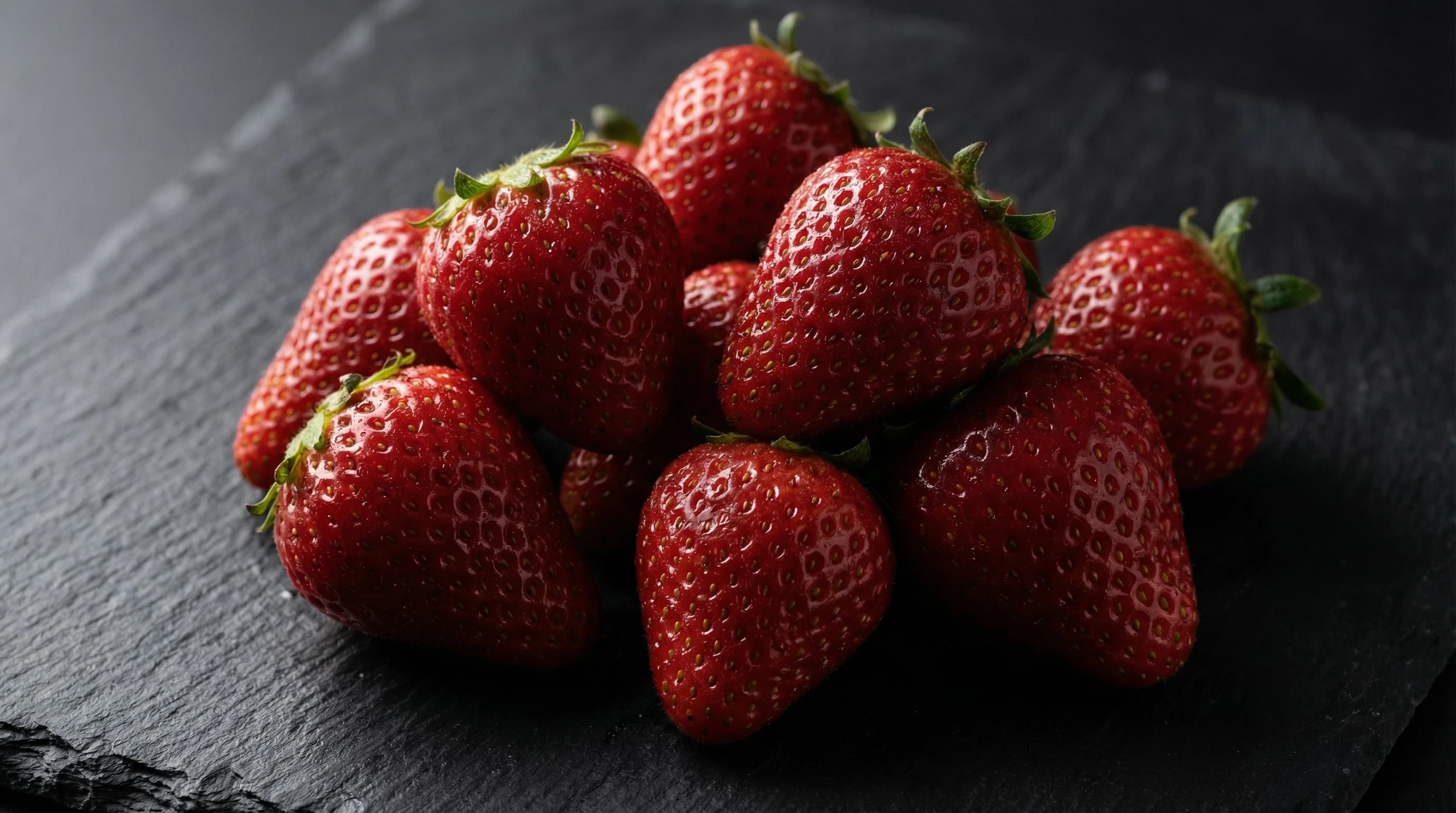
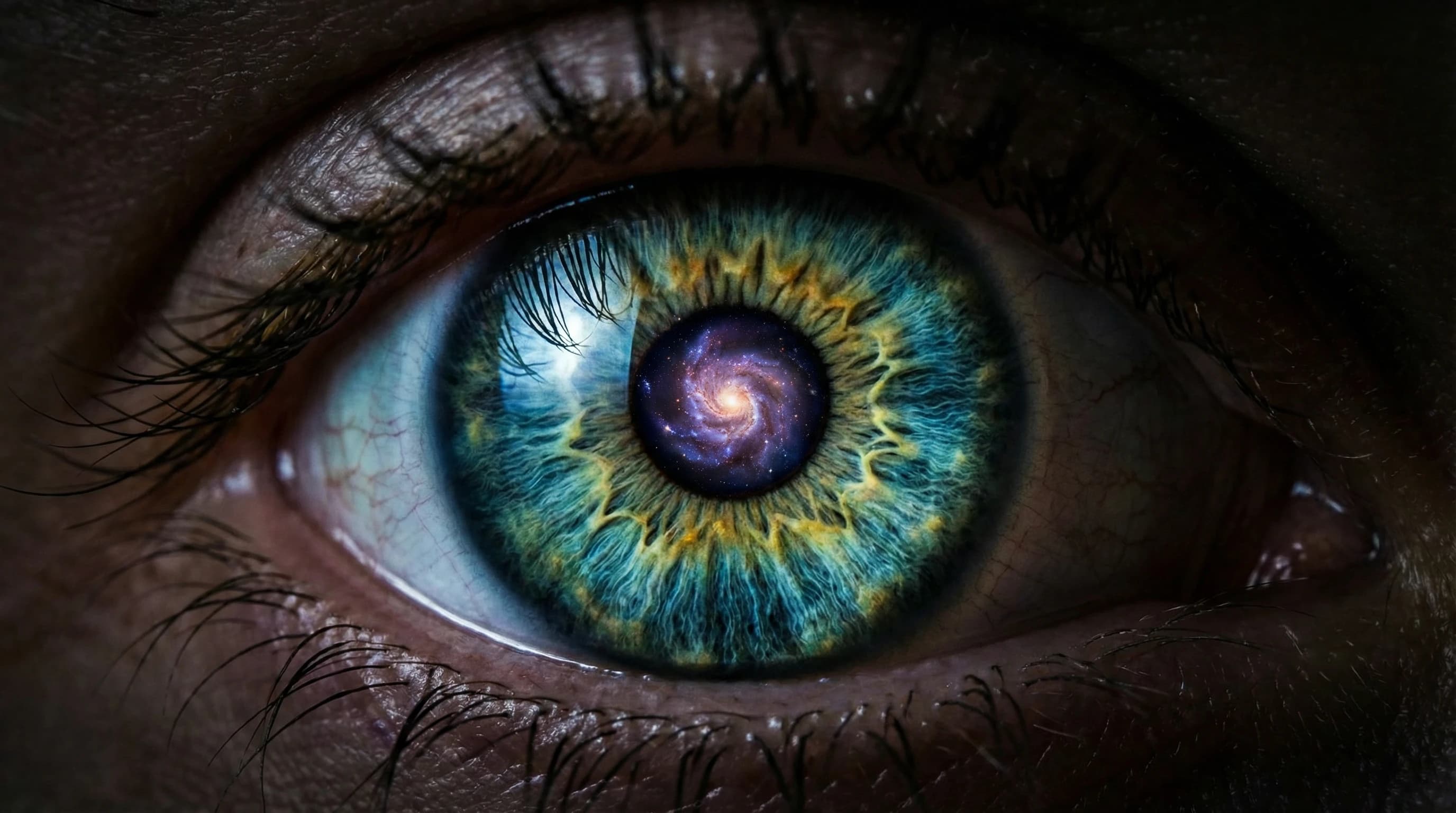
Explore stunning images generated with Nano Banana AI


How Nano Banana AI Works?
Here’s a step-by-step process to generate images using simple text prompts or photos.
Enter a Prompt or Upload an Image
- Type a short text prompt describing the image you want to create or the edits you need. You can also upload an existing photo to modify, enhance, or transform it.
Generate or Edit the Image
- Nano Banana AI analyzes your input and instantly generates a new image or applies edits such as background changes, object removal, style adjustments, or visual enhancements.
Review and Download
- Preview the generated result, refine it if needed, and download the final image in high quality for personal, creative, or professional use.
Key Features of Nano Banana AI
Nano Banana AI is built to work fast and efficiently.
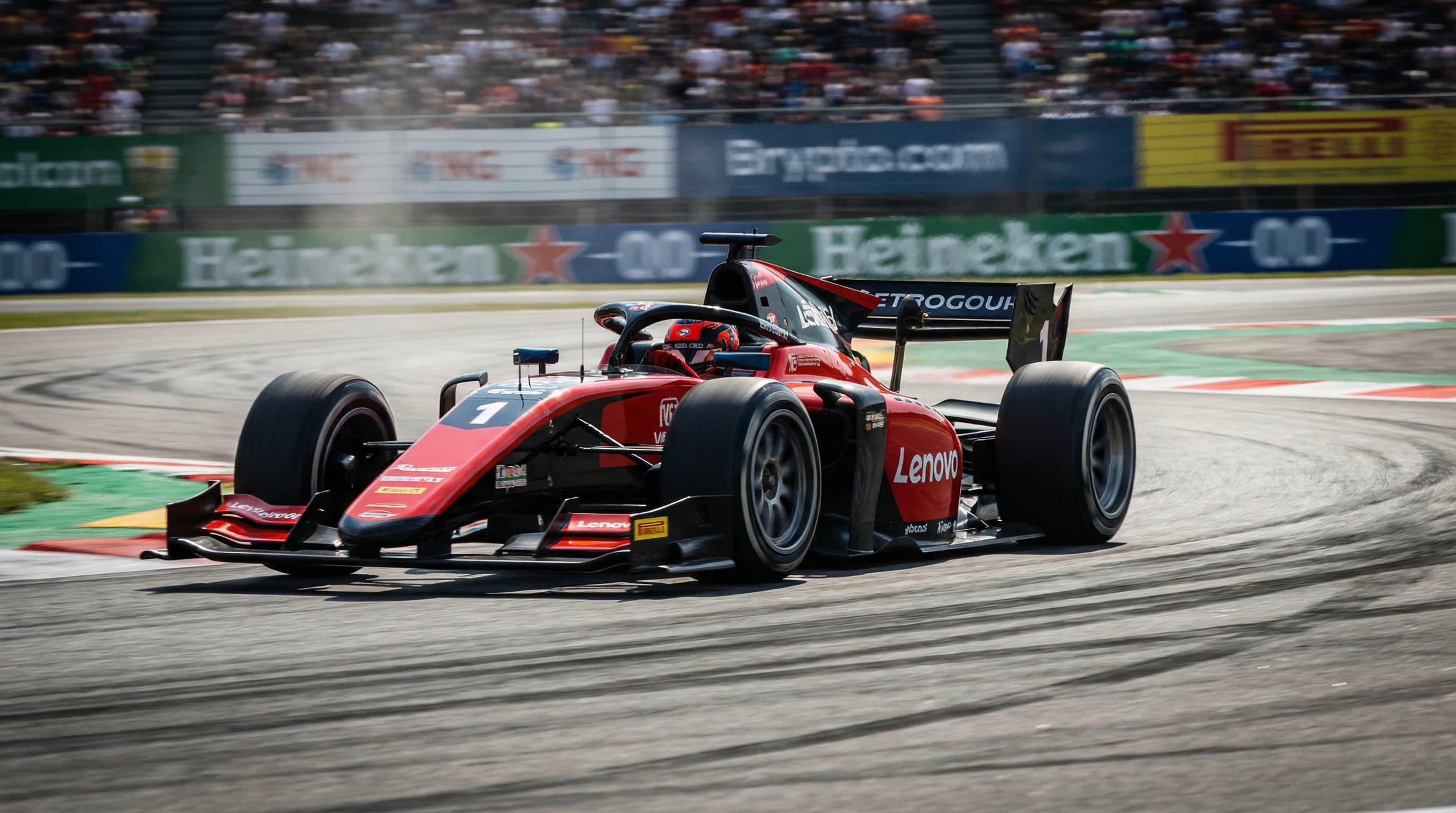
Lightweight Model with High-Quality Images
Nano Banana AI is built to work fast and efficiently while still creating sharp and realistic images. Even though the model is small, it delivers strong visual results without slowing down your workflow.

Perfect Character Consistency
Keep the same character, facial features, and scene details across multiple image edits. This helps ensure your images look consistent and natural, even when you make repeated changes.

Natural Language Image Refinement
Edit and improve images by typing clear text instructions. You can change backgrounds, adjust styles, or modify elements without using complex editing tools or software.
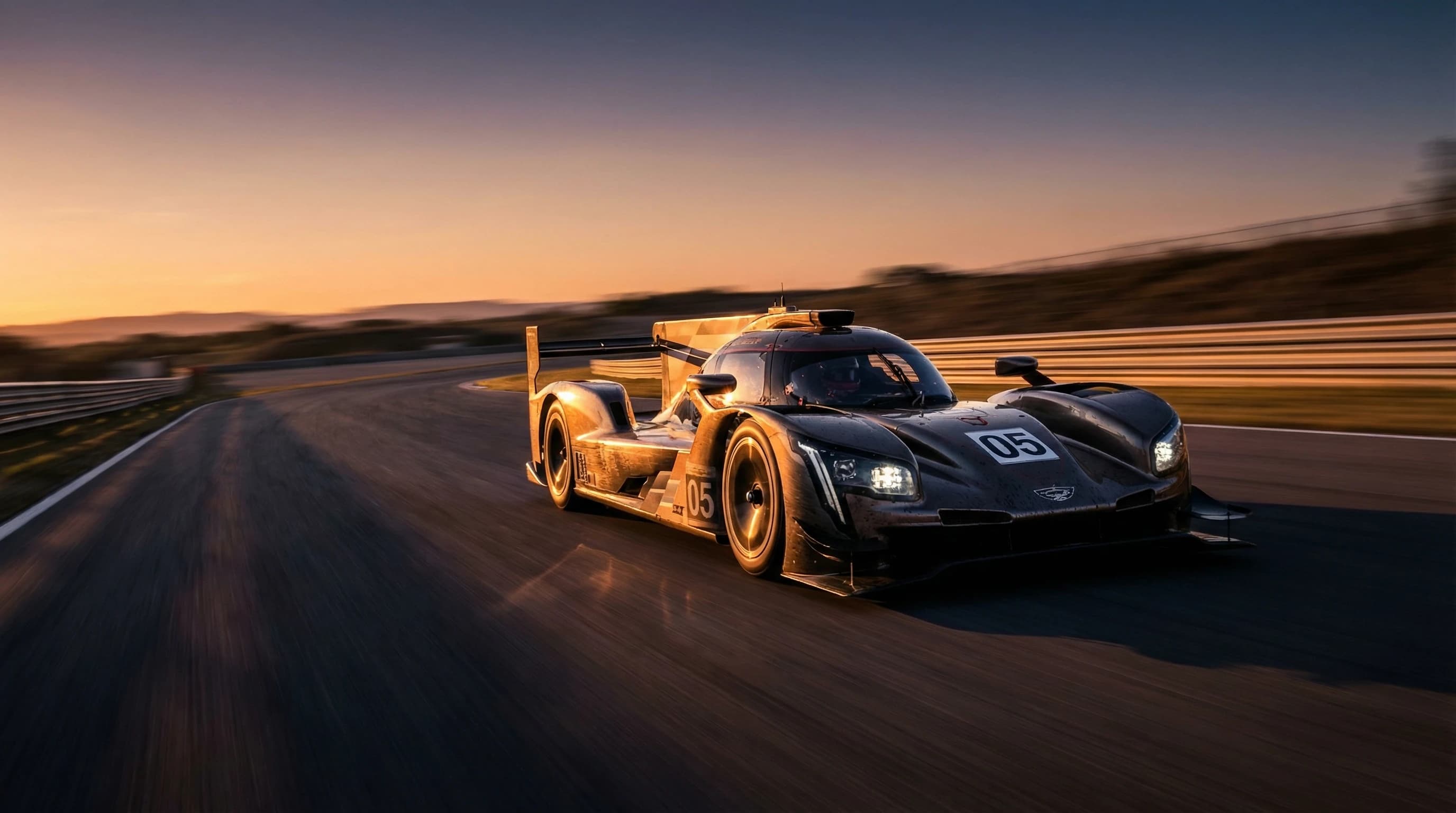
Ultra-Fast Image Processing
Generate high-quality, professional-looking images in just a few seconds. The fast processing speed makes it easy to test ideas, make quick edits, and create visuals efficiently.
Explore More Image Models
Explore different versions of Nano Banana
FAQ
Get clear answers to common questions about using RemixAI.