AI Face Cut Out Filter
AI Face Cut Out Filter separates faces from photos and removes the background cleanly. Get clear face cutouts for edits, designs, or profile images.
Processing...
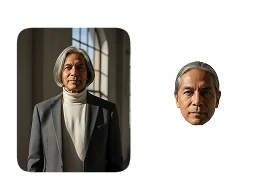
Upload Your Original Image
or drag and drop PNG, JPG or WEBP
Sample Images
How AI Face Cut Out Works?
Step 1
Choose Your Photo
- Pick a clear, high-quality photo from your device with good lighting for the best AI Face Cut Out result.
Step 2
Apply the Face Cut Out Effect
- Click the “Generate Now” button after uploading to automatically remove the background and create a face cutout.
Step 3
Save & Share
- Download your AI Face Cut Out image and share it easily with friends, family, or on social media.
Watch Sample AI Face Cut Out Image
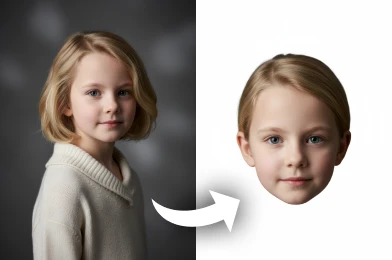
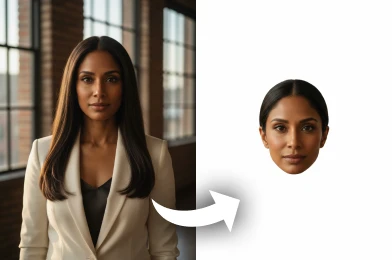
Try More Popular Image Effects



Frequently Asked Questions About AI Face Cut Out
Get clear answers to common questions about using RemixAI.
AI Face Cut Out is a simple tool that uses AI to remove the background and cut out the face from a photo. It gives you a clean face image with a transparent background.
Yes, you can try it for free. When you sign up, you get free credits that you can use to cut out faces and try other effects.
Yes. Your photos are uploaded securely and are not shared with anyone. They are deleted automatically after a short time.
You can upload common image formats like JPG, PNG, and WEBP. The final cutout is downloaded as a PNG with a transparent background.
Yes. The final image is downloaded with a transparent background, making it easy to use in designs, posters, or profile pictures.