Nano Banana 2.1 AI Image Generator
Create or edit an image with a text prompt and image input where available. Nano Banana 2.1 supports detailed visual creation, reference-guided edits, and iterative refinement.
Amazing Creations with Nano Banana 2.1
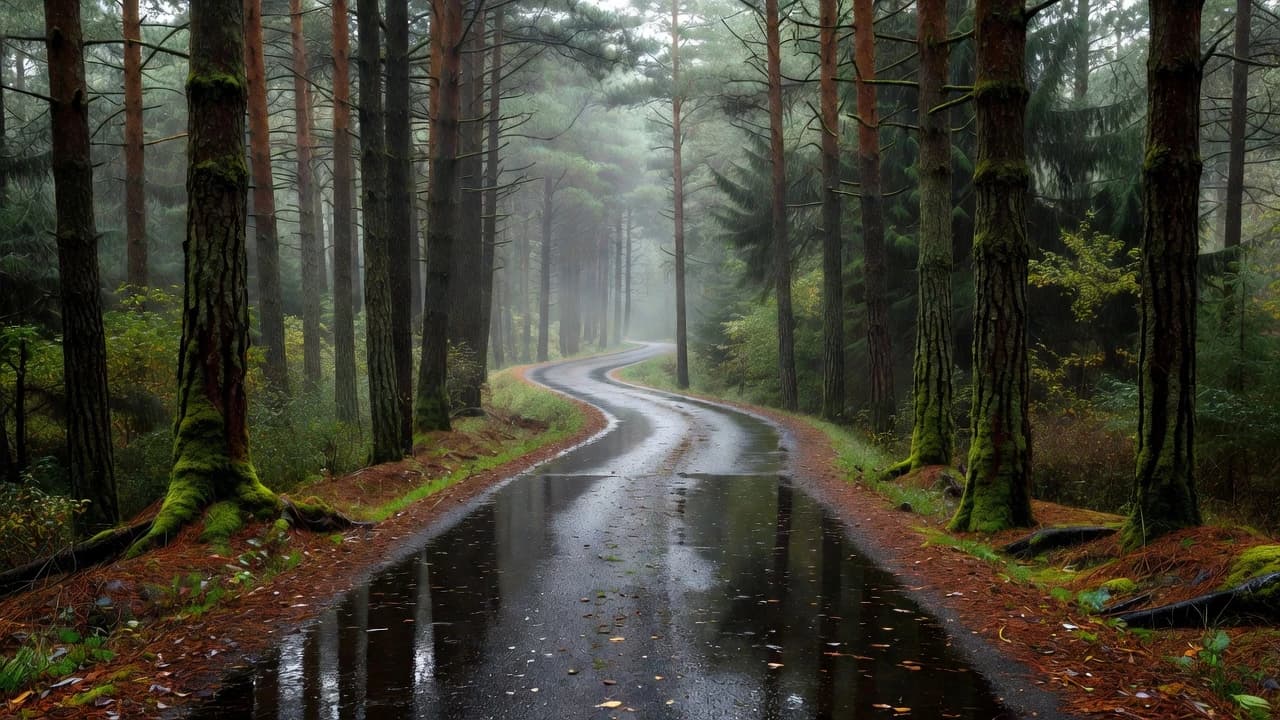
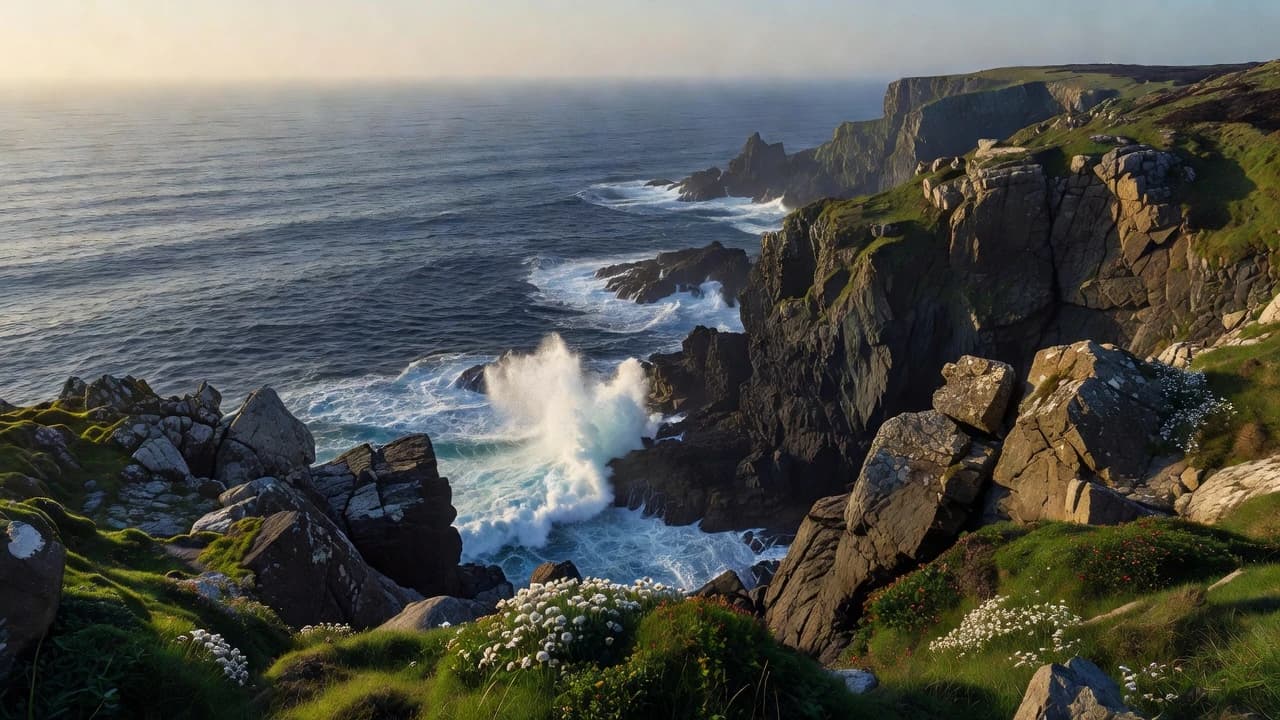
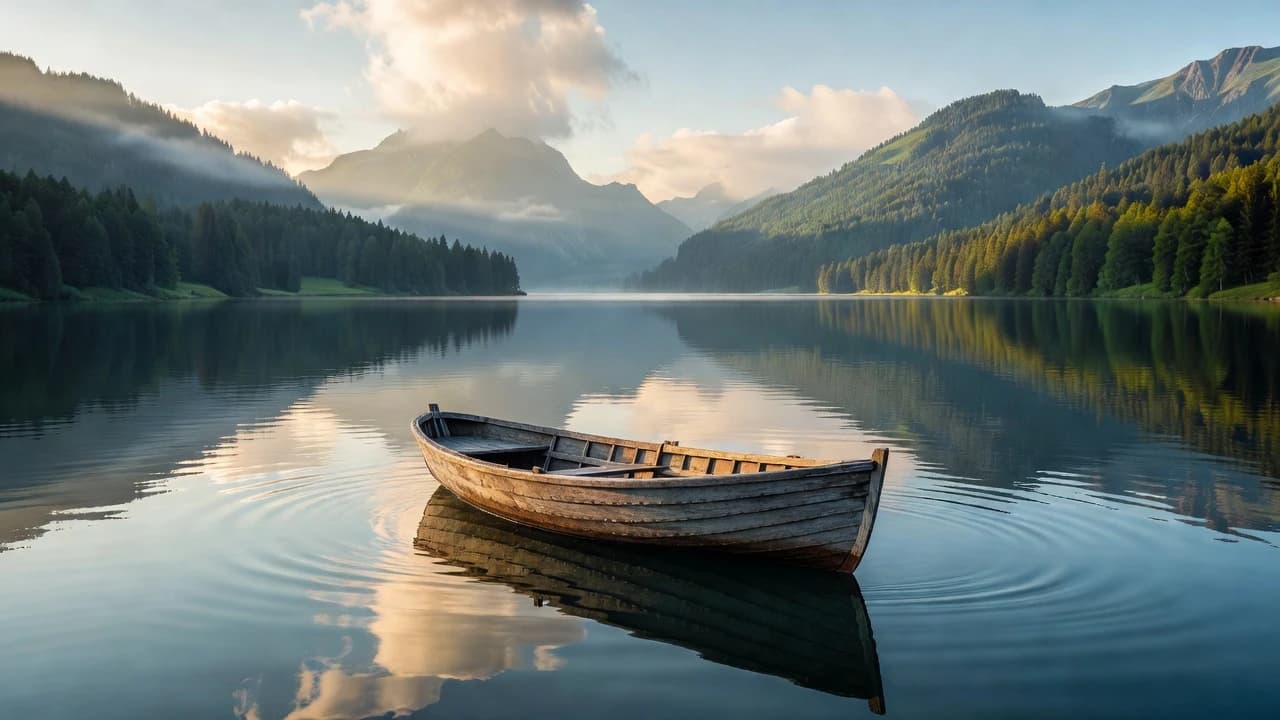
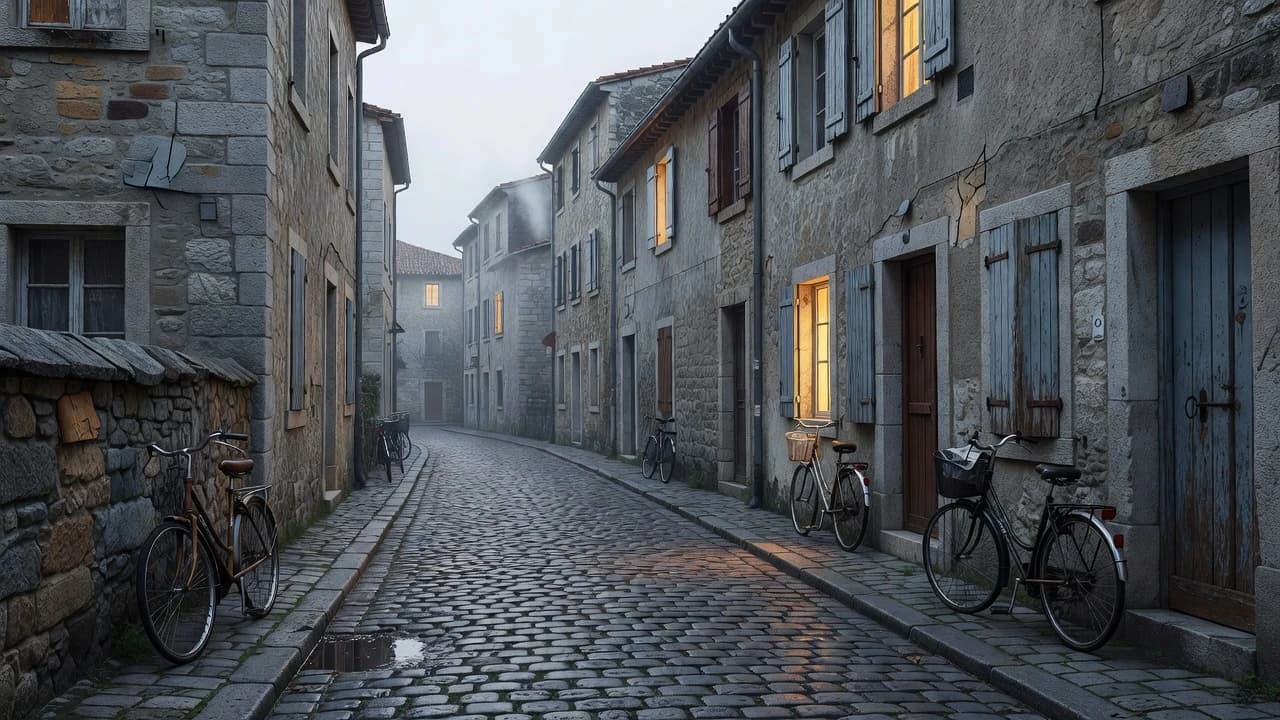
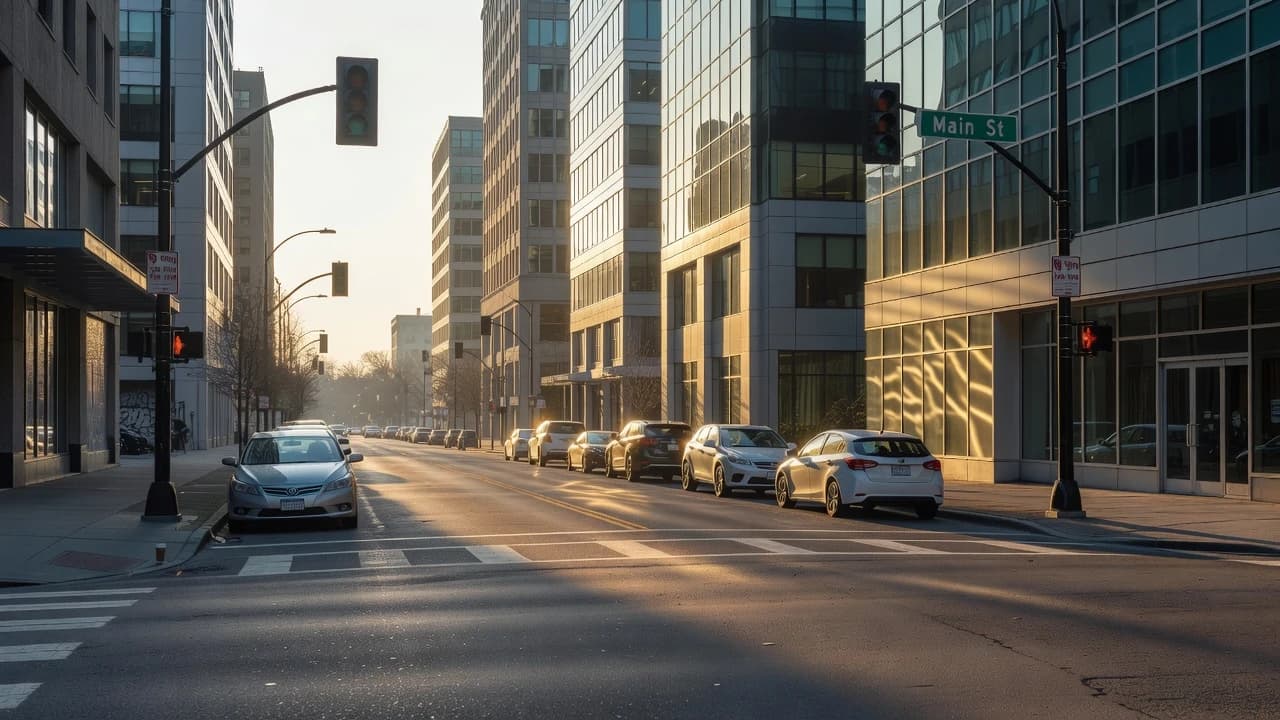
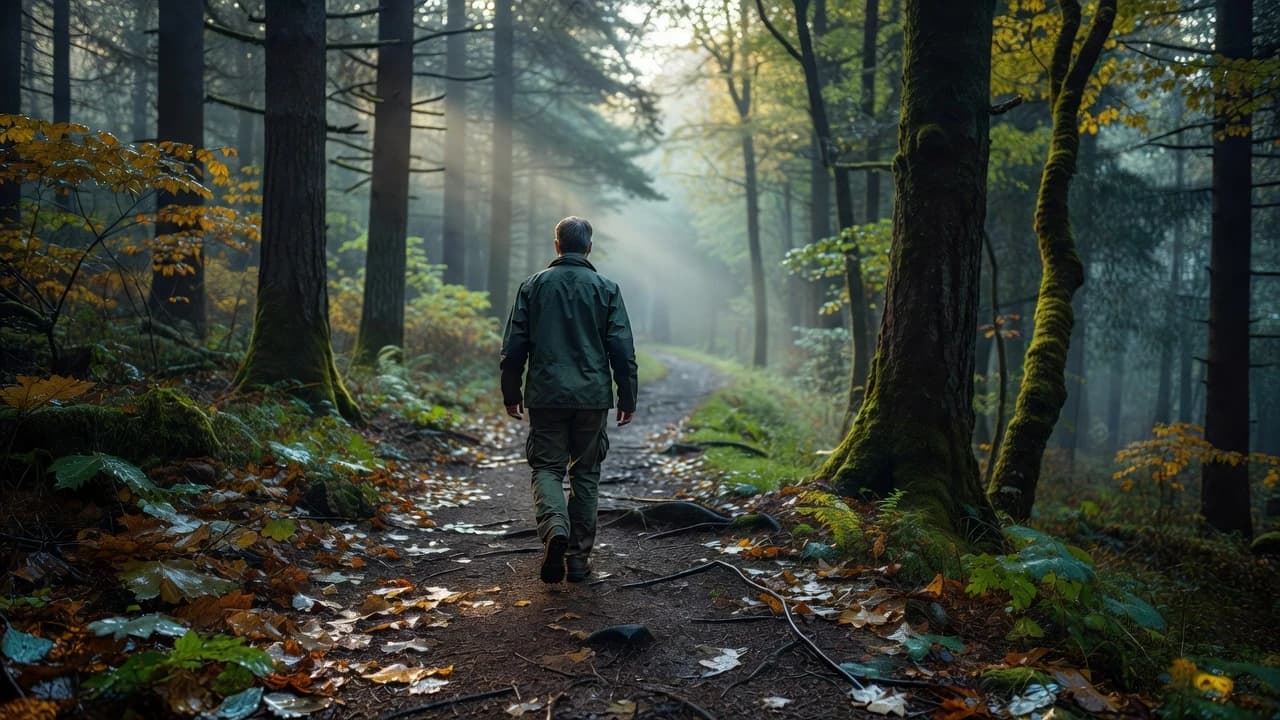
Explore image concepts created with Nano Banana 2.1 from text prompts and reference-guided workflows.
How Nano Banana 2.1 Works
Use a detailed prompt to create an image, or provide an image input when you want to guide an edit or variation.
Write a Prompt or Add an Image
- Describe the subject, scene, composition, style, lighting, and important details. Add an image input when you want to guide an edit, variation, or reference-based visual direction.
Generate or Edit the Image
- Use text-to-image for a new concept or image editing for a reference-guided result. Be specific about elements that should change and details that should remain consistent.
Review and Refine
- Review the result, refine the prompt or image input, and generate another variation when you need a closer match to the intended visual direction.
Key Features of Nano Banana 2.1
Text-to-Image and Image Editing
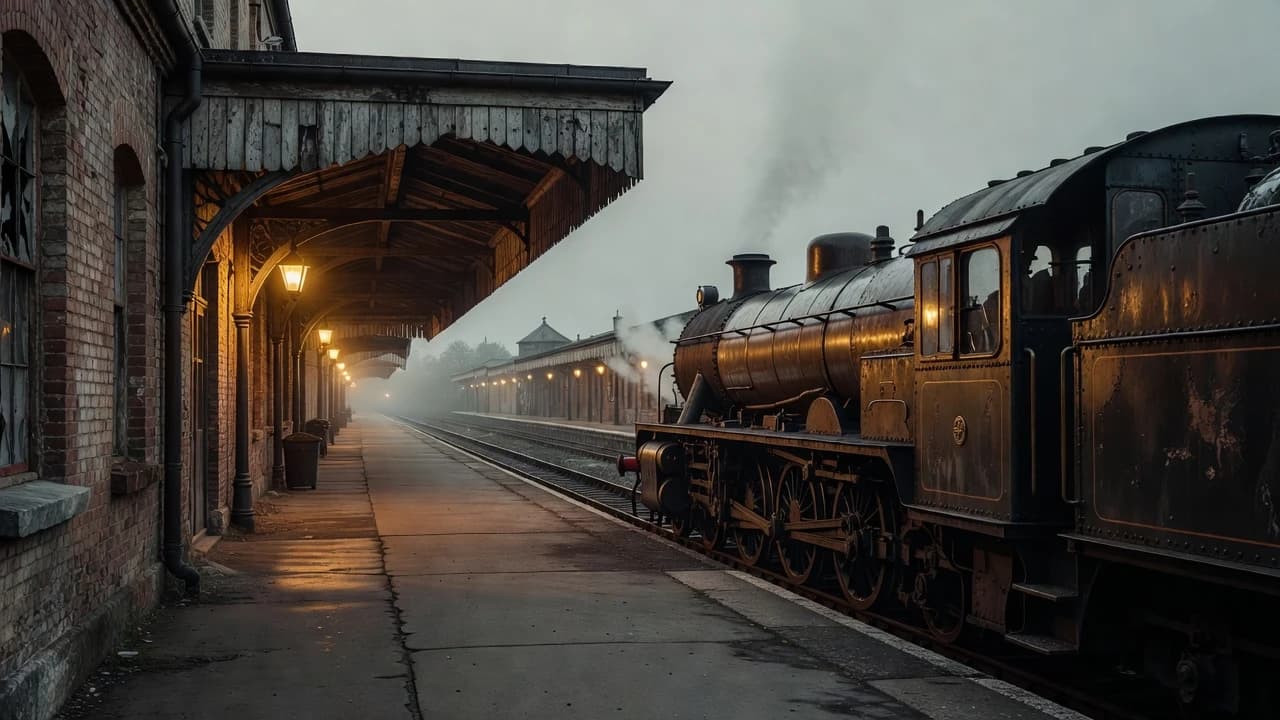
Create an original image from a detailed prompt or use an image input to guide an edit, variation, stylization, object change, or environment update.
Text-Focused Image Concepts
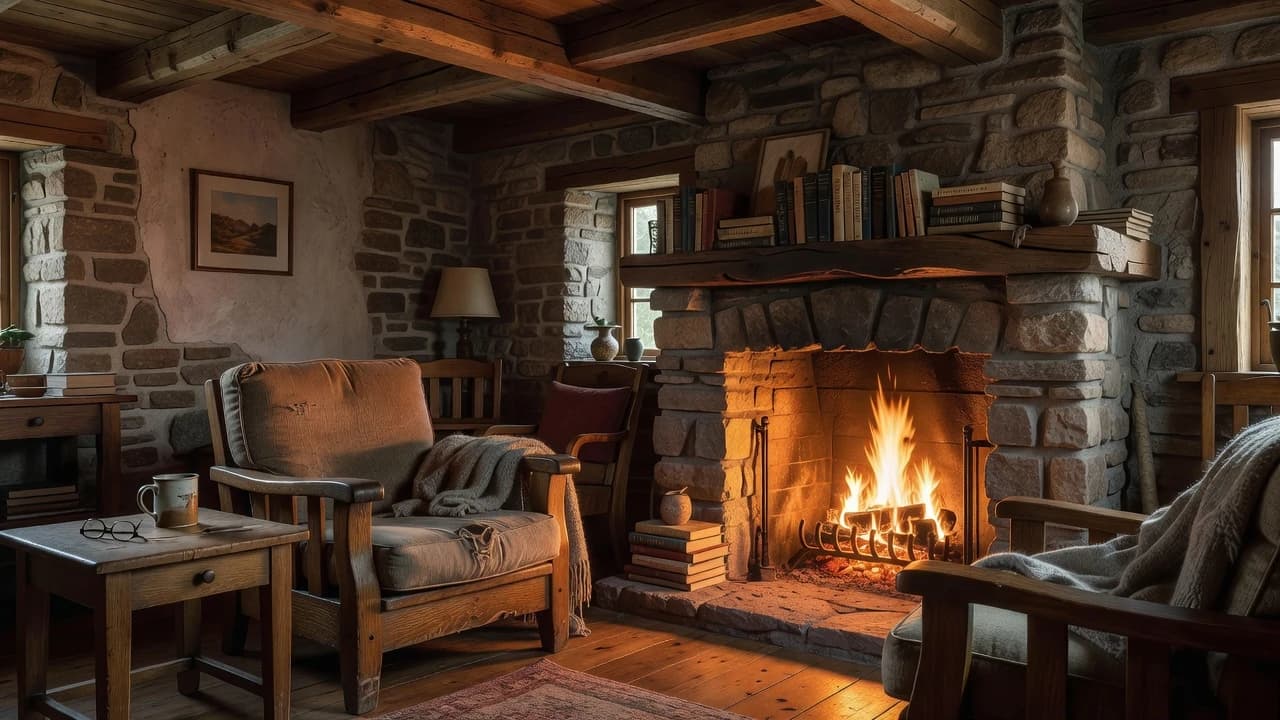
Use detailed prompt instructions for posters, diagrams, labels, infographics, and other visual concepts where text, layout, and visual hierarchy are important.
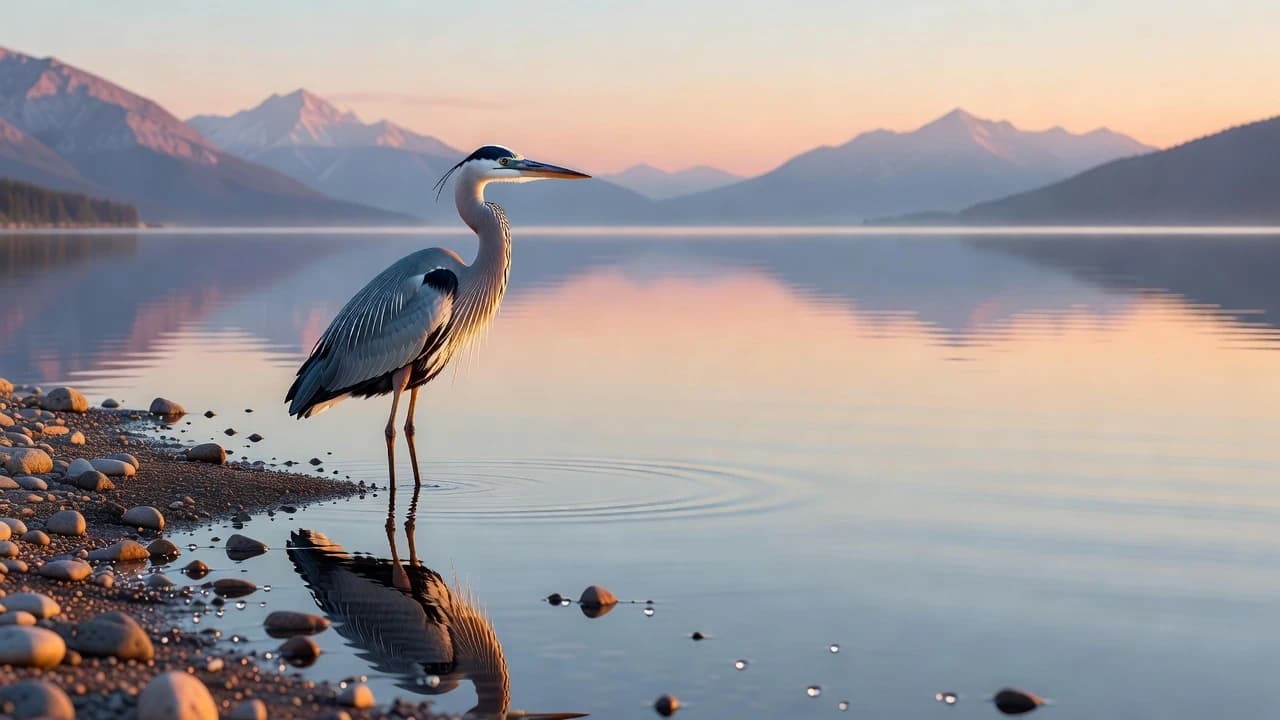
Reference-Guided Consistency
Use image inputs and clear instructions to help preserve important character, product, object, or scene details while exploring related visual variations and edits.
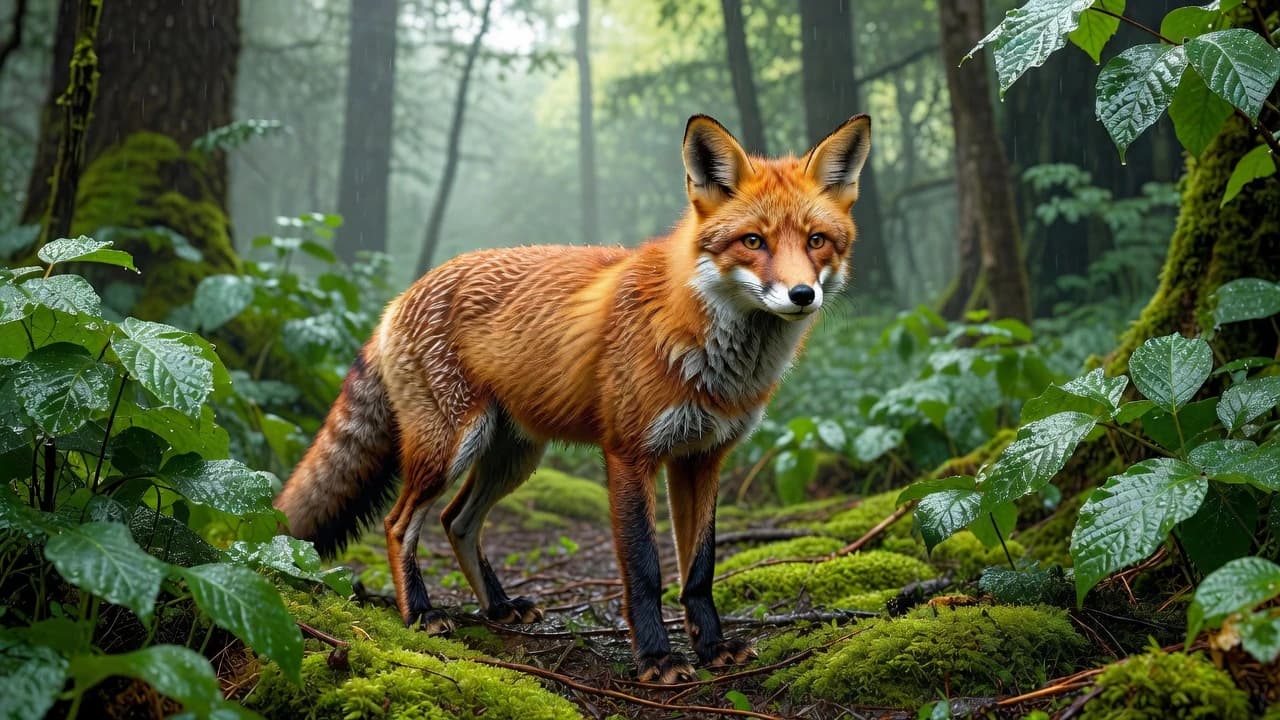
Detailed Visual Design
Nano Banana 2.1 is designed for prompt-led image creation and editing that can support intricate layouts, product scenes, educational visuals, and other detail-sensitive creative work.
Explore More Image Models
Explore different versions of Nano Banana 2.1
FAQ
Get clear answers to common questions about using RemixAI.