GPT Image 2.5 Sunburst AI Image Generator
Use GPT Image 2.5 Sunburst to create a new image from a prompt or guide an image edit with references. RemixAI exposes model-supported quality, image-size, and background settings.
Create Images with GPT Image 2.5 Sunburst
Turn prompts and reference images into polished visuals with GPT Image 2.5 Sunburst.
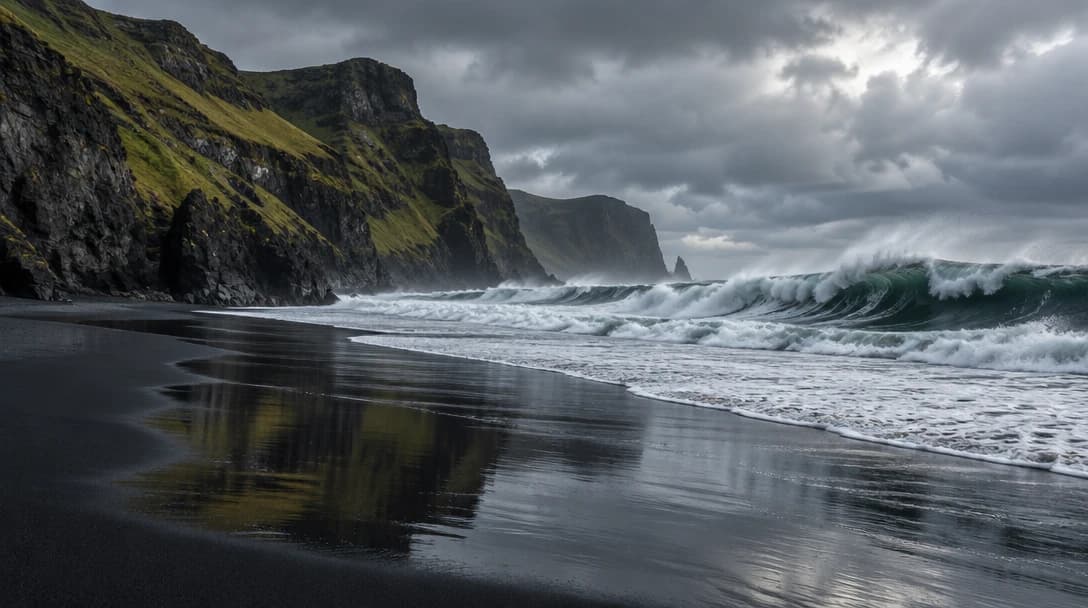
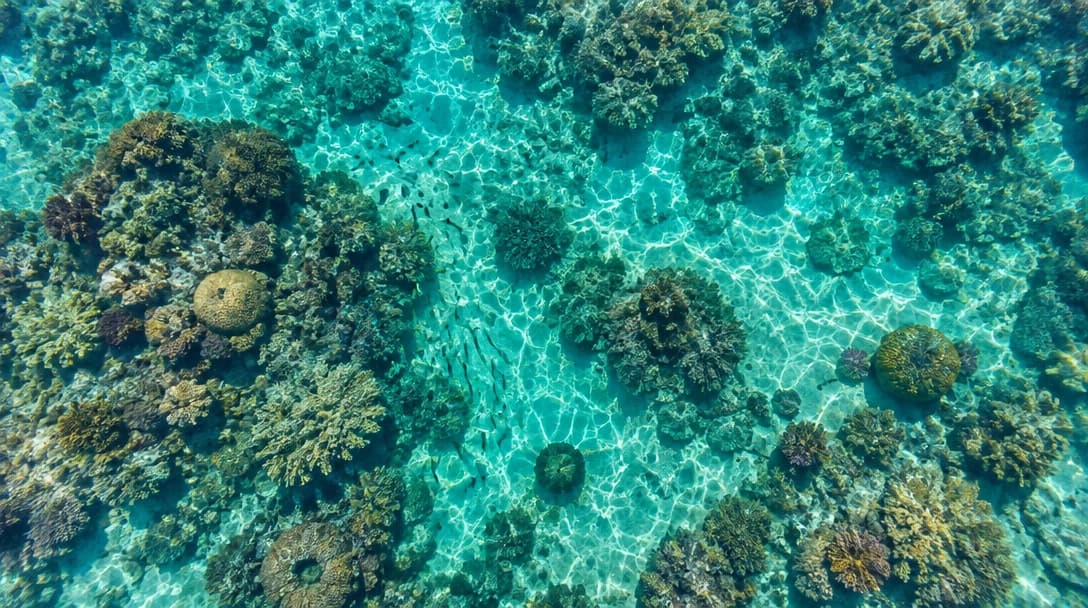

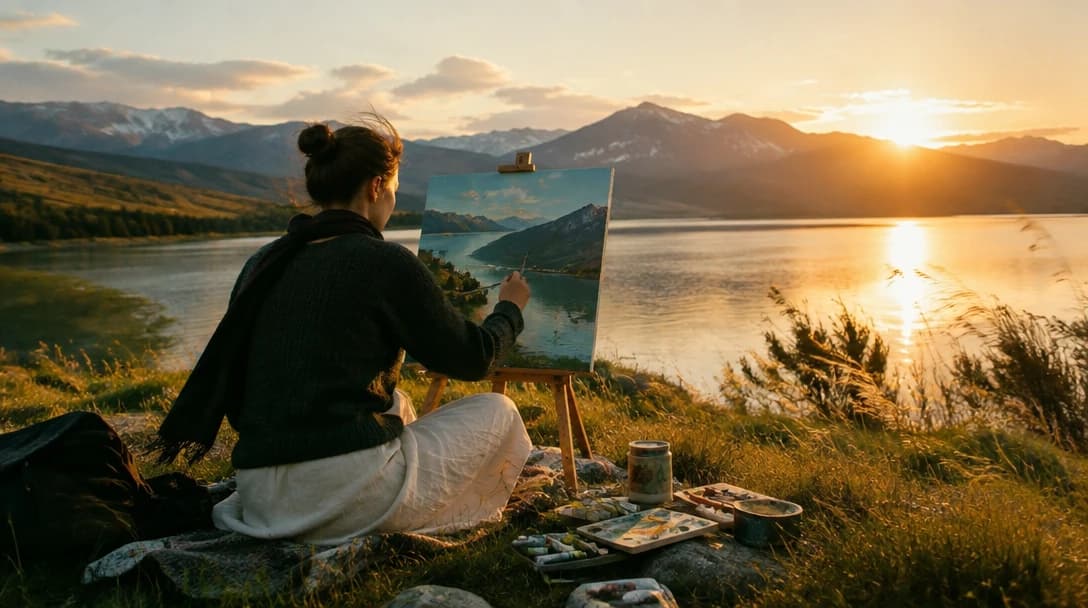
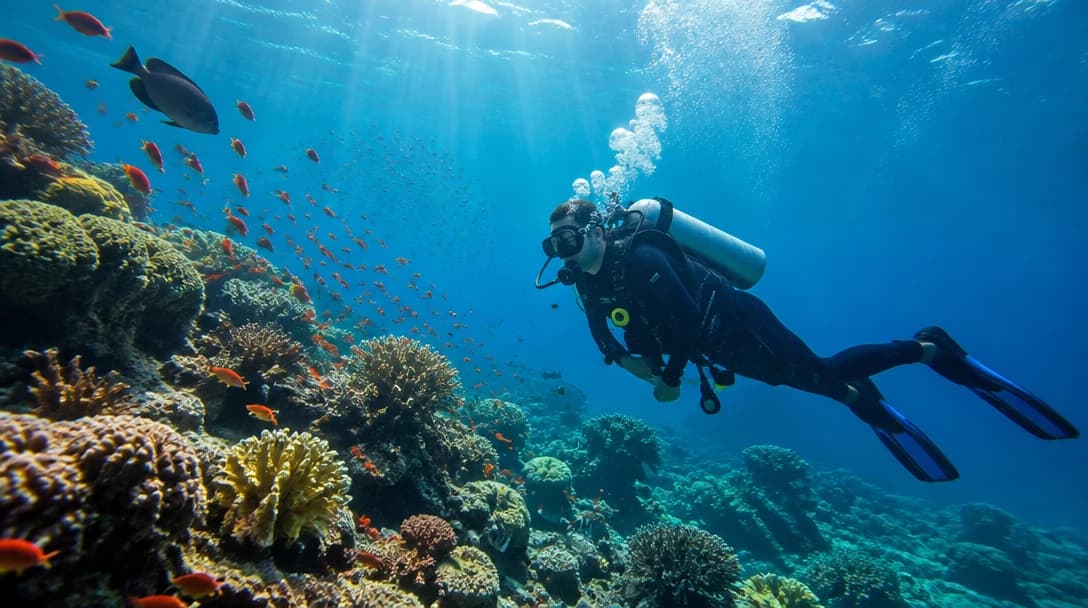
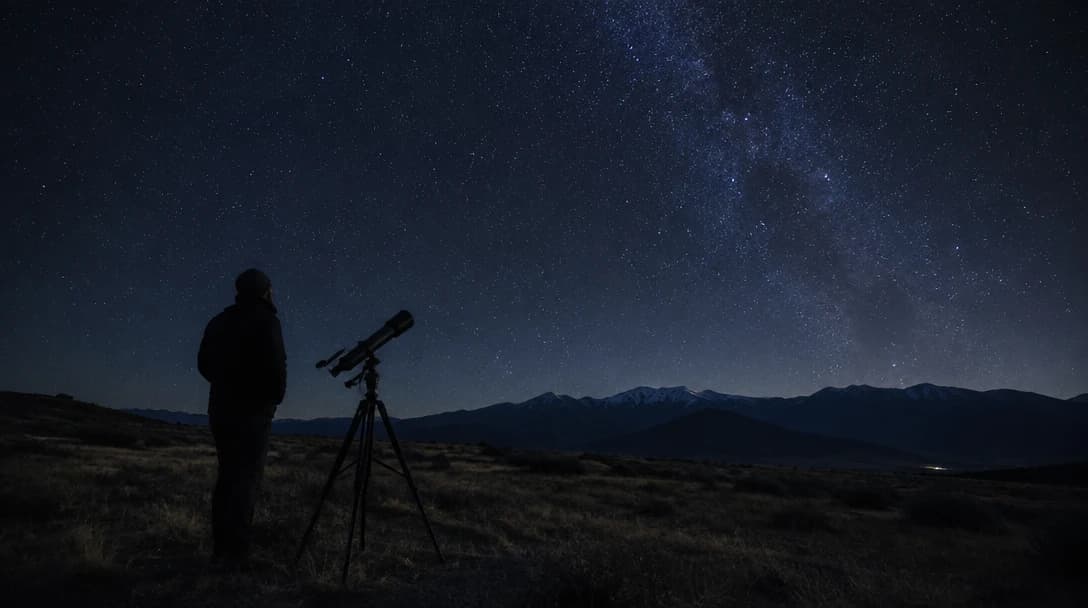
How GPT Image 2.5 Sunburst Works
GPT Image 2.5 Sunburst turns a prompt or reference image into a new visual with quality, size, and background settings.
Enter Your Prompt
- Describe the main subject, setting, composition, and visual direction. For an edit, add reference images and specify what should remain or change.
Choose the Available Generation Settings
- Select the quality, image-size, and background options that fit the image you need. The controls shown in RemixAI reflect the active model schema.
Generate and Refine
- Create the image, review the result, then adjust the prompt, references, or settings to generate another version.
Key Features of GPT Image 2.5 Sunburst
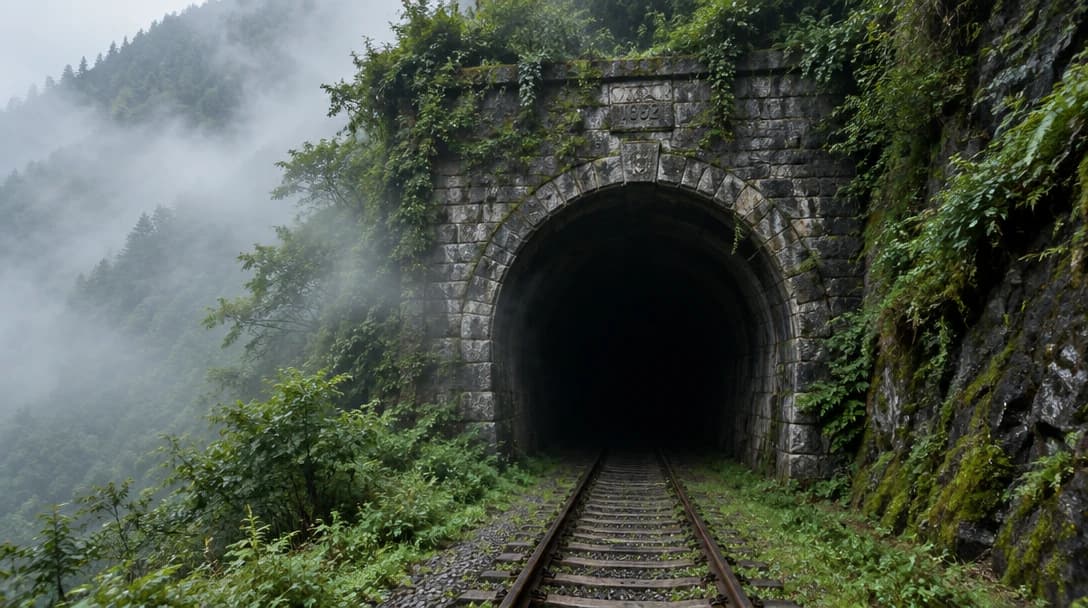
Text-to-Image and Image-to-Image
Create a new image from a written prompt, or start from reference images and describe the changes you want.
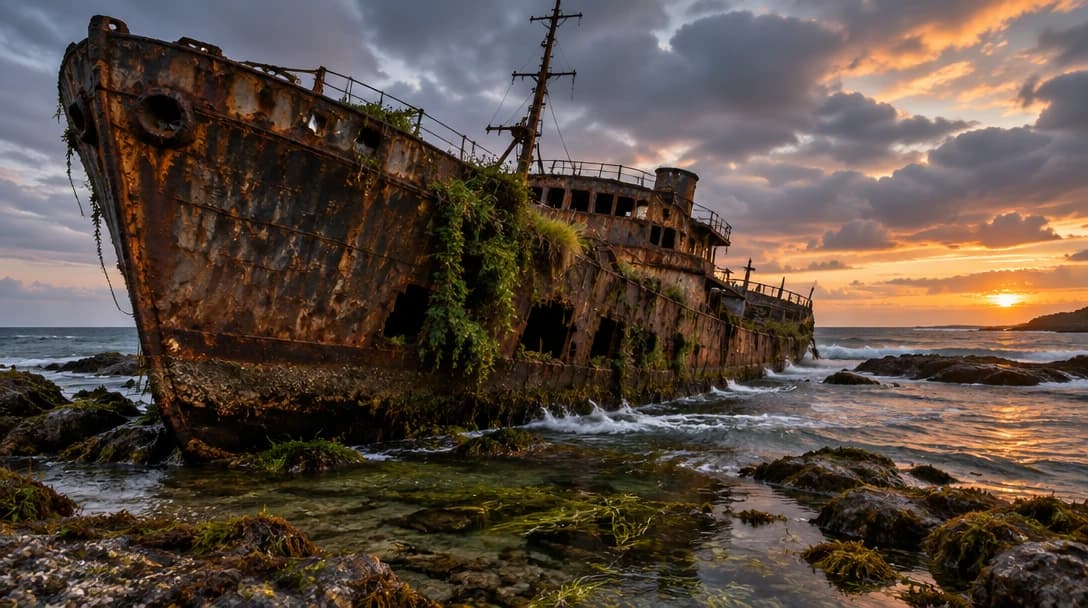
Quality Selection
The model page provides auto, low, medium, high, extra high, and max quality options. Use the displayed credit estimate to compare the available choices before generating.
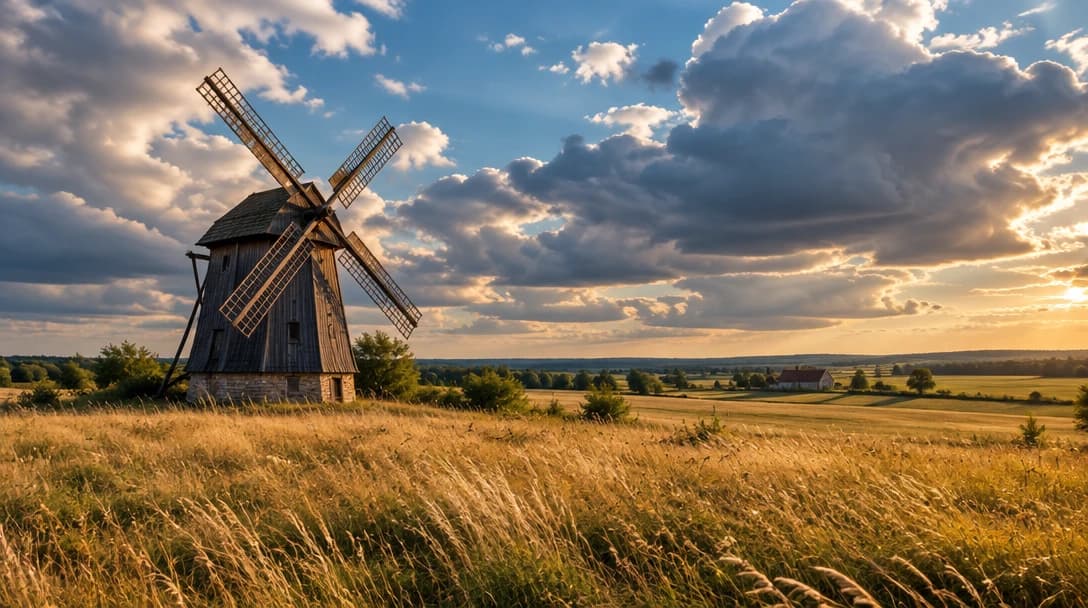
Flexible Image Sizes
Generate square, portrait, and landscape formats, including 4:3 and 16:9 options, for different content layouts.
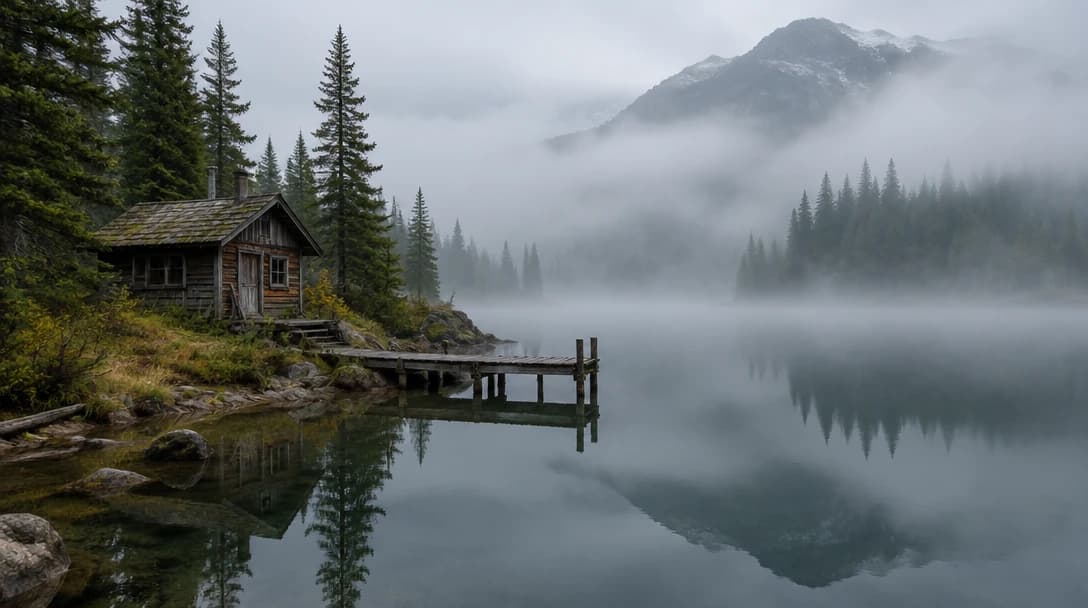
Background Settings
Use the background setting available in the active model controls when it fits the intended delivery context. Review the generated image before using it in a design or publishing workflow.
Explore More Image Models
Explore different versions of GPT Image 2.5 Sunburst
Frequently Asked Questions
Get clear answers to common questions about using RemixAI.