Swap Character in Your Video with AI
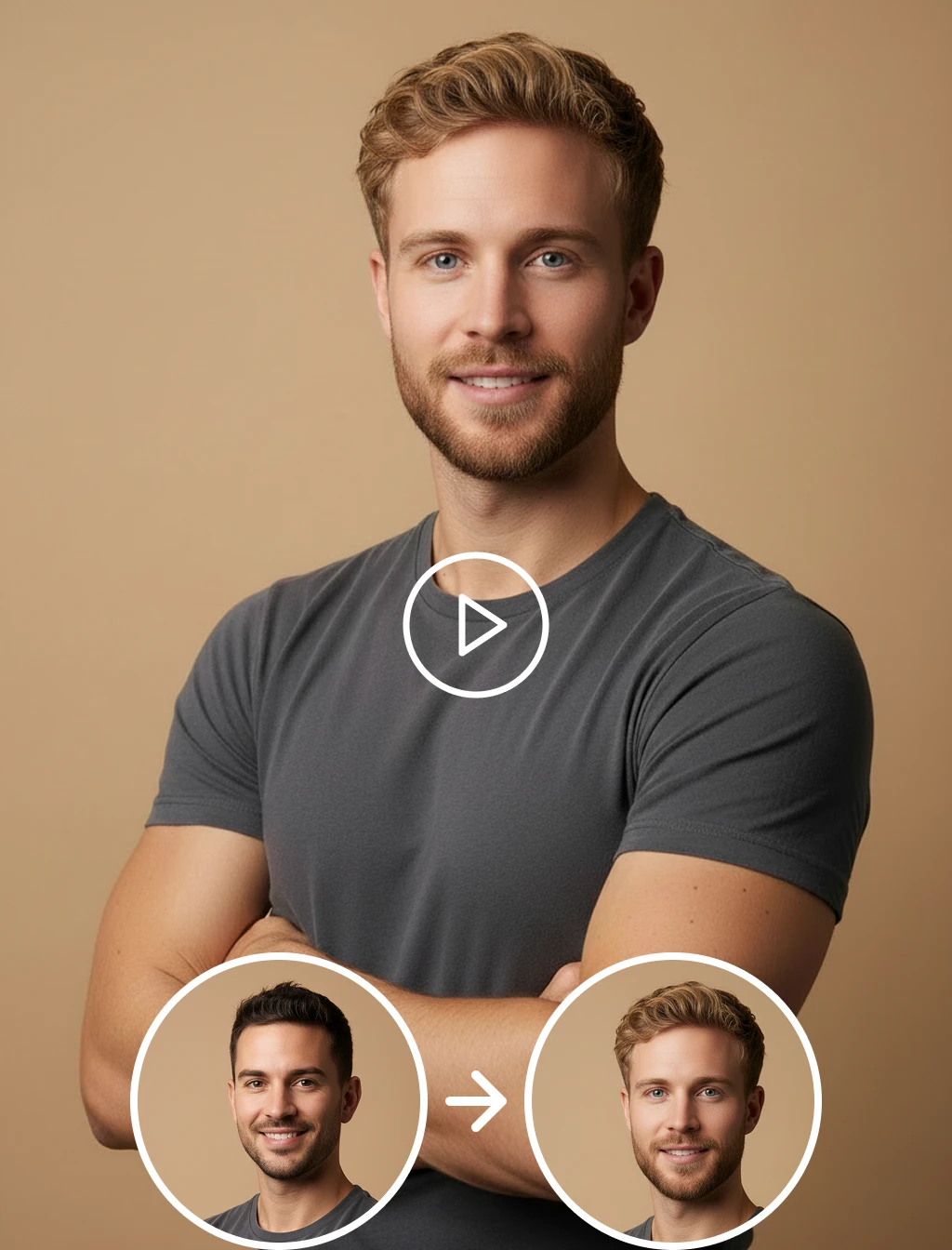
Swap character in video using advanced AI technology. Upload your video, add one character photo, and get a smooth, realistic character swap video instantly. No editing skills needed.
Processing...

Upload Video
Choose or upload the source video
Processing...

Upload Character Image
Choose or upload the character photo
Resolution
Video Quality
Key Features of AI Character Swap Video
Realistic Character Replacement
Swap any character in your video with another person using AI. The tool maintains natural body structure, appearance, and scene consistency to deliver a seamless character swap across every frame.
Expression & Motion Retention
All original body movements, gestures, and actions from the source video are fully preserved after the character swap, keeping every scene smooth, fluid, and completely natural throughout the entire video.
Single Photo to Full Video Swap
Upload just one clear photo of your target character and the AI automatically analyzes their features and applies them consistently across every frame of the video without any manual editing required.
Frame-by-Frame Identity Consistency
The swapped character maintains a perfectly consistent appearance throughout the video, adapting to scene lighting and camera angles while staying sharp and distortion-free from the first frame to the last.
How to Use AI Character Swap Video?
Upload Your Source Video
- Upload the video in which you want to swap the character. It can be a short clip, scene, or any recorded footage. Make sure the character in the video is clearly visible and well-lit for the best swap results.
Choose or Upload Your Target Character
- Upload a single clear photo of the character you want to place into the video. The AI analyzes the body structure and appearance to prepare for an accurate and seamless character replacement throughout the video.
Generate & Download Your Video
- Click generate and the AI will instantly replace the character while keeping all original motion and scene details intact. Within seconds your character swap video will be ready to download and share on any platform.
Other Popular Tools


FAQs About AI Character Swap Video
Get clear answers to common questions about using RemixAI.