Multiple Face Swap Online
Got a group photo and want to swap every face in it. Upload the image, pick which faces to replace, and let the AI handle each swap individually all in one go.
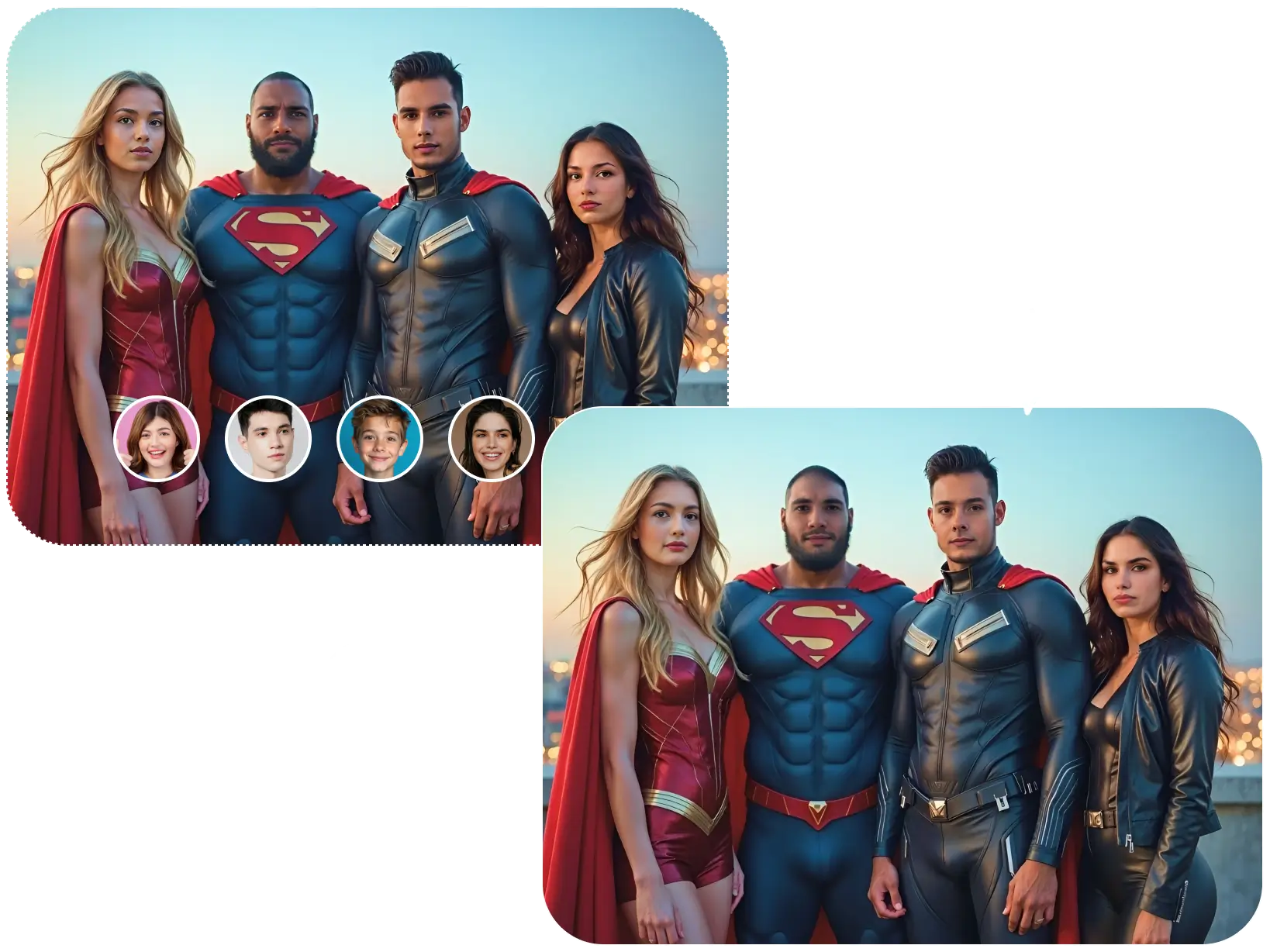 Upload Original Image
or drag and drop jpeg, png, webp
Swap with
Multiple Face Swap Features

Swap Several Faces at Once
No need to run the tool multiple times for each person. Upload a group photo and the AI detects every face in the image, letting you swap them all in a single session.

Automatic Face Detection
The AI scans the uploaded photo and identifies each face individually — even in crowded group shots. Each detected face gets highlighted so you can choose exactly which ones to replace.
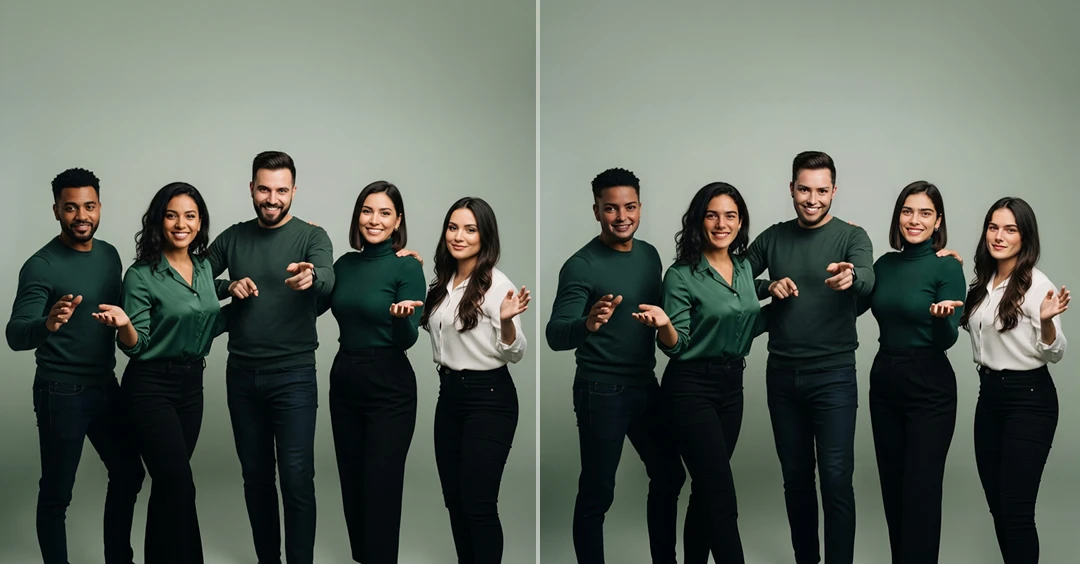
Individual Face Matching
Every swapped face is adjusted independently. The AI matches skin tone, lighting angle, and face proportions for each person separately, so every swap in the group photo looks consistent and natural.
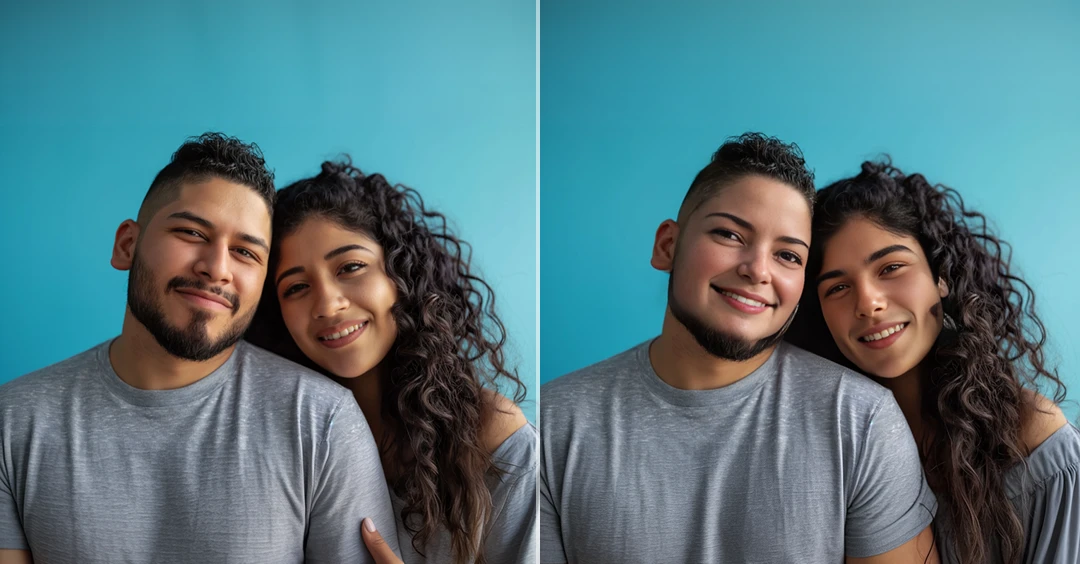
Handles Complex Group Photos
Whether it's two people or a larger group, the tool adapts to different face sizes, angles, and distances within the frame. Overlapping faces and varied poses are handled without breaking the output quality.
How to Swap Multiple Faces in a Photo
Upload Your Group Photo
- Upload an image that has multiple faces. Make sure all faces are clearly visible the AI needs to detect each one individually for accurate swapping.
Select and Replace Faces
- The AI highlights every detected face in the photo. Upload the replacement face images for the ones you want to swap and click "Swap."
Download the Result
- Once all face swaps are processed, preview the final group photo. Download the image to your device every face swapped cleanly in one output.
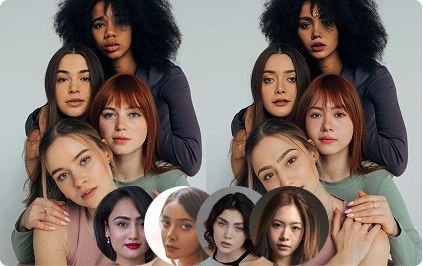
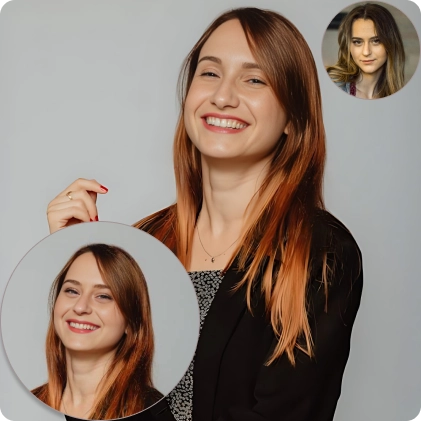
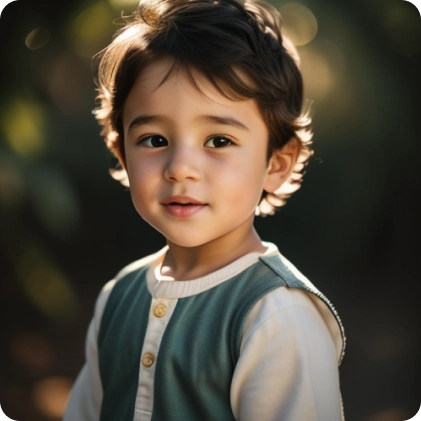
Examples of Multiple AI Face Swap

Discover More AI Tools

FAQs About Multi AI Face Swap
Get clear answers to common questions about using RemixAI.