Free Swap Character With AI
Swap character using AI in seconds. Upload one photo, replace people instantly with realistic results, no editing skills needed. Fast, simple, and free to use.
 Upload Original Image
or drag and drop jpeg, png, webp
Swap with
Key Features of AI Character Swap
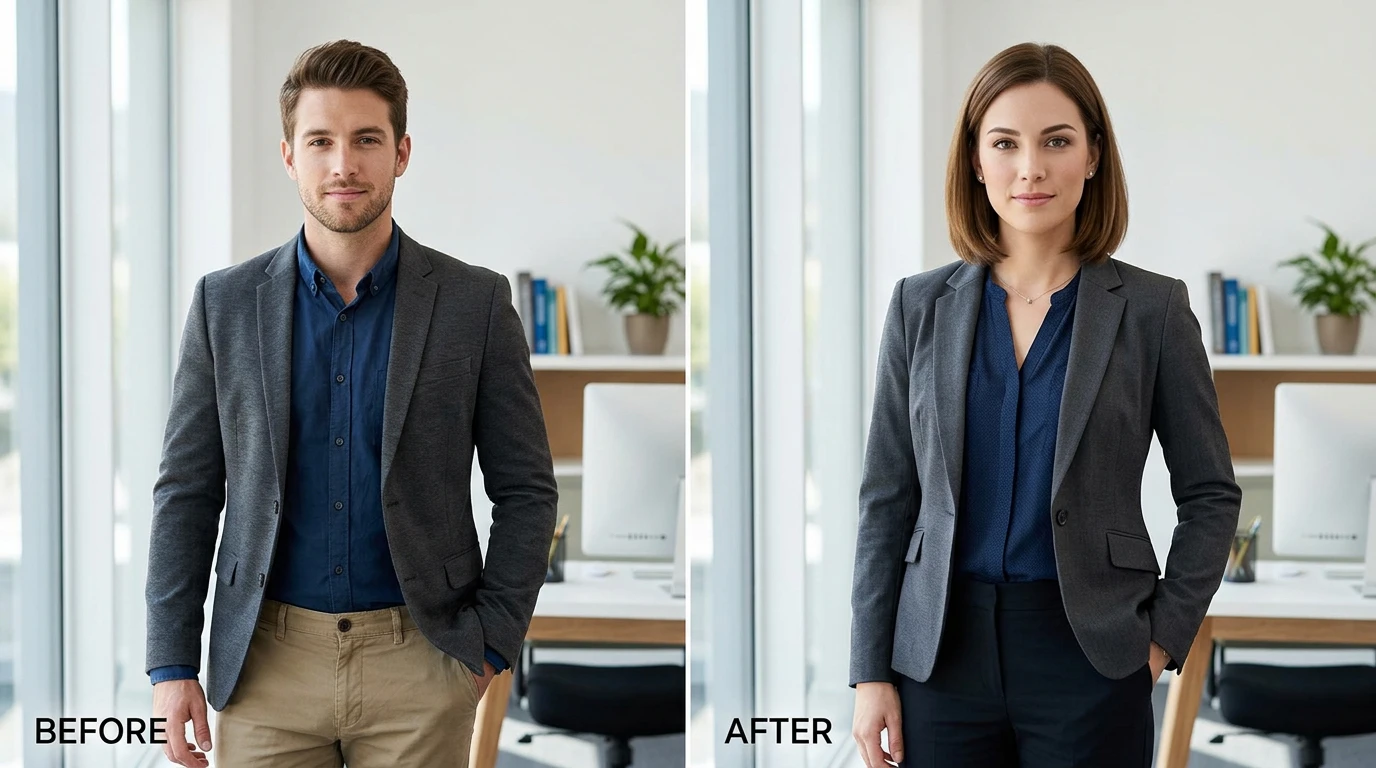
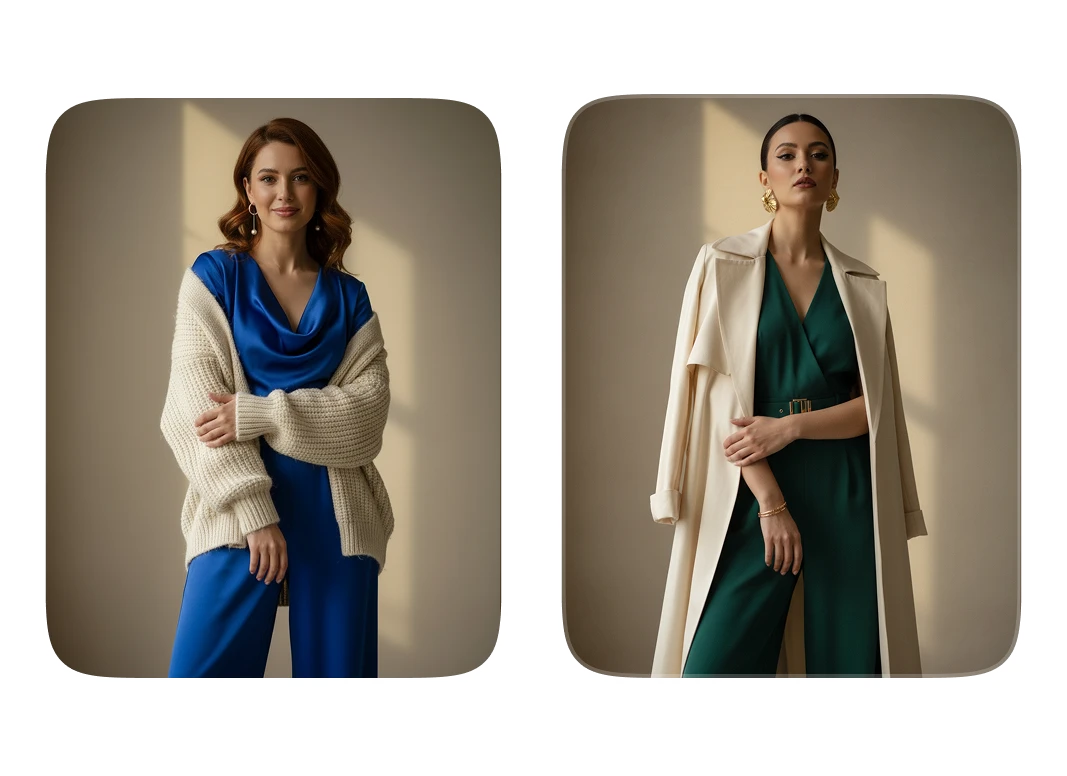
Photorealistic Character Replacement
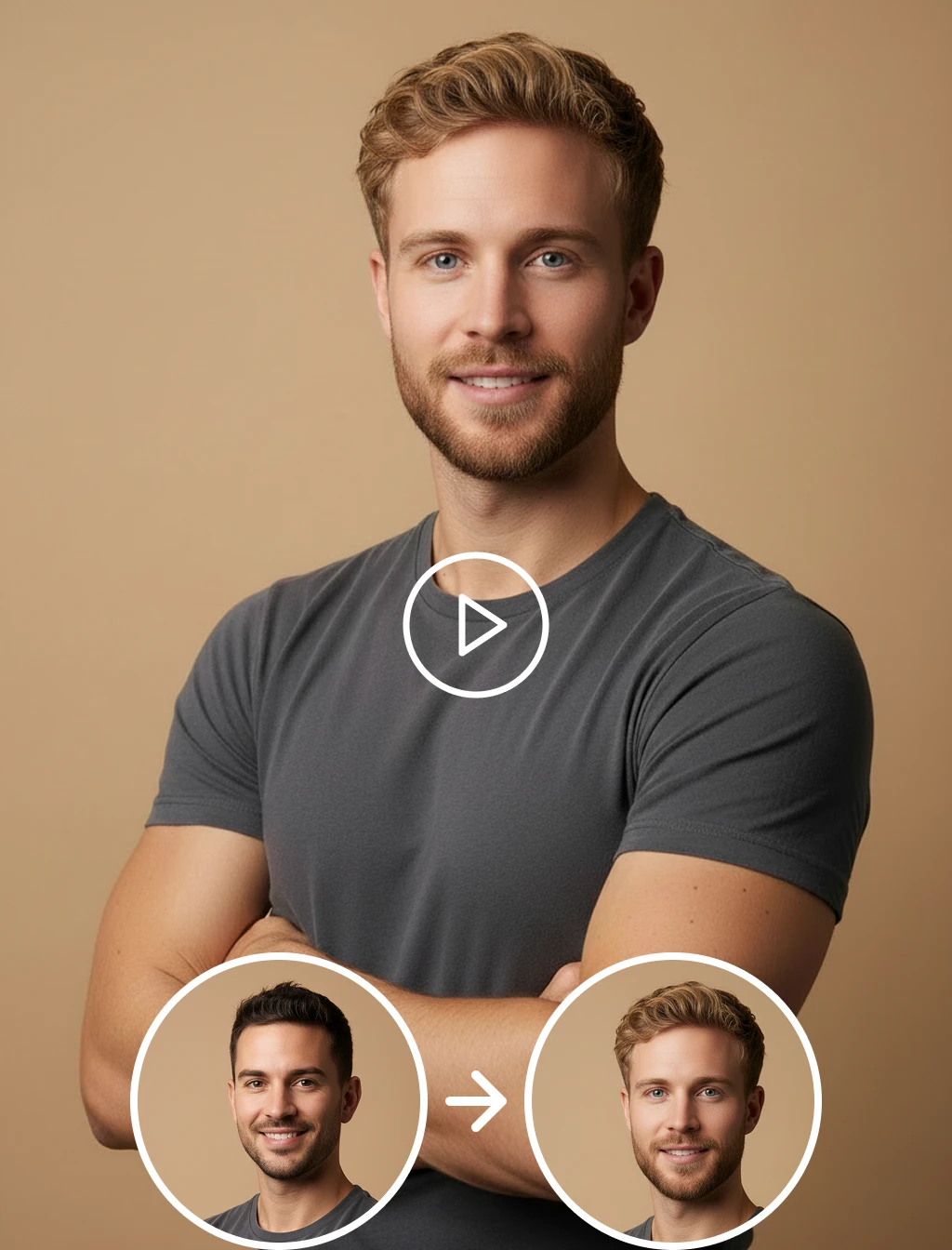
This isn't just a face overlay. The AI rebuilds the character from scratch recalculating skin tone, body proportion, lighting angle, and scene depth so the swapped character looks like they were always part of the original image.
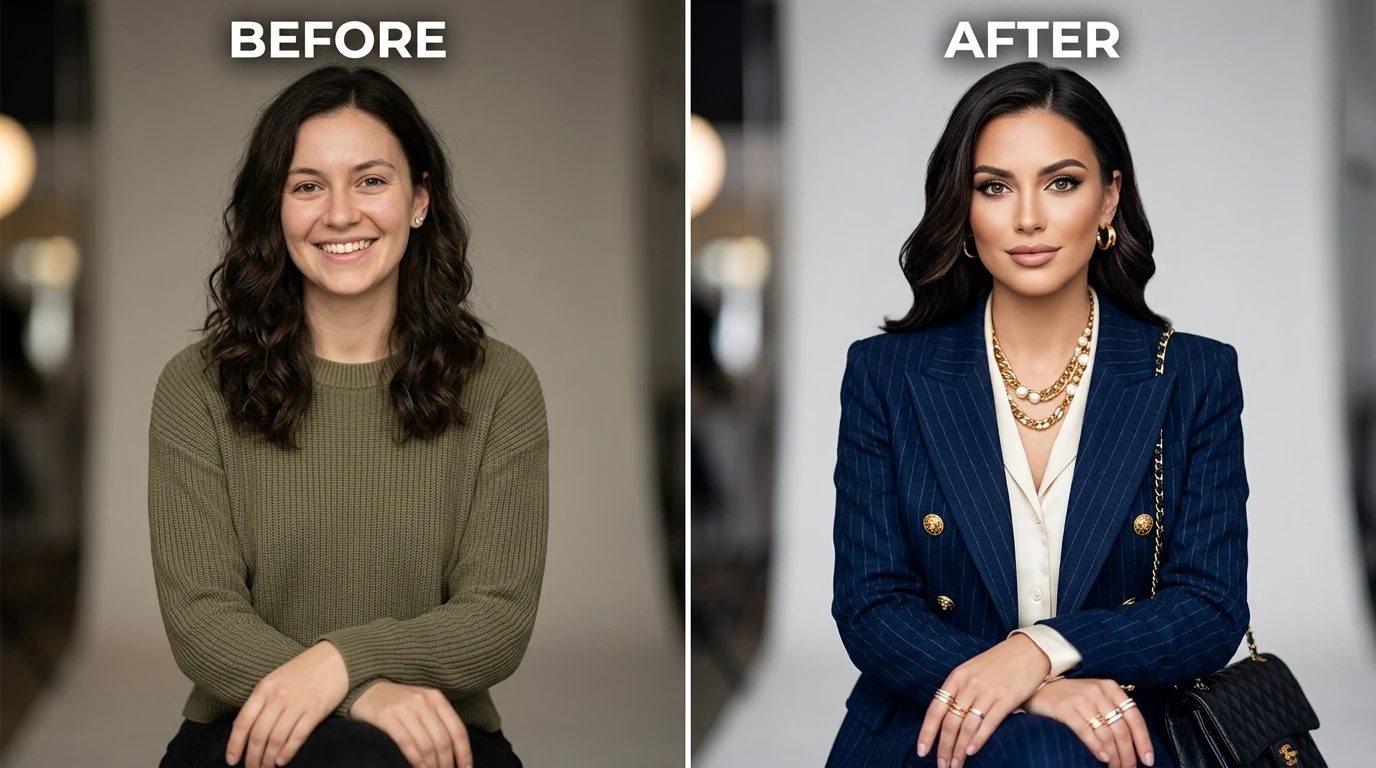
Auto Lighting & Shadow Adaptation
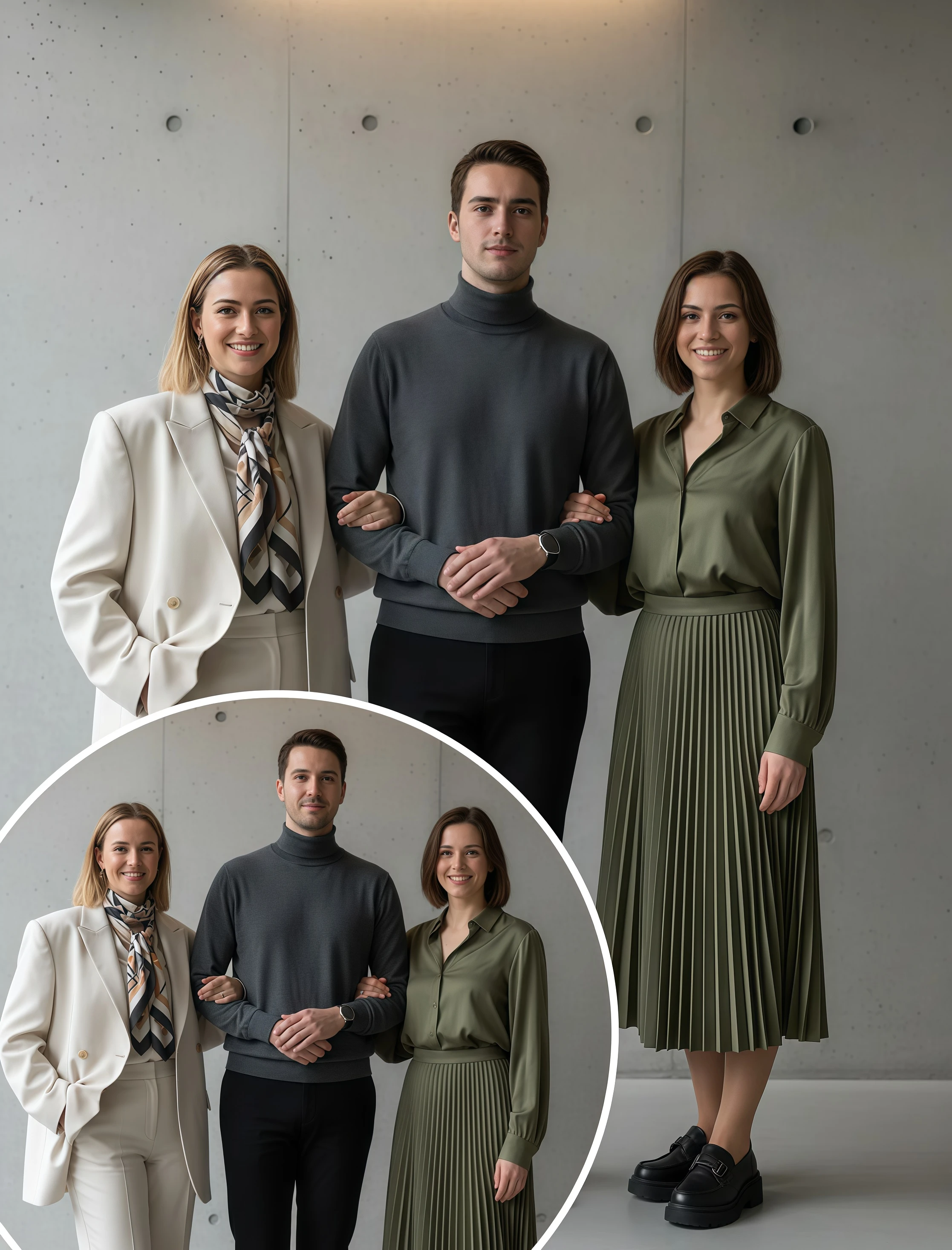
Every image has its own light. The AI reads the light source, direction, and shadow patterns of your original scene and applies them naturally to the swapped character, no harsh edges, no unnatural brightness, no obvious signs of editing.
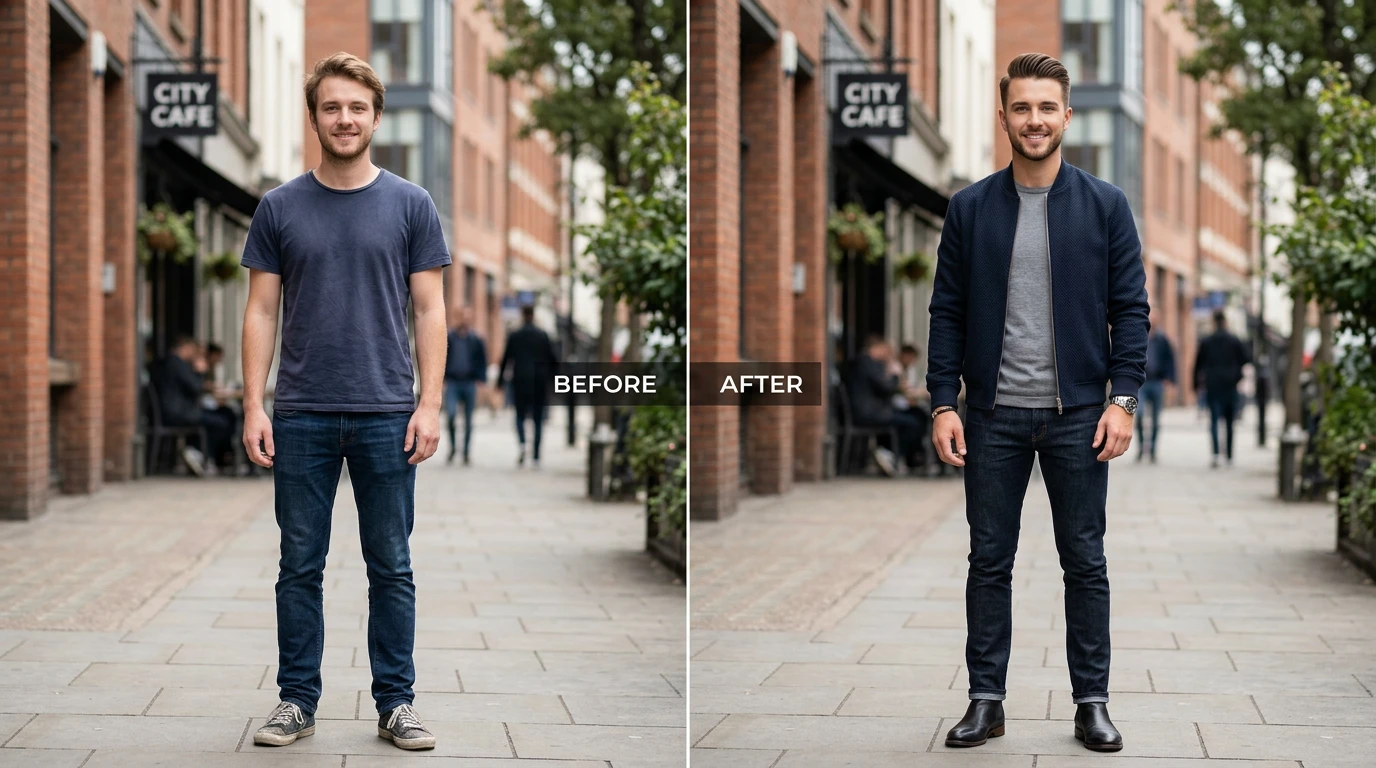
One Photo Is All You Need
No multiple angles. No reference sets. Just one clear photo of the person you want to place in the image. The AI builds a full character model from a single shot and applies it accurately across the entire scene.
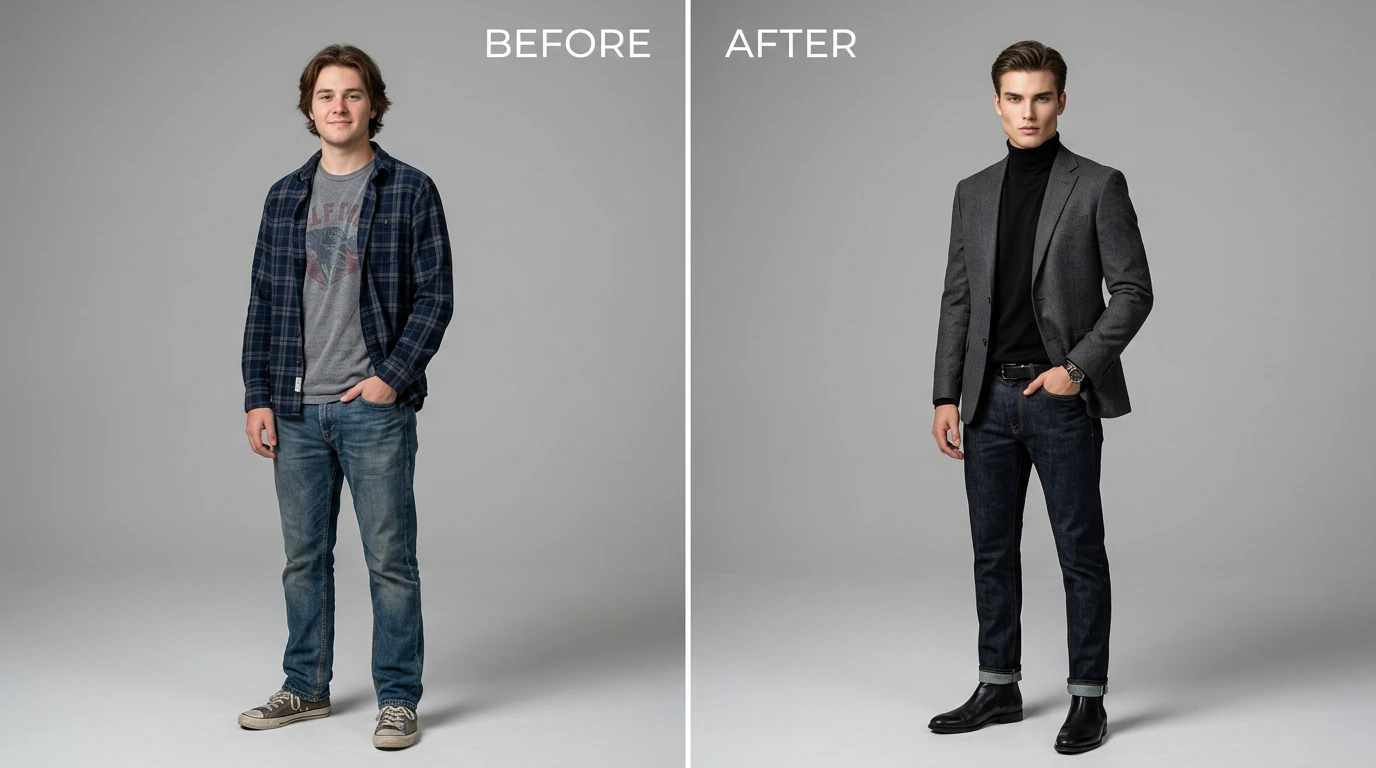
Original Scene Stays Completely Untouched
The background, objects, environment, and composition of your image are preserved exactly as they are. Only the character changes everything else stays perfectly in place, keeping your image clean and consistent.
How to Swap a Character in Image?
Upload Your Image
- Choose any image where you want to replace a character. It can be a portrait, group photo, artwork, or even a product image. Clear images give the best results.
Add the New Character
- Upload a photo of the person you want to insert. The AI will understand their face and features to match them properly in the image.
Generate & Download
- Click generate, and the AI will do the swap automatically adjusting lighting and details. Download your final image and share it anywhere.
Other Popular Tools
FAQs About AI Character Swap
Get clear answers to common questions about using RemixAI.