Unblur Image With AI
Blurry photos happen, shaky hands, poor focus, low light. Upload the image and let the AI restore sharpness, recover details, and bring your photo back to clarity.
Processing...
Upload Your Original Image
or drag and drop PNG, JPG or WEBP
Sample Images
Key Feature of AI Unblur Image
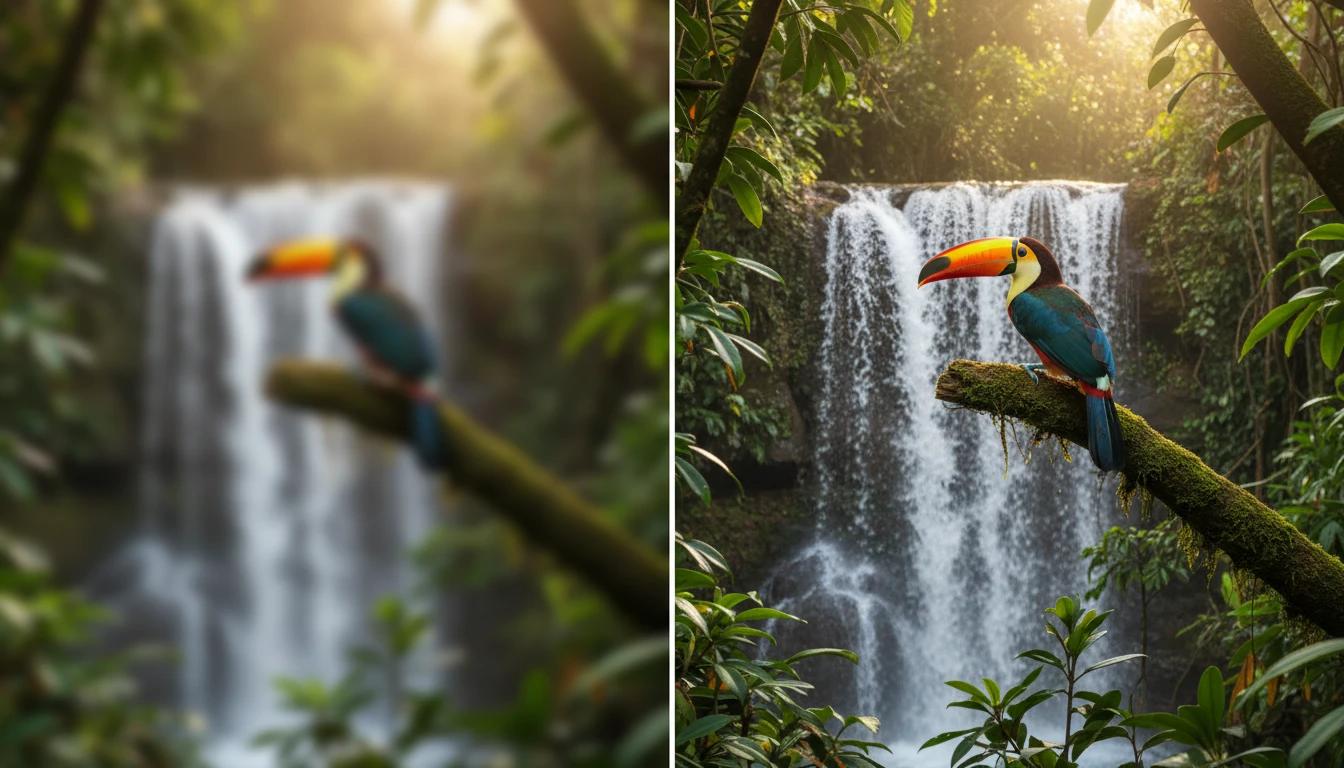
Intelligent Blur Detection
The AI identifies which areas of your photo are affected by blur whether from motion, poor focus, or camera shake. It targets only the blurred regions and applies correction without altering parts that are already sharp.
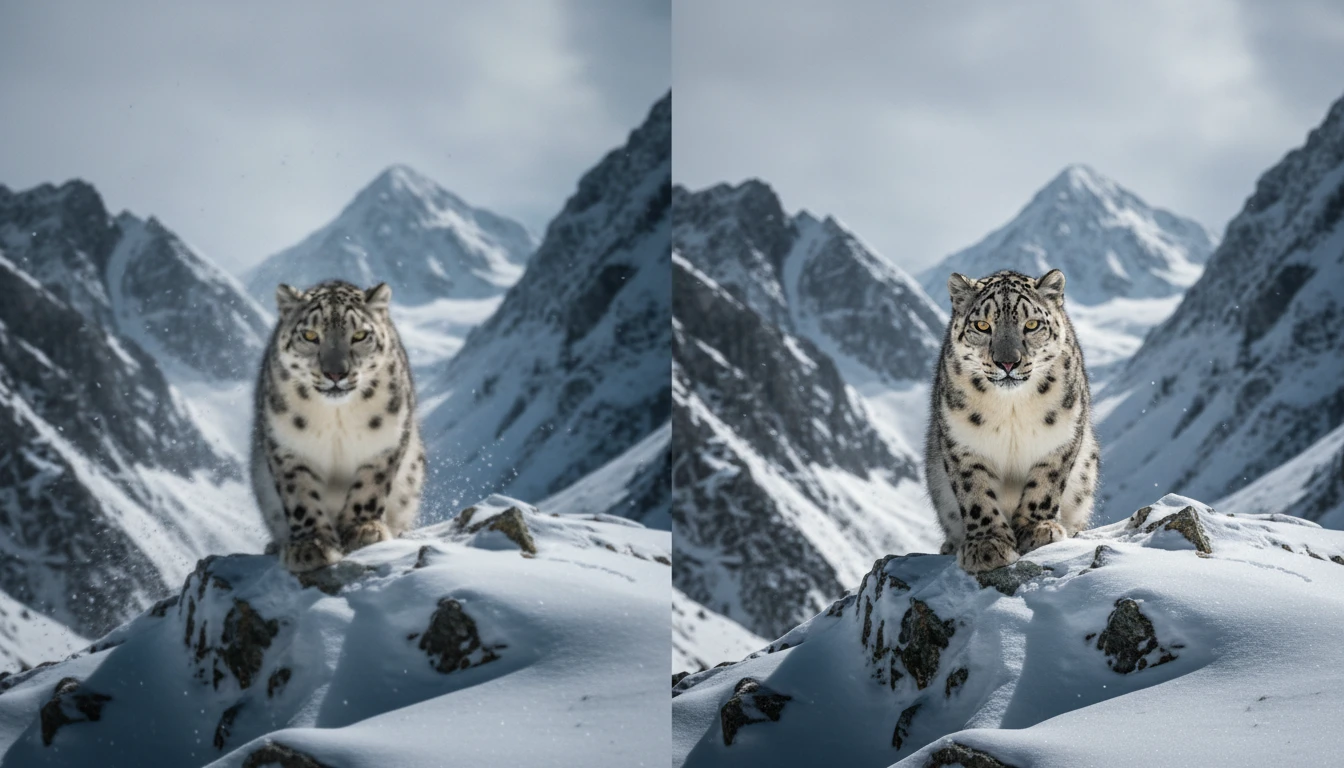
Detail Recovery and Sharpening
Lost textures, soft edges, and faded details get reconstructed. The AI rebuilds facial features, text, patterns, and fine elements that blur typically destroys in a photo.
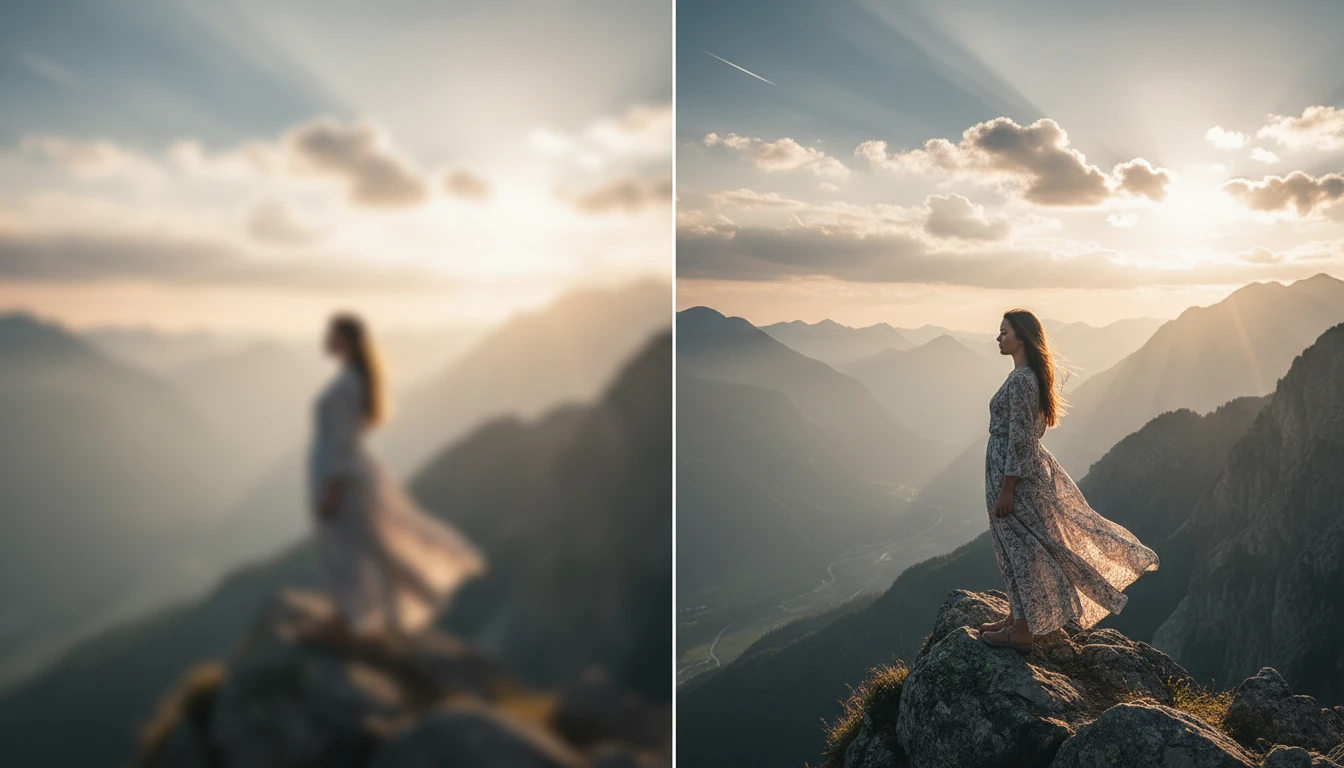
Handles Different Types of Blur
Motion blur, out-of-focus blur, and lens blur all behave differently. The tool recognizes the type of blur present in your image and applies the right correction method for each one.
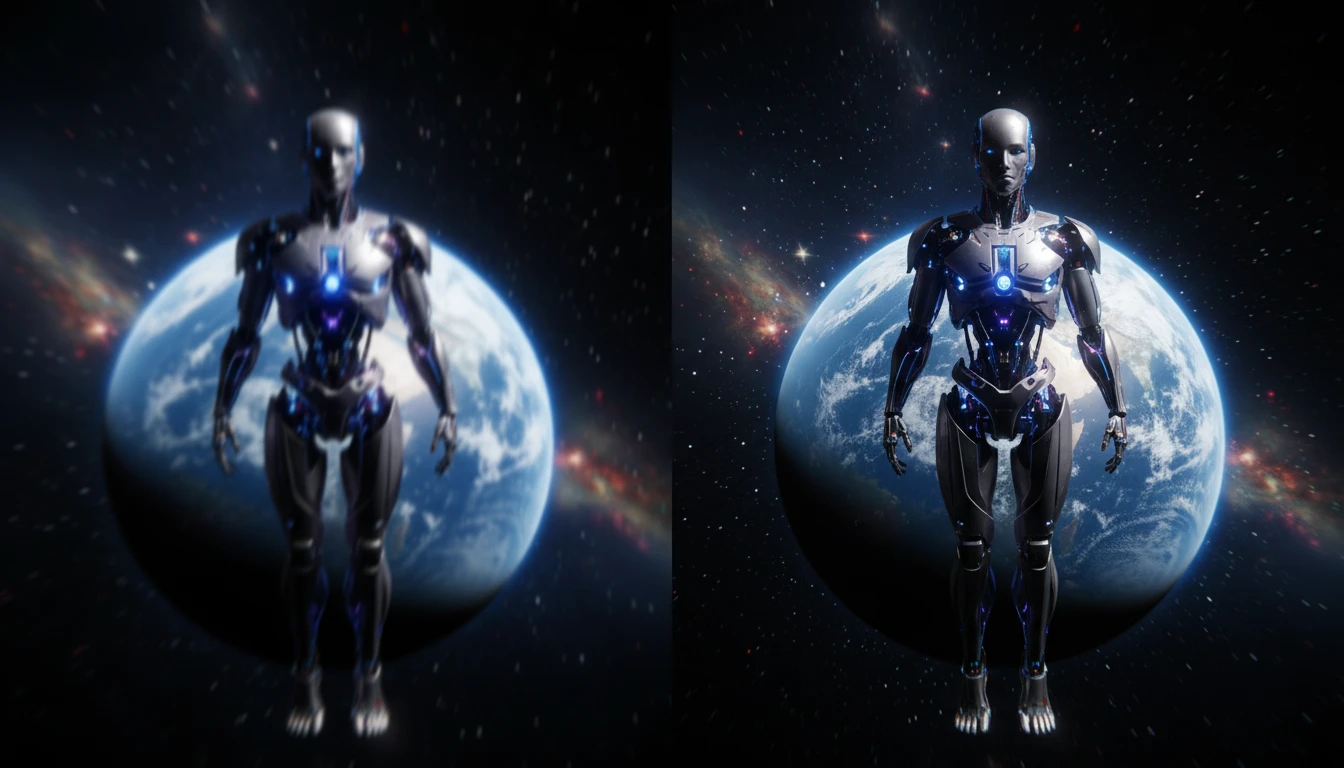
Preserves Natural Photo Quality
Some sharpening tools create harsh edges or unnatural halos around objects. This AI avoids over-sharpening and the output looks clean, natural, and true to the original scene.
How to Unblur an Image Using AI
Upload Your Blurry Photo
- Upload the image you want to fix. The tool supports JPG, PNG, and WebP formats with no file conversion needed before uploading.
Remove the Blur
- Click "Unblur Image" and the AI analyzes your photo. It detects blurred areas, restores sharpness, and recovers hidden details across the entire image.
Download Your Clear Photo
- Preview the corrected result and compare it with the original. Download the unblurred image directly to your device sharp, clean, and ready to use.
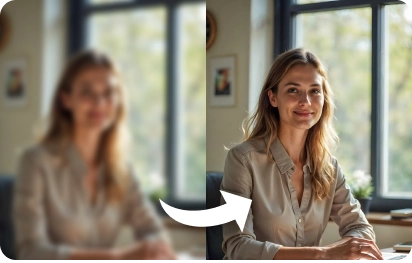
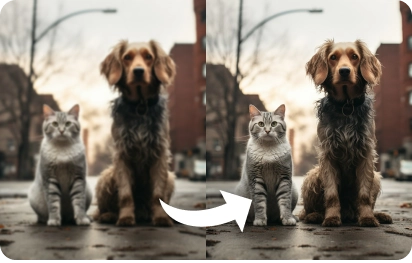
Some Examples of Our Unblur Image AI Tool
Try Our Other AI Tools
FAQs About Unblur Image
Get clear answers to common questions about using RemixAI.
It handles motion blur from shaky hands, out-of-focus blur from poor camera settings, and general softness caused by low-resolution captures or compression. The AI adjusts its approach based on the type of blur detected.
Yes, completely free with no hidden charges. You can unblur images without signing up or entering any payment details.
The AI focuses on restoring clarity without over-processing. It avoids creating harsh edges or artificial-looking sharpness, so the final output looks natural and balanced.
JPG, PNG, and WebP are all supported for both upload and download. No need to convert your files beforehand.
In many cases, yes. The AI reconstructs lost edges and patterns, which means text, facial features, and small details often become readable or recognizable again after processing.
No. The tool is fully web-based and runs in your browser on any device desktop, tablet, or mobile. Nothing to download or set up.
All uploads are processed securely and removed from the servers once the unblur process is complete. Your images are never stored, shared, or accessed by anyone.
Yes. The output is watermark-free and suitable for personal projects, social media, professional portfolios, or any commercial use.