Recraft V4 Style AI Image Generator
Create text-to-image visuals with one style reference image to guide color, texture, composition, rendering, and overall visual direction.
Create Images with Recraft V4 Style
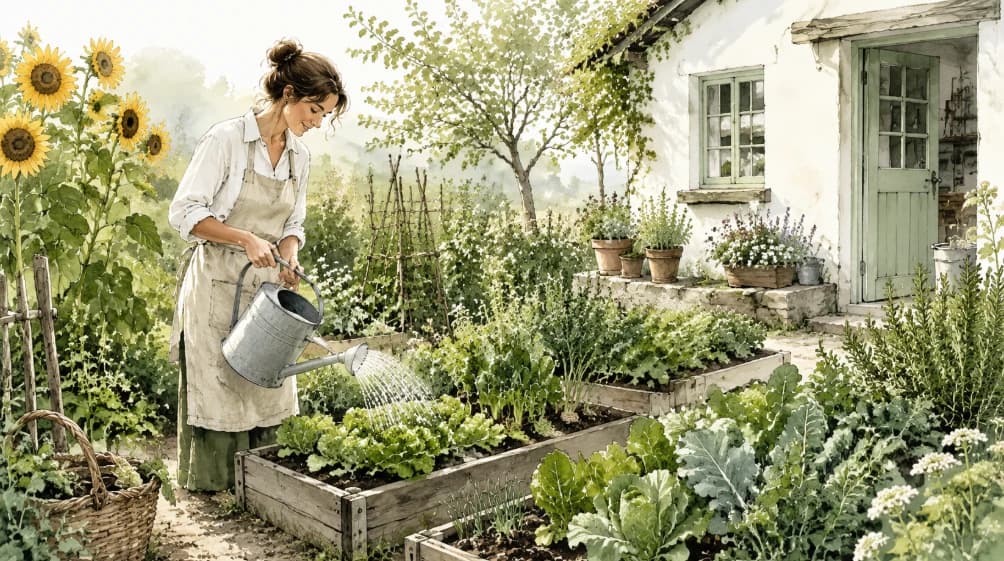
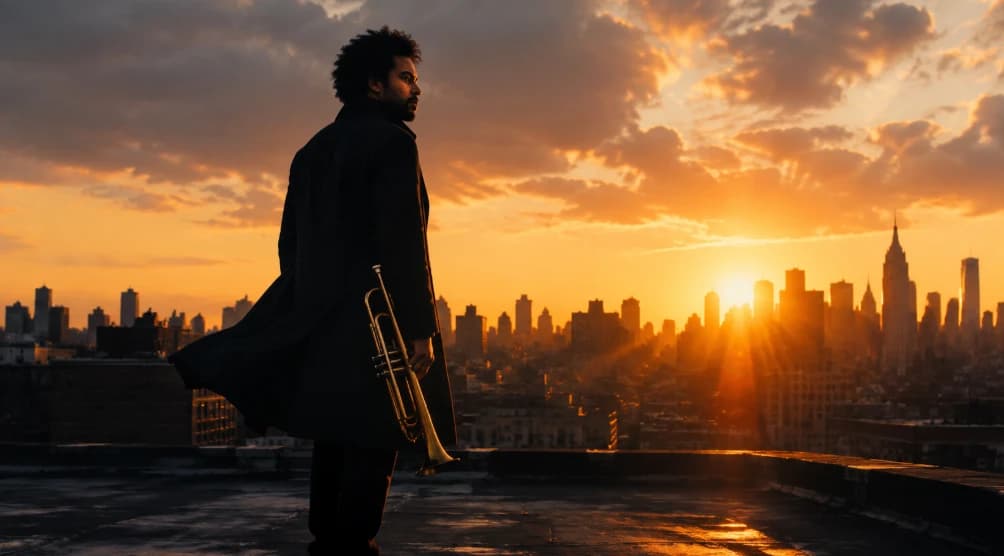
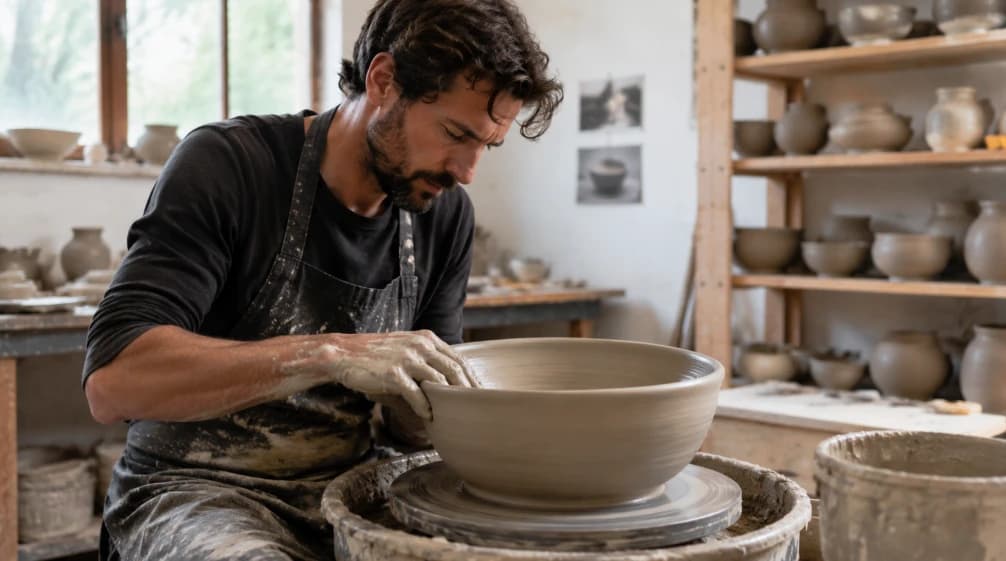
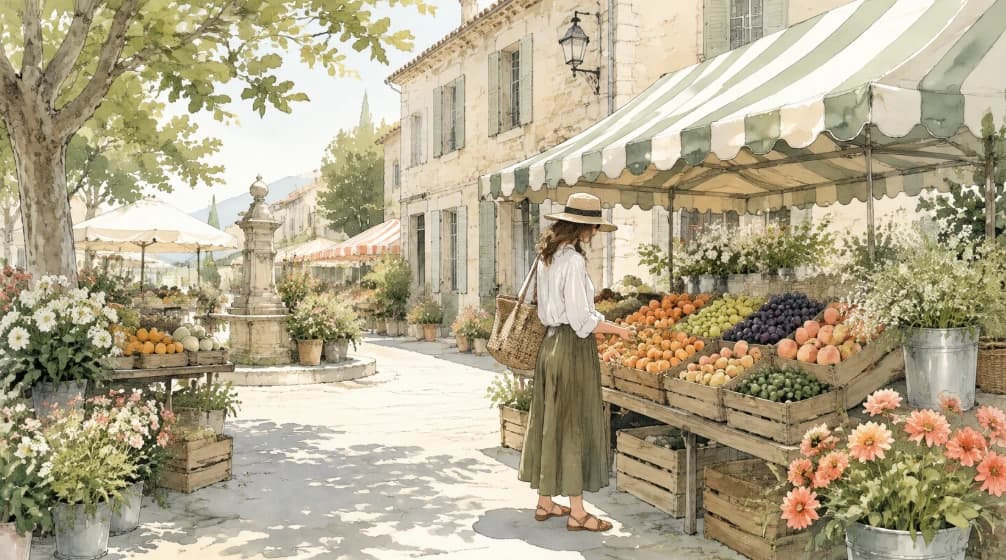
Explore text-to-image concepts created with Recraft V4 Style and reference-driven visual direction.
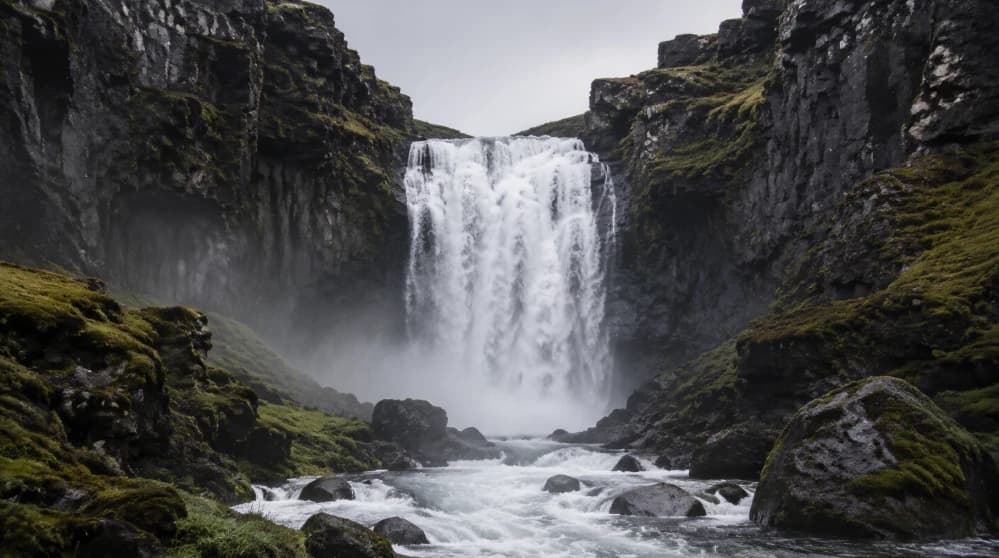
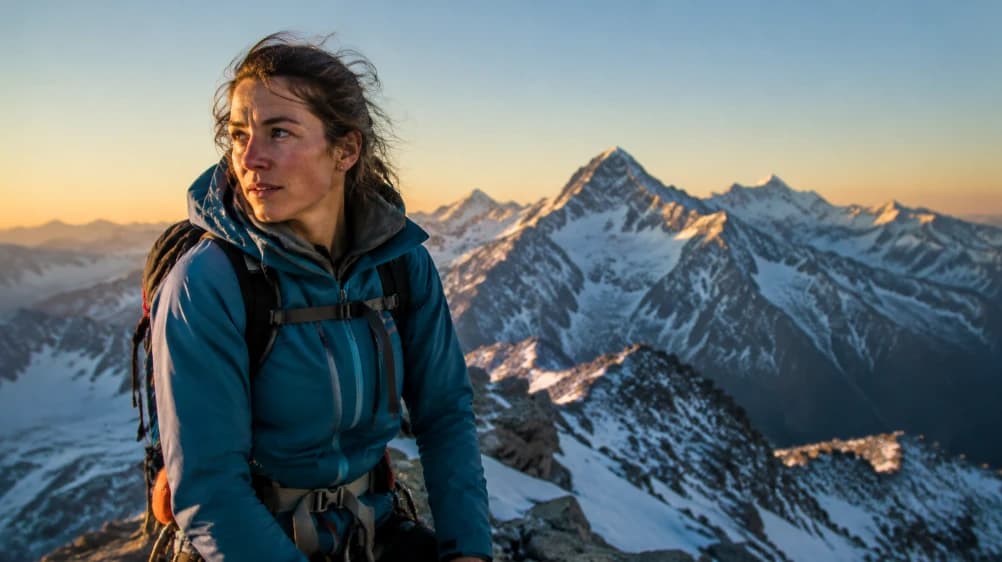
How Recraft V4 Style Works
Recraft V4 Style combines a text prompt with one style reference image for guided text-to-image generation.
Define the Image Direction
- Write a prompt that describes the subject, scene, composition, and important content details for the image you want to create.
Add One Style Reference Image
- Upload one reference image to guide the visual direction, including its color relationships, texture, rendering approach, and composition.
Generate and Refine
- Review the result, then refine the prompt or replace the reference image to create another variation with the intended visual direction.
Key Features of Recraft V4 Style
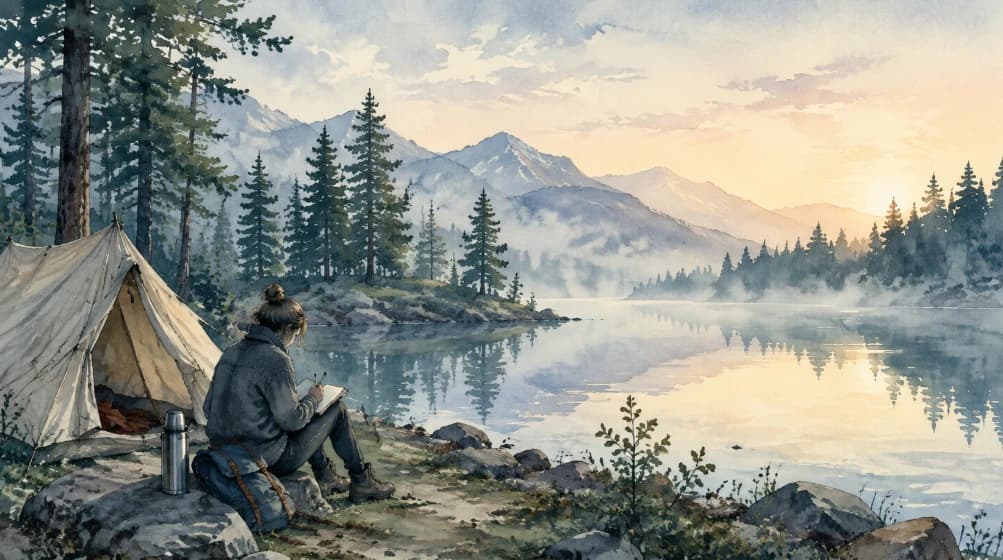
Single-Reference Style Guidance
Use one style reference image to guide the rendering approach, color relationships, texture, composition, and overall visual character of a generated image.
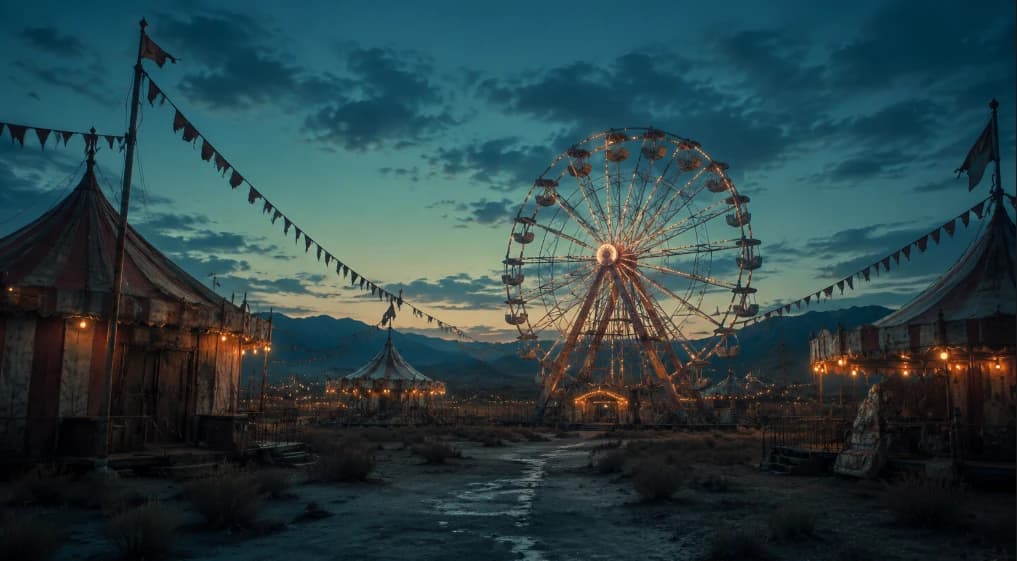
Prompt-Led Image Direction
Combine a detailed prompt with the reference image to control the subject matter, composition, and design-oriented visual treatment.
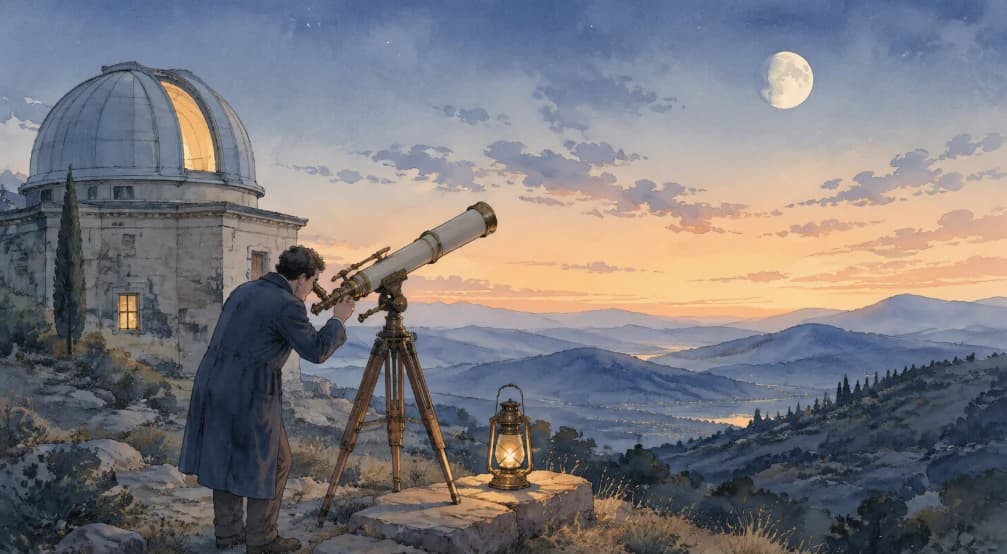
Reference-Based Consistency
Keep a related visual direction by using the same reference image when generating additional concepts for a campaign, product, or design system.
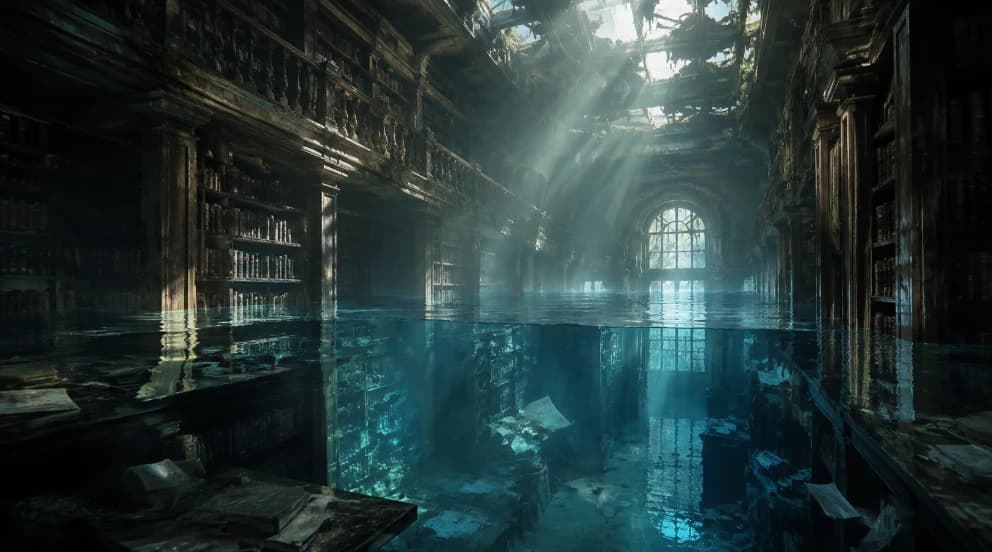
Text-to-Image Design Workflows
Create illustrations, product concepts, editorial visuals, and other design-focused images from a prompt guided by the supplied reference image.
Explore More Image Models
Explore different versions of Recraft V4 Style
Frequently Asked Questions
Get clear answers to common questions about using RemixAI.