AI Vampire Filter
Turn yourself into a vampire with our AI vampire filter. Create realistic vampire photos instantly and explore your dark transformation for free.
Processing...
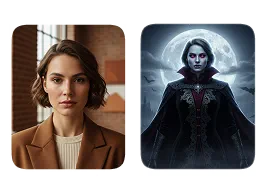
Upload Your Original Image
or drag and drop PNG, JPG or WEBP
Sample Images
How to Use the AI Vampire Filter
Follow these simple steps to instantly transform your photo into a realistic vampire portrait.
Step 1
Upload Your Photo
- Choose a clear, well-lit selfie or portrait to ensure the best results.
Step 2
Apply the Vampire Effect
- Our AI will detect your face and automatically apply the vampire transformation, including fangs, pale skin, and eerie details.
Step 3
Download and Share
- Once your vampire portrait is ready, save it to your device or share it directly on social media.
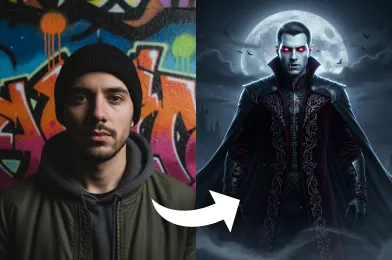
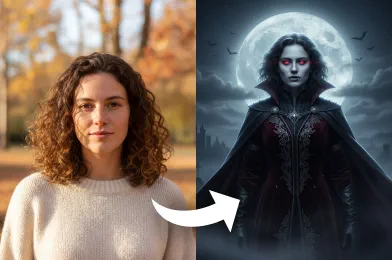
Real Examples of AI Vampire Filter
Check Out Other Trending Image Effects

FAQs About AI Vampire Filter
Get clear answers to common questions about using RemixAI.
The AI Vampire Filter is an image transformation tool that uses artificial intelligence to turn your photos into realistic vampire versions, complete with fangs, pale skin, and dramatic shadows.
Our AI vampire filter analyzes your photo and applies a series of AI-generated effects to create a lifelike vampire look. It adjusts facial features, skin tone, and adds spooky details for a striking result.
Yes! Our AI works best on clear, frontal photos of faces. Group photos may also work, but the effect will primarily focus on prominent faces.
Yes, the AI Vampire Filter is completely free to use, allowing you to transform your images without any cost. For signed-up users, Remix AI offers free credits to try image effects freely.
It can work on older or low-resolution photos, but higher-quality images generate more detailed and realistic vampire effects.