AI Cat Ears Filter
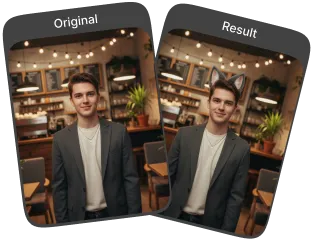
With the AI Cat Ears Filter, adding cat ears to photos is quick and naturally instantly with few clicks.
Processing...
Upload Your Original Image
or drag and drop PNG, JPG or WEBP
Sample Images
How to Use AI Cat Ears Filter?
Add playful cat ears to your photos in three simple steps.
Step 1
Upload Image
- Select the photo from your device that you want to edit.
Step 2
Apply Image Effect
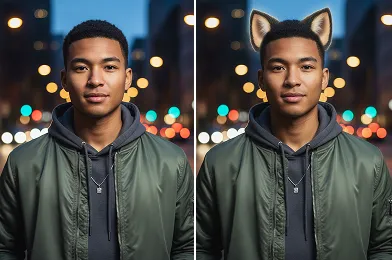
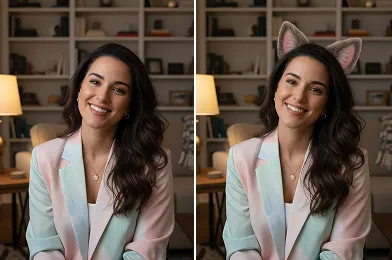
- Use the AI Cat Ears Filter to automatically add realistic cat ears to your photo.
Step 3
Download & Share
- Save the edited image to your device and share it on social media or with friends.
What Incredible Results Await You
Related Popular Image Effects



FAQs About AI Cat Ears Filter
Get clear answers to common questions about using RemixAI.
The AI Cat Ears Filter is an online tool that lets you add realistic cat ears to any photo, giving your images a fun and playful look.
Yes, our AI analyzes facial features, lighting, and angles to create cat ears that look natural and well-integrated into your photo.
Yes, it works on selfies, portraits, and other clear images where your face is visible. Front-facing photos give the best results.
No, our AI maintains the original resolution of your photo while adding the cat ears.
Currently, our AI intelligently selects the best style and placement for the cat ears. We are working on future updates to include options for different colors, styles, and sizes to give you more creative control.