AI Bald Filter
Want to know what you’d look like bald? Now you can instantly change your look with our AI Bald Filter! So what are you waiting for? Upload your photo or your friends and have fun using the bald filter. Share the laughs with friends and loved ones!
Processing...
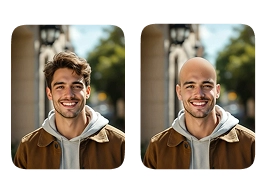
Upload Your Original Image
or drag and drop PNG, JPG or WEBP
Sample Images
Key features of AI Bald Filter
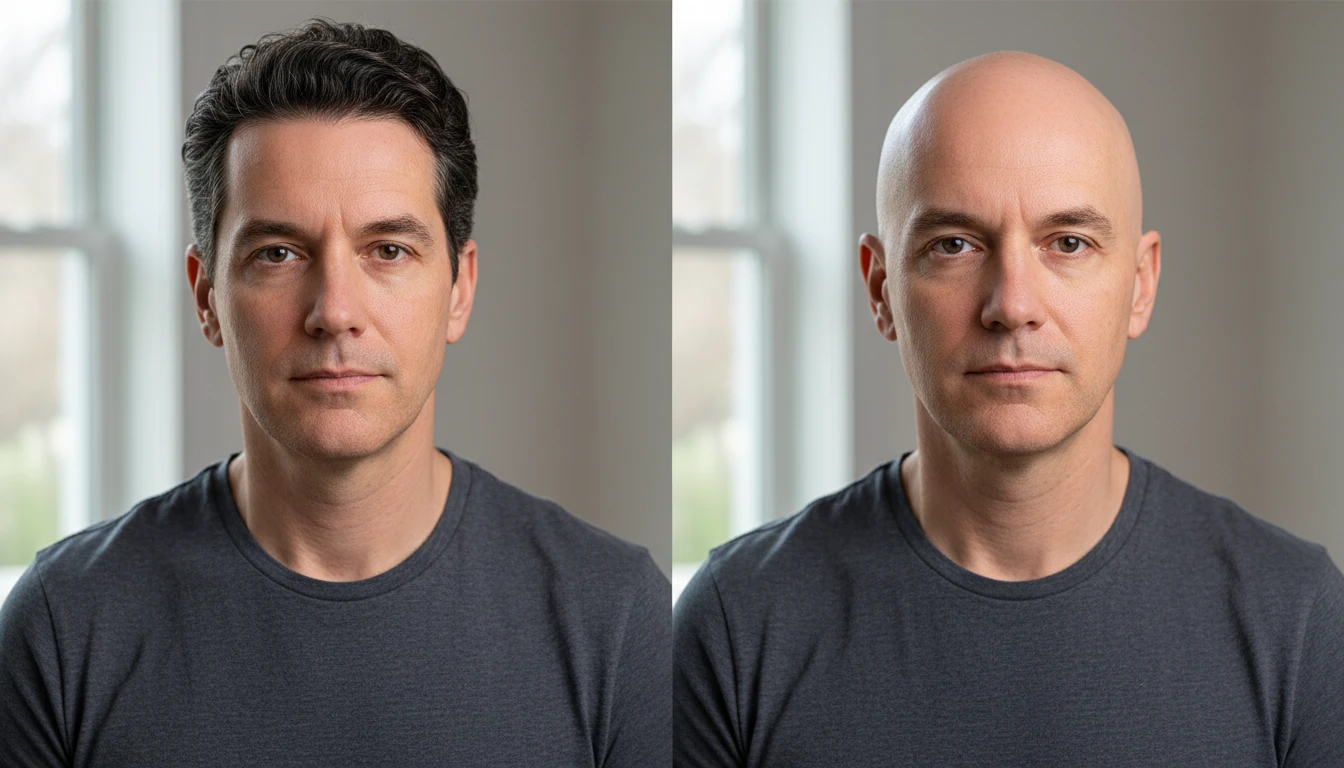
Realistic Hair Removal
The AI detects your hairline, hair texture, and head shape to cleanly remove hair from the photo. The result looks natural, not like a rough crop or paste job.
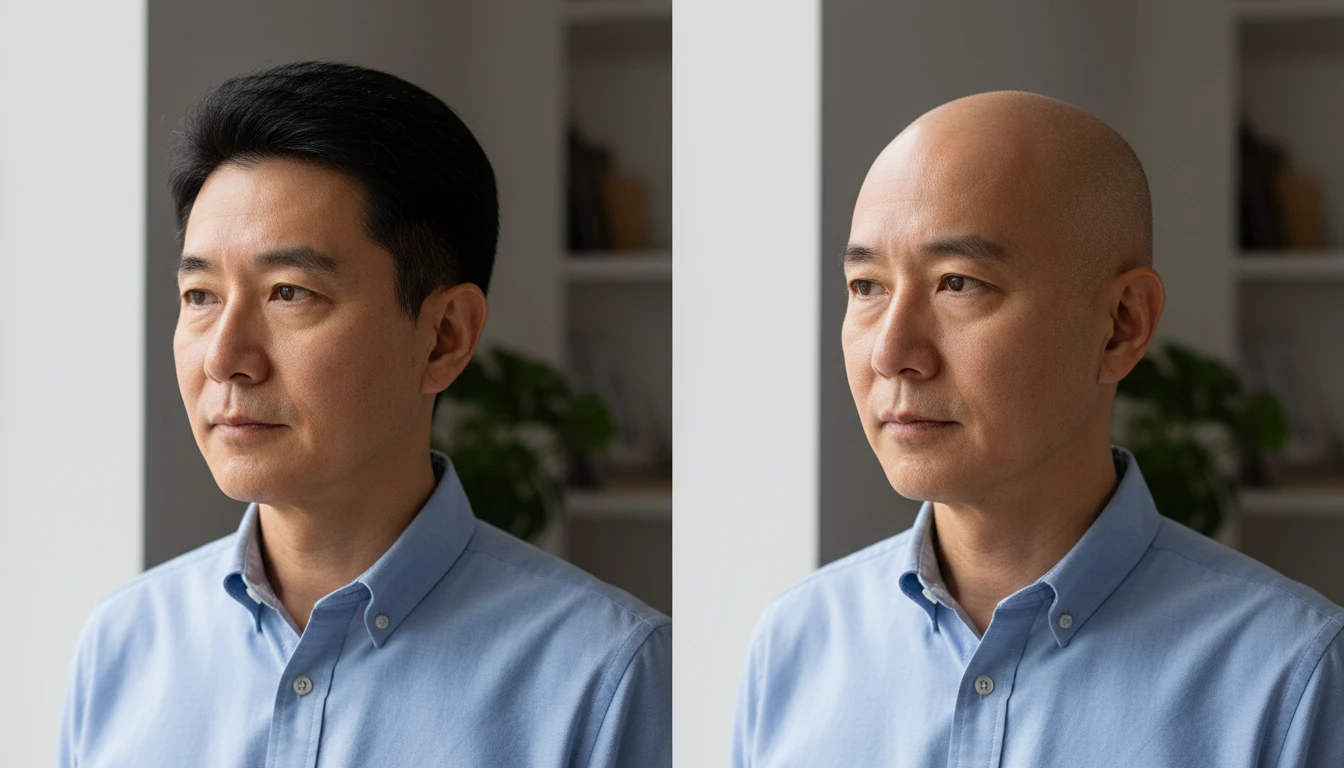
Skin Tone and Scalp Matching
After removing hair, the AI fills in the exposed scalp area with a skin tone that matches the rest of your face. Lighting and shadows are adjusted to keep everything consistent.
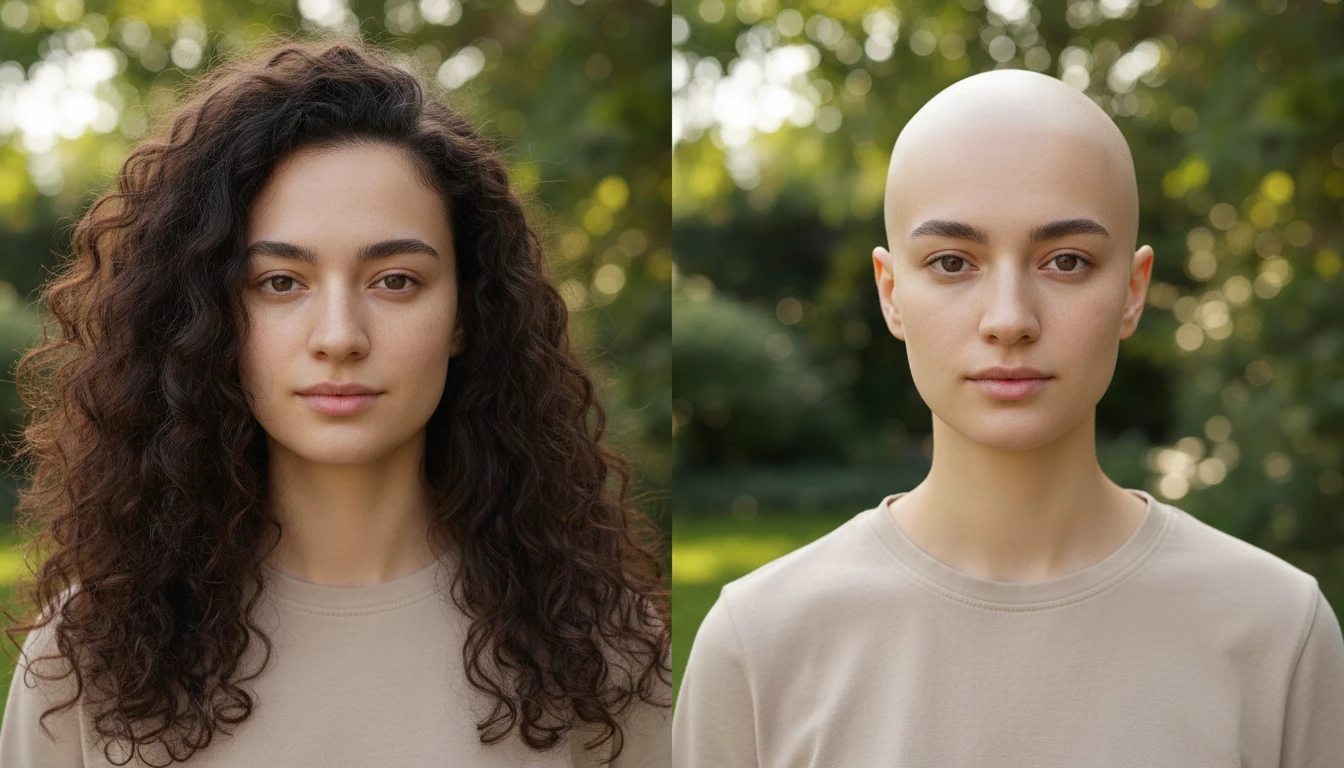
Works on All Hairstyles
Long hair, short hair, curly, straight — the bald filter handles all types. As long as the face is clearly visible in the photo, the AI delivers an accurate transformation.
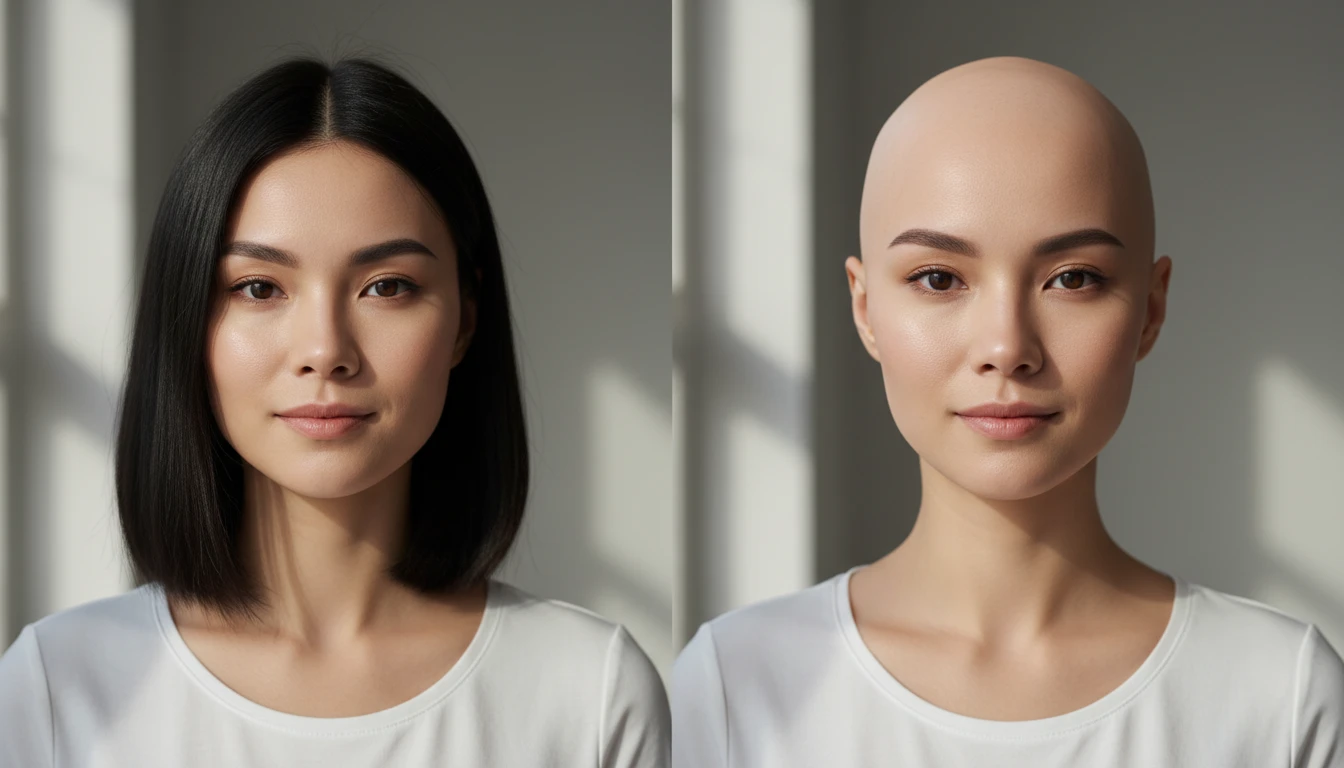
Facial Features Stay Untouched
Your eyes, nose, jawline, and expressions remain exactly the same. The only thing that changes is the hair; everything else stays true to the original photo.
How To Apply Bald Filter to a Photo
Upload Your Photo
- Upload a clear, front-facing photo where the face and hair are visible. Better lighting and higher resolution lead to more accurate bald transformations.
Apply Bald Filter
- Click "Apply Bald Filter" and the AI processes your image. It removes the hair, matches the scalp to your skin tone, and produces a clean bald look.
Download or Try Another
- Preview your bald transformation and download it to your device. Want to try a different photo hit "Try Another Image" and go again.
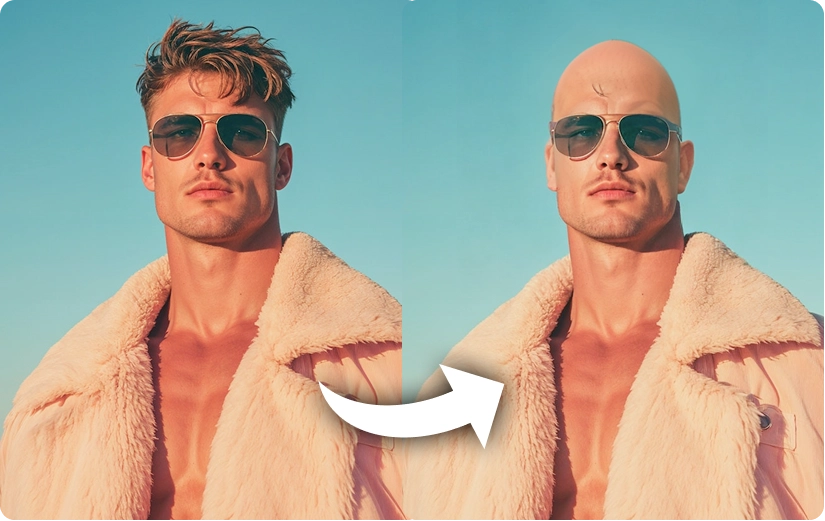
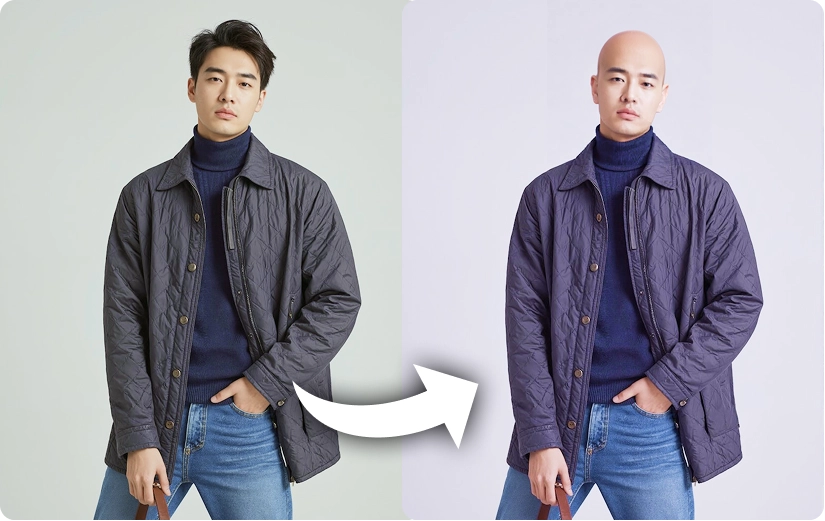
See Real Results from Our AI Age Filter
Discover More AI Tools
FAQs About AI Bald Filter
Get clear answers to common questions about using RemixAI.