Change Your Age in Photos With AI
Upload a photo, choose an age filter, and see yourself at any age. Go from baby to old in a single click all from one picture.
Processing...
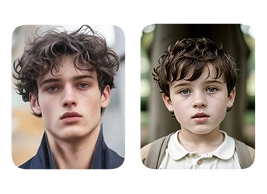
Upload Your Original Image
or drag and drop PNG, JPG or WEBP
Sample Images
Key Features of AI Age Changer
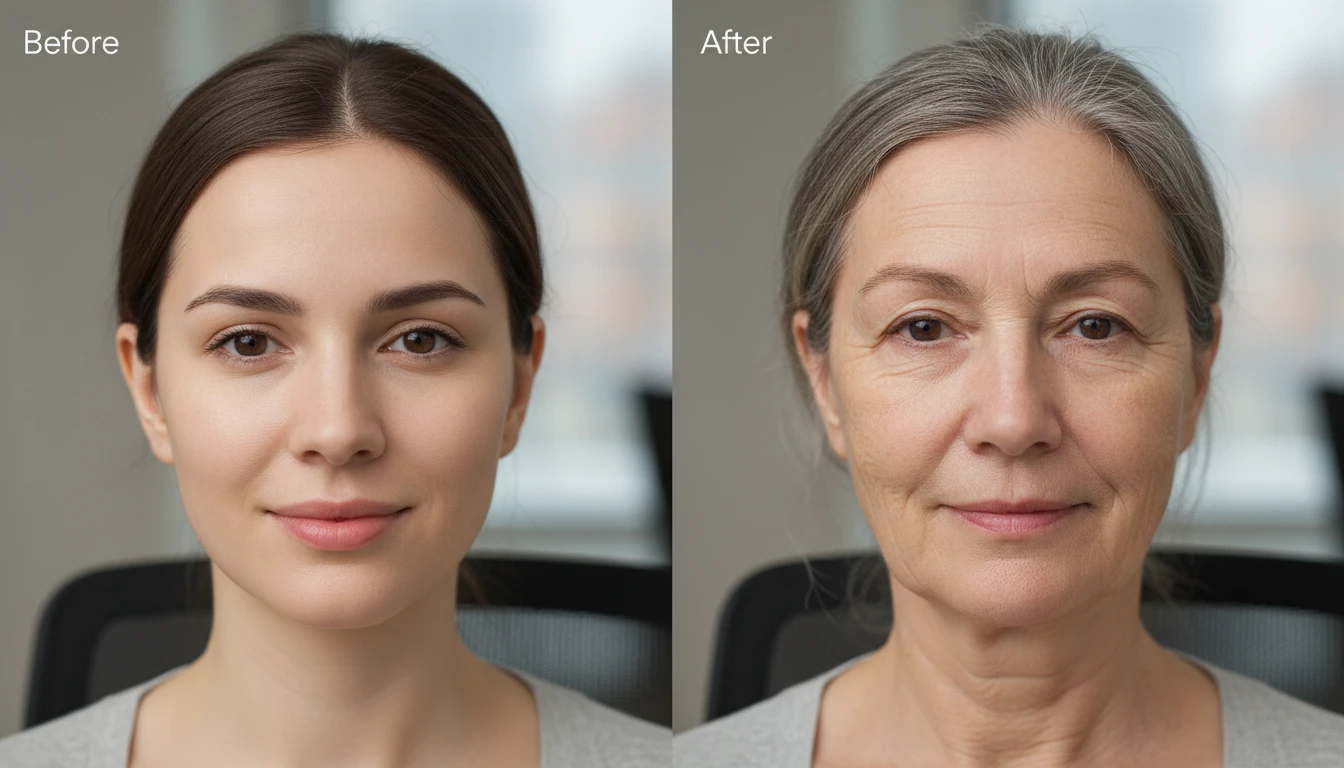
AI-Powered Age Detection
The AI scans your facial structure, jawline, wrinkles, and skin texture to understand your current age. It then applies the selected age filter with precision, adjusting every detail for a natural look.
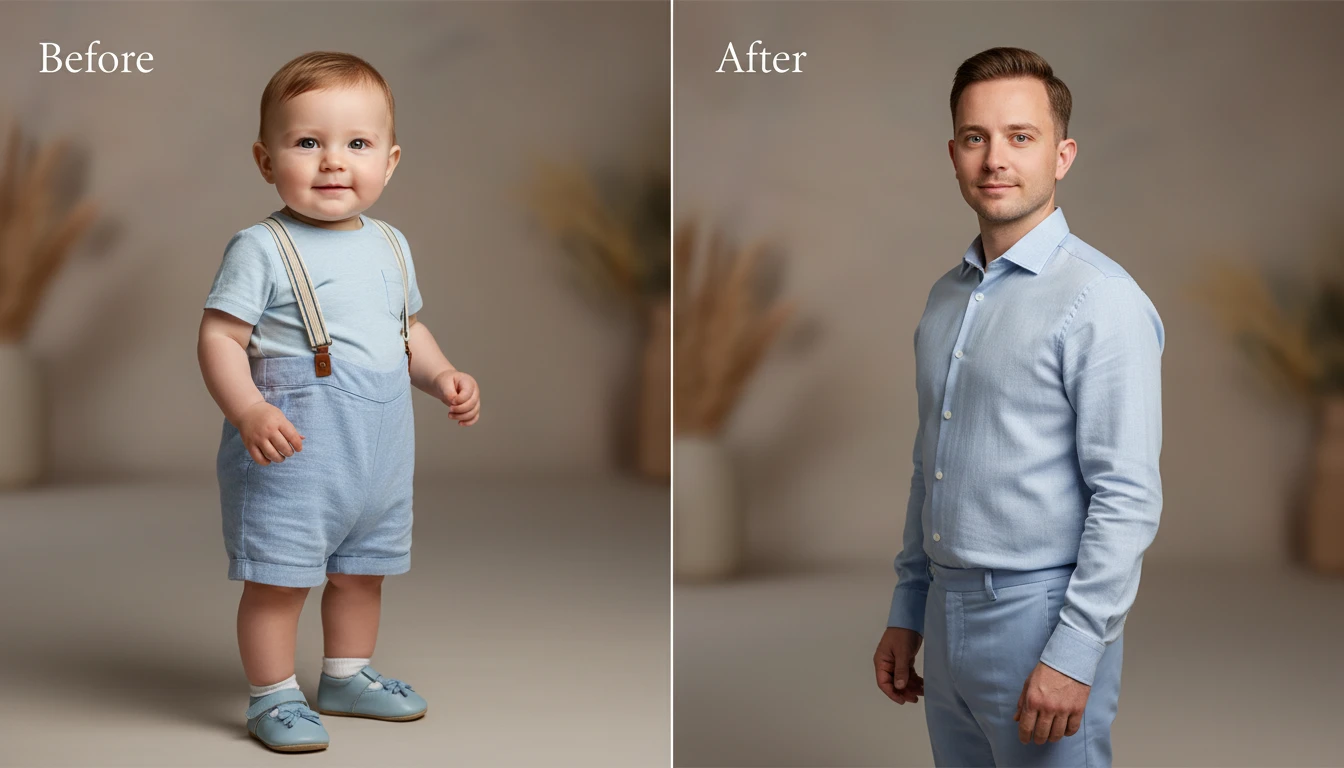
Age Progression and Regression
Move forward or backward in time. The old age filter adds realistic wrinkles, grey hair, and skin changes. The baby and teen filters reverse those features to make you look younger.
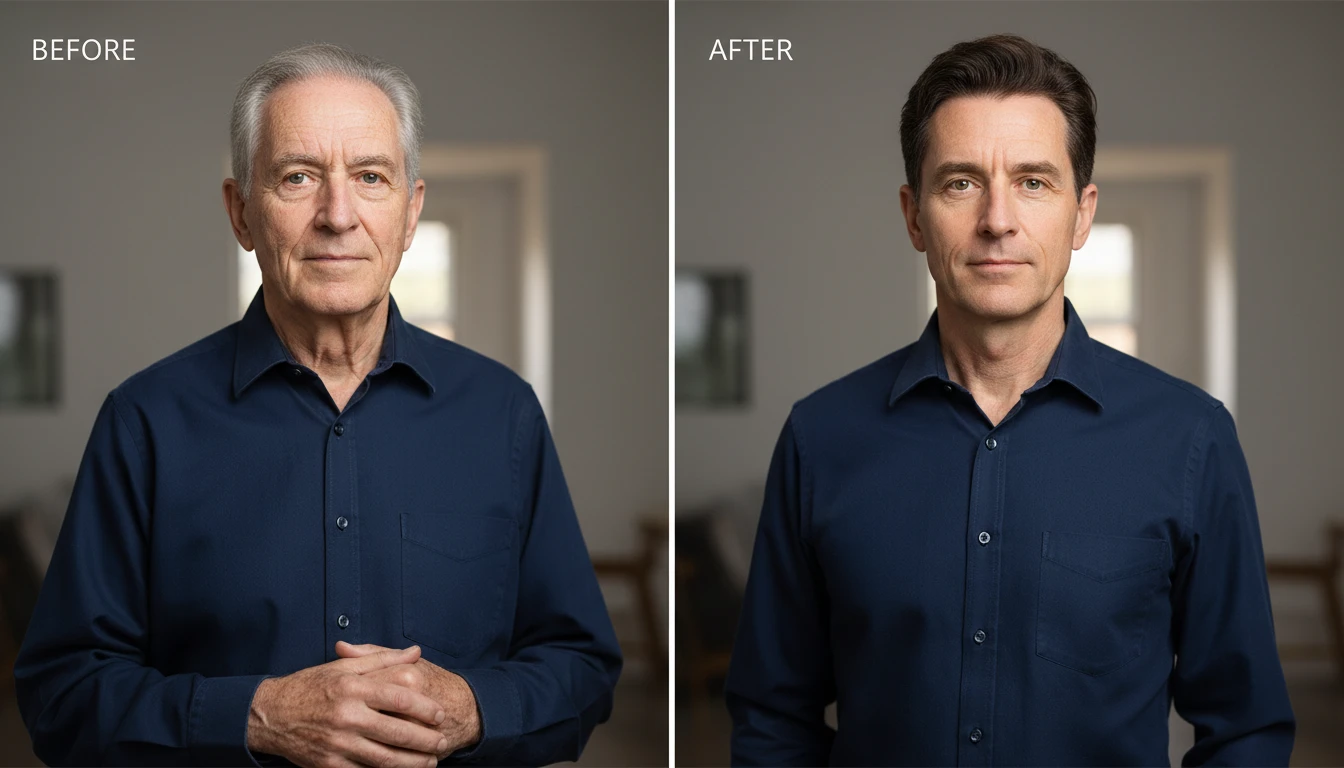
Preserves Your Identity
Unlike generic filters that distort your face, this tool keeps your core features intact. Your eyes, nose shape, and expressions stay recognizable only as the age changes.
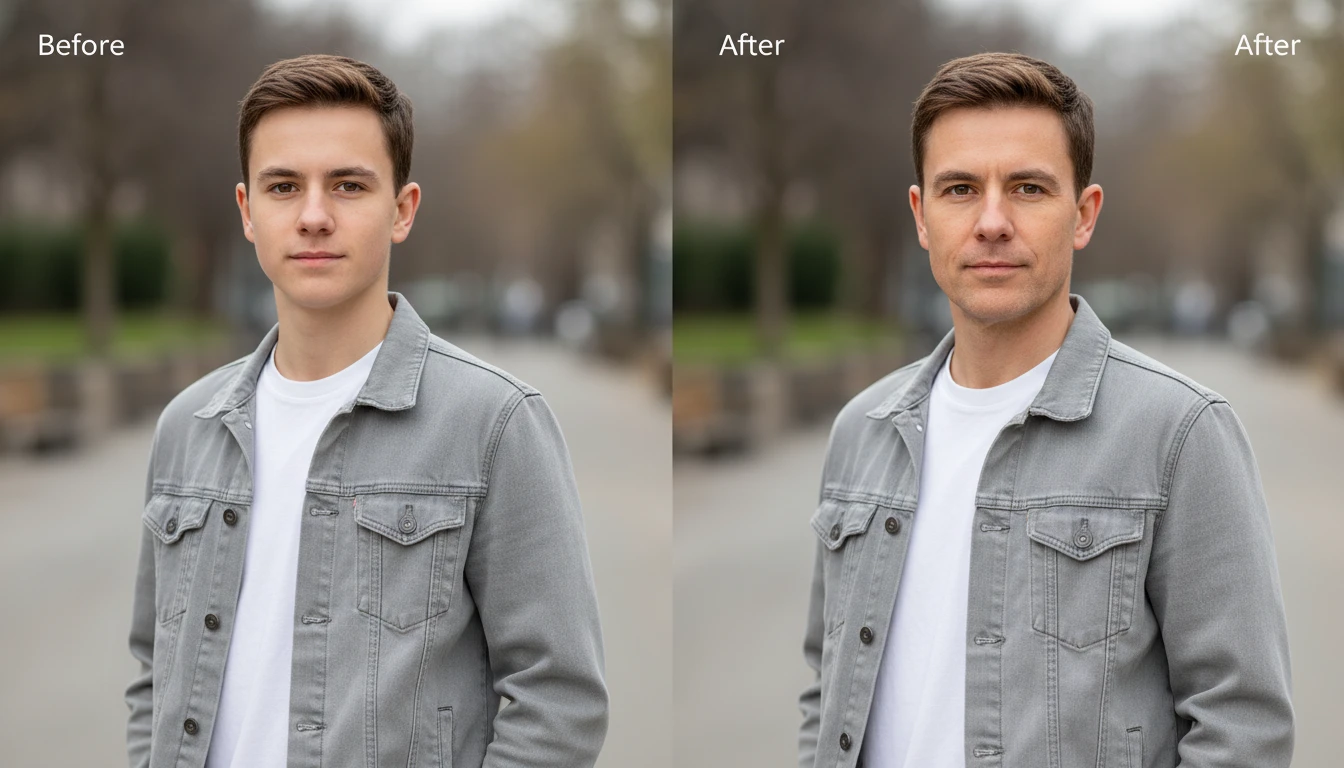
High-Quality Output
The final image maintains the same resolution as your original upload. No blurriness, no pixelation, just a clean, detailed age transformation ready to use anywhere.
How to Change Your Age in Photos Using AI
Upload Your Photo
- Start by uploading a clear, front-facing photo with good lighting. Once uploaded, choose the age filter you'd like to apply to baby, teenager, adult, or old.
Change Age
- Tap "Change Age" and the AI gets to work. It reads your facial features and applies a realistic transformation based on your selected filter.
Download or Try Again
- Download the result straight to your device. To experiment more, hit "Generate New" and try a different age.
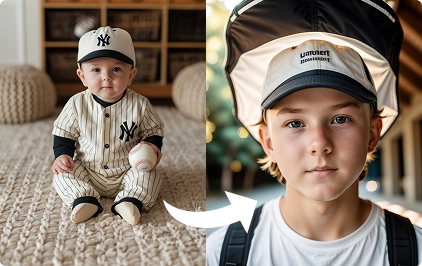
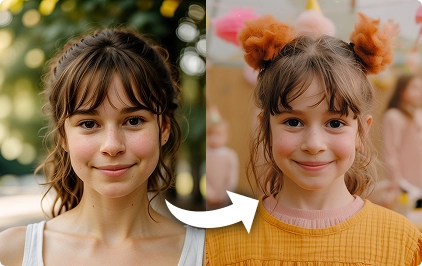
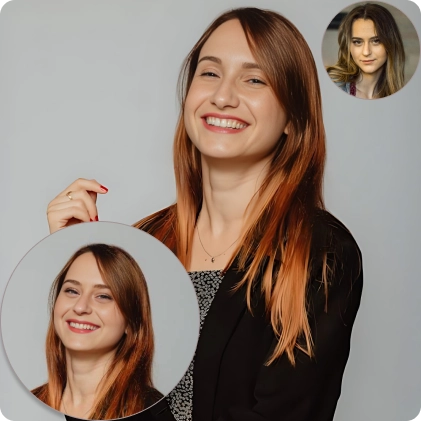
Some Examples of AI Age Filter
Try Similar Tools

FAQs About the AI Age Changer
Get clear answers to common questions about using RemixAI.